
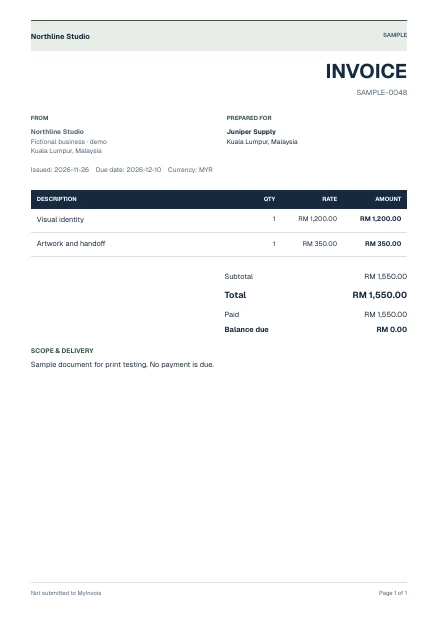
A4 invoice
210 × 297 mmA full-page colour invoice for email, laser or inkjet.
Download sample PDFQuotation & invoicing software
Turn accepted quotations into numbered invoices. See which clients owe you, record payments and issue receipts from the same workspace.
Free with a Salesdesk watermark. No card required.

Try Salesdesk
Work with a sample customer, then download your own quote, invoice and receipt. No account needed.
Use fictional details. The walkthrough stays on this page. Downloads send the sample entries to Salesdesk to render the PDF. No payment is collected.
Compare real Salesdesk output side by side. Open any sample to inspect the PDF and try it at full size.
A full-page colour invoice for email, laser or inkjet.
Download sample PDF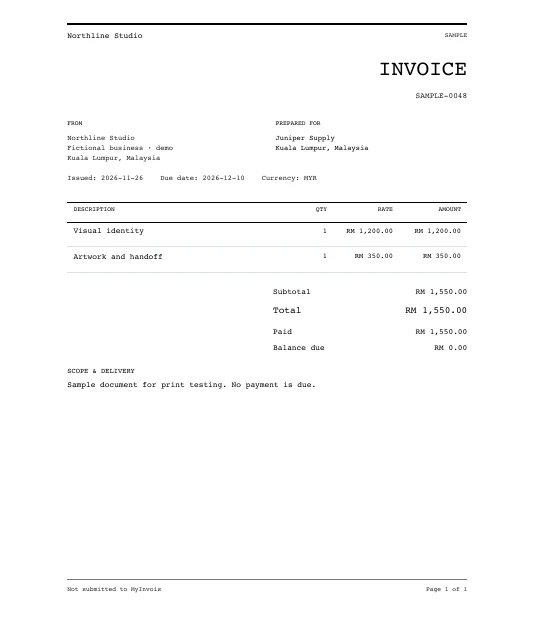
Monochrome type and wider side margins for dot-matrix tractor-feed paper.
Download sample PDF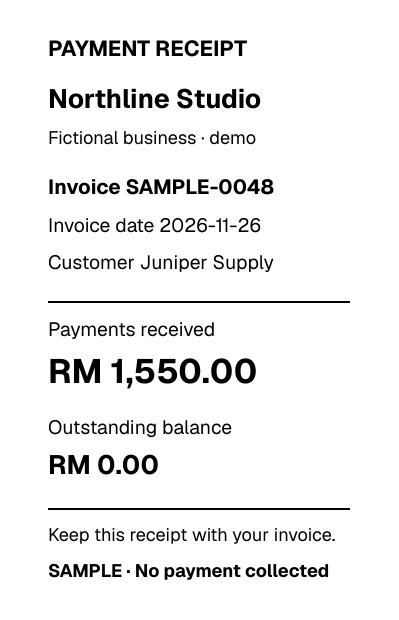
A narrow payment receipt for compact counter printers.
Download sample PDF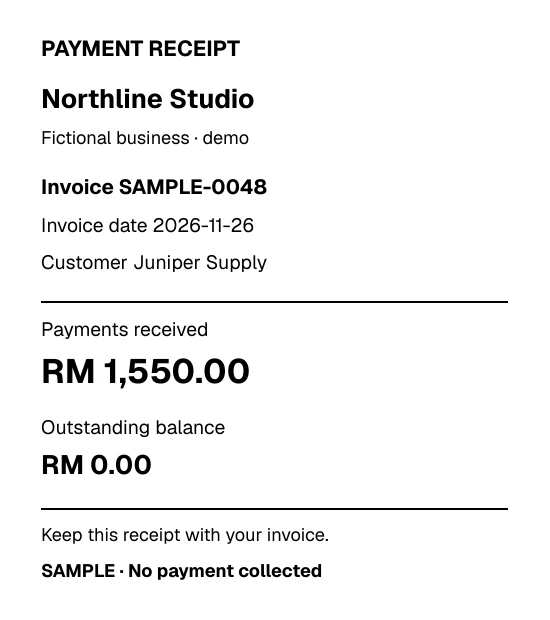
A wider payment receipt with more room for names and amounts.
Download sample PDFSamples use fictional customer details. Choose matching paper in your printer driver and print at Actual size. In your workspace, open an issued document for continuous-feed printing or record a payment to download a roll receipt.
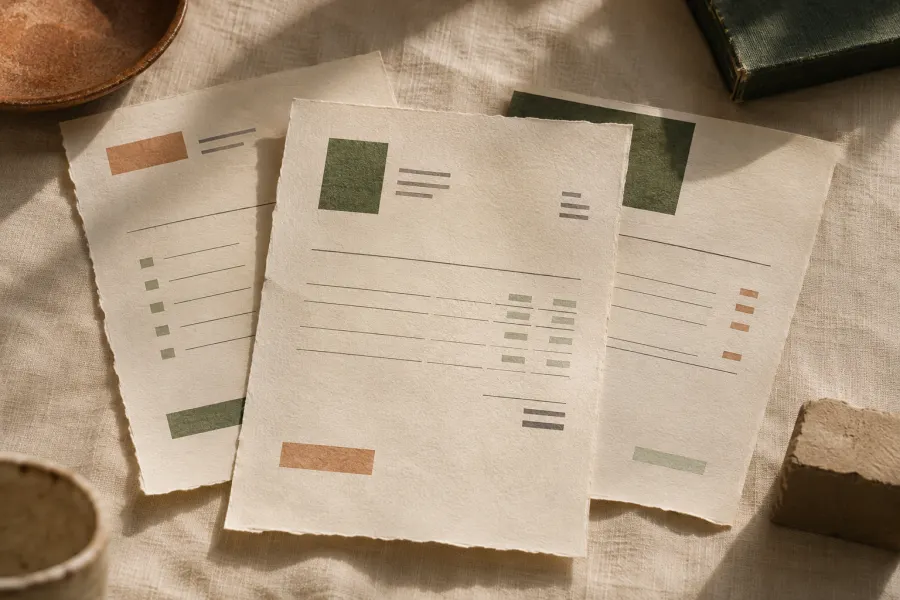

See exactly how your invoice will print. Choose from 12 layouts and 10 colours, then take that design into Salesdesk and add your logo.

Reuse customers and prices, issue from an accepted quote, and see paid, overdue and outstanding balances in your workspace.

Reuse client details and prices. Send a branded PDF with the scope, terms and expiry date.

Turn an accepted quote into a numbered invoice. Download the PDF with your bank details and payment terms.

Record what came in, check the balance, and download a receipt or customer statement.
In Accounting → Projects, group posted invoices and expenses by job. Review income, cost and profit for the dates and currency you choose.
Open your workspaceFor businesses that quote work, invoice customers or need to know which payments have come in.
A client approves your design proposal.
Turn the accepted quote into a numbered invoice, reuse your rates on the next job and keep track of what is still due.
A customer wants a written estimate before work starts.
List labour and materials, add payment terms, then send a PDF quote. Print the invoice on continuous-feed paper if that is what your office uses.
A customer pays at the counter or by bank transfer.
Find the invoice, record the payment and hand over a receipt on 58 or 80 mm paper.
More than one person handles customers and billing.
Keep customer details, prices and payment records together. Give colleagues editor or viewer access as needed.
Start with a free account. Come back to the same workspace whenever you need to quote, invoice or record a payment.
Open SalesdeskOpen Salesdesk, choose Create account, and enter your name, email and password.
Add your business name, address, logo and bank instructions. Save and approve the company details before issuing documents.
Open Documents, add a customer and line items, then choose a template. Review the draft PDF before issuing a numbered document.
Open the invoice when payment arrives and record the amount. Download an A4 receipt or choose More print formats for a thermal roll.
Each plan covers one company. Paid plans run for 30 days, with manual renewal.
For ongoing quotes, invoices and receipts.
Run billing on your own.
Share the work across your office.

Invoice in MYR, SGD or USD. Clients pay using your bank instructions. Salesdesk plans are priced in MYR and paid through CHIP.
The Free plan has no expiry or document-count limit. It includes a Salesdesk watermark on invoices, quotations and receipts. Open draft storage has a separate limit.
Your company returns to Free. You keep your records and can keep creating documents. New exports carry the Salesdesk watermark. Renew whenever you need watermark-free PDFs again.
Ask the issuer to compare the document number, customer, amount and payment status with the original record in Salesdesk. A screenshot or edited copy can be changed outside the app.
Download PDFs from Documents. To keep a complete copy of your company records, open Company settings and choose Export company pack.
Record a payment, open More print formats on the issued invoice, and download the 58 mm or 80 mm PDF. Select the matching size in your printer driver and print at Actual size.
CHIP handles Salesdesk plan fees. Your customers follow your invoice bank instructions, and you record each payment after it reaches you.
Yes. Choose MYR, SGD or USD in your company settings. Salesdesk plan prices are in MYR.
Salesdesk creates commercial PDFs and company records. MyInvois submission is a separate process.