

Understand the work
Map who does what, where information gets lost and what a useful result looks like.
SFE / PRODUCTS, SYSTEMS & APPLICATIONS
From a customer’s phone to the systems behind your team. Explore our applications, then tell us what needs to work better in your business.
SOFTWARE FOR REAL WORK
14 products · 25 screen views
Choose a project. See the screens, the people it serves and how the work fits together.
14 matching projects
THE BUSINESS COMES FIRST
You know the customers, the bottlenecks and the details that matter. We turn that knowledge into a clear plan, working software and a handover your team can use.
Let’s discuss your project ↗Map who does what, where information gets lost and what a useful result looks like.
Agree the journeys, priorities and scope. Review the screens before the details become expensive to change.
Plan permissions, data, APIs and integrations alongside the interface. Test the full journey, including errors and recovery.
Use working versions, structured feedback and acceptance checks. Agree access, documentation and support before handover.
BEHIND THE EXPERIENCE
We choose the stack around your users, existing systems and support needs. The proposal confirms what your project will use.
Responsive websites and application interfaces with clear, accessible user journeys.
Business rules, permissions, structured data and integrations that support the work.
Connect services and reduce repeated work, with checks before important actions.
A release plan, practical testing and a clear account of how the system is operated.
THE DEVELOPMENT JOURNEY
The founder’s earlier work connects physical systems, applications and people. These dated milestones draw on the professional portfolio and the original project archive.
Network engineering, IP-camera systems, fibre installations and Arduino sensor work formed an early foundation: software has to work with the equipment, connectivity and people around it.
The Japan chapter brought cloud infrastructure and project management for Tadaima and Origami Tour together. The work connected application delivery, hosting and the challenge of explaining a product to a different market.
The preserved screenshots show Tadaima’s App Store presence, Taxikini’s app identity and driver-registration website, and Origami Tour’s Japanese product page. Open the project library to explore the original screens and the decisions visible in each one.
The professional portfolio records application management and Web, Android and iOS development for Taxikini alongside technical-specialist work. Maintaining systems, coordinating integrations and supporting users are part of the delivery experience.
Later portfolio roles span AI adoption, pre-deployment testing, systems engineering and hardware and network support. That combination informs the way SFE scopes software today: understand the environment, build the workflow and prepare people to use it.
Parent and child entry points in Tadaima. Driver registration in Taxikini. Operations and finance views in the business workspaces. We start with what each person needs to accomplish.
A product website explains the offer. The application handles the task. Forms, documents, account access and notifications need to make sense together.
Hosting, networks, devices and user training shape whether software is useful after handover. Those practical constraints belong in the brief from the beginning.
Historical roles describe the founder’s professional experience under the named organisations. They are not all SFE contracts. Dates are portfolio periods or capture dates, not inferred product launch dates.
Tell us about the workflow you want to build ↗PROJECT WALKTHROUGHS
Three development case studies. Explore the challenge, follow the design decisions and see how each workflow comes together.
Logistics & finance / DEVELOPMENT ARCHIVE
How does a shipping job become a consistent set of documents?
Designed around: Operations coordinator · Finance team · Business owner
Shipment details, supplier costs and customer paperwork belong to the same job. A useful operations screen needs to keep that relationship visible.
The recovered interface uses the job as the working context. Document preparation and submission status are separate views, so operators can distinguish preparing a record from sending it to an external service.
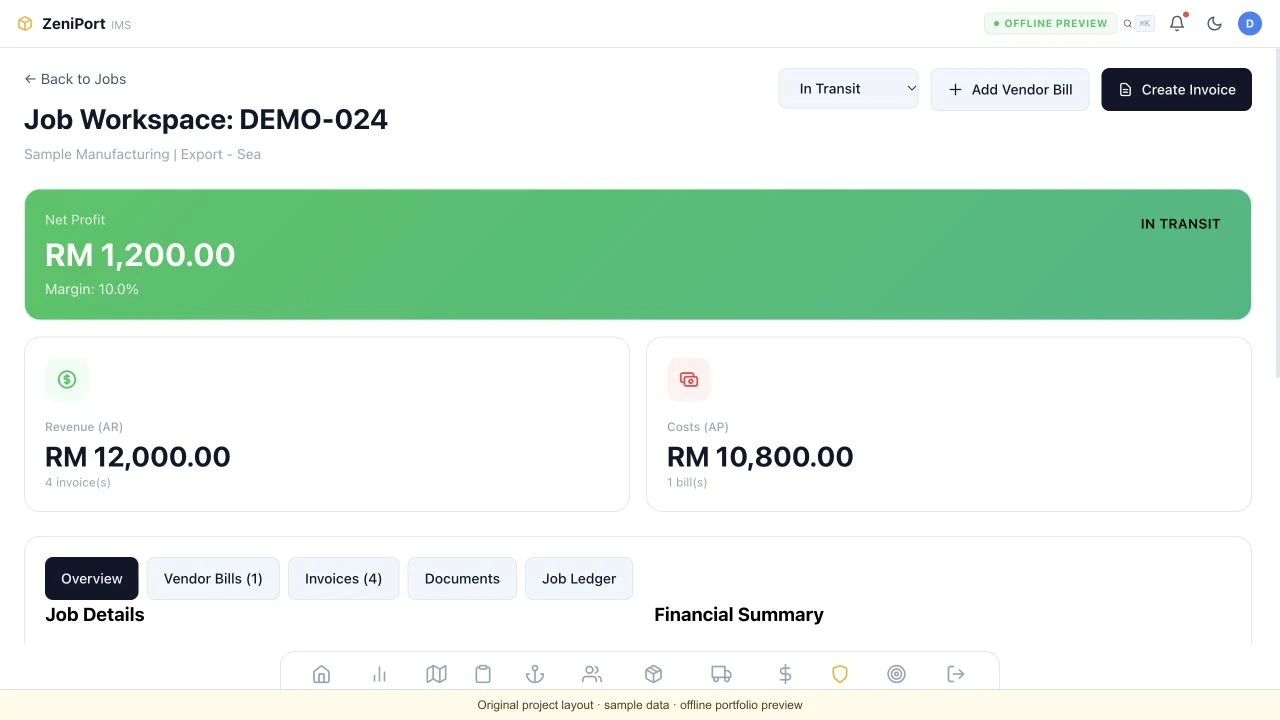
Start with the job. Inspect the shipment context alongside costs and invoice records.
Shipment details, costs and documents in one workspace.View full-size screen ↗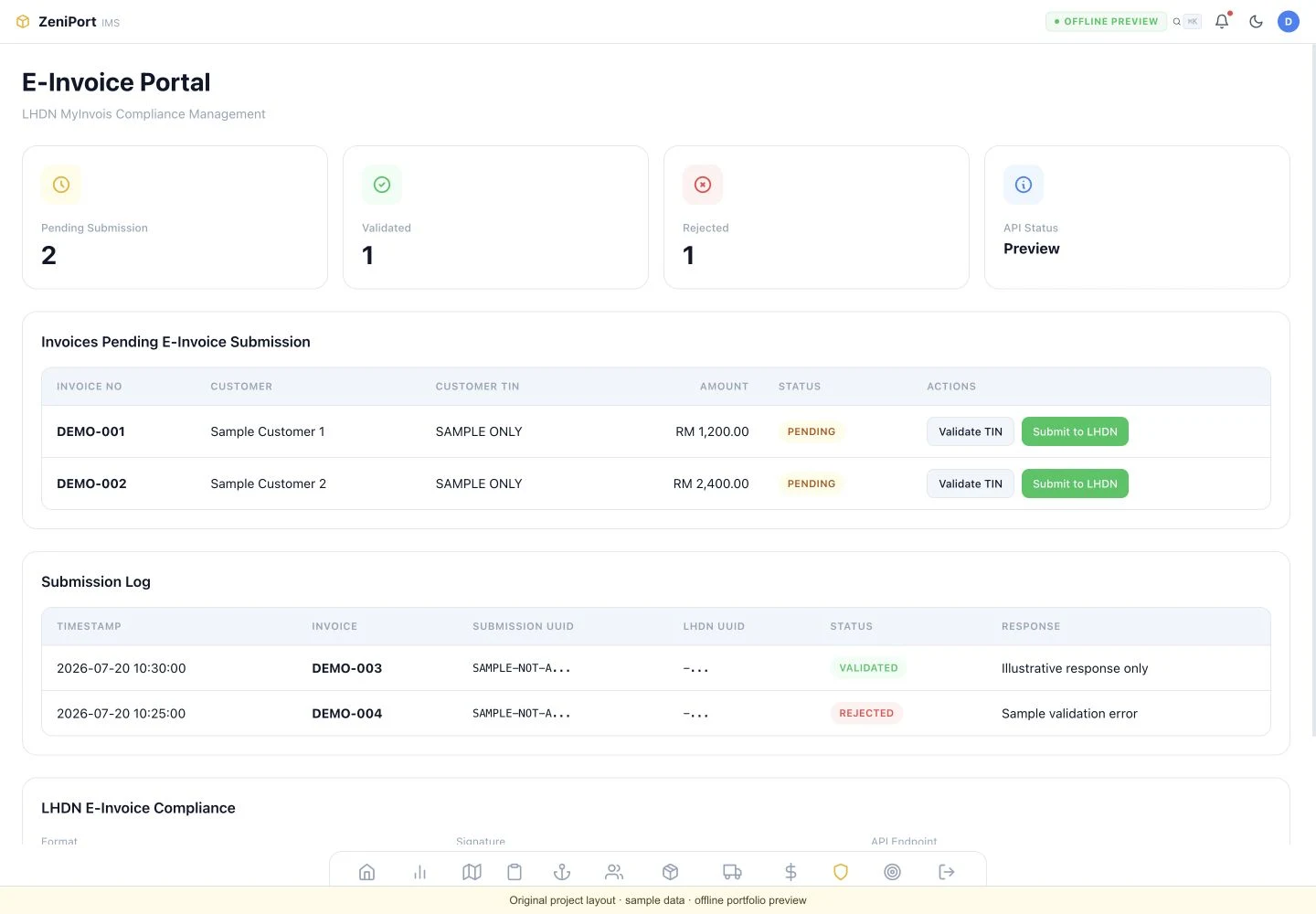
Move to submission review. The archive separates status and exceptions from document preparation; the preview is not connected to MyInvois.
Submission preparation and exception handling. Live MyInvois integration is agreed in the project scope.View full-size screen ↗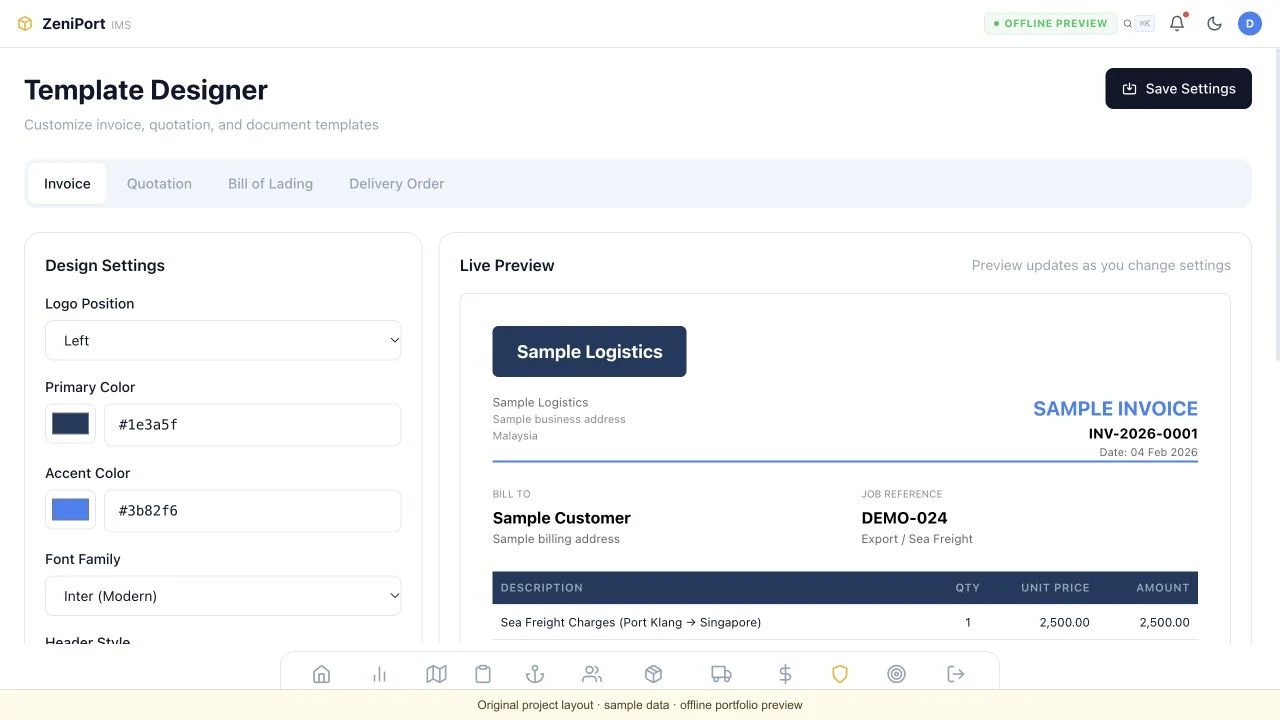
Prepare the document. The designer exposes the document layout for review before it is used.
Prepare a commercial document and check its print layout.View full-size screen ↗Fleet & transport / DEVELOPMENT ARCHIVE
How do you explain a fleet product and organise its daily workspace?
Designed around: Fleet manager · Dispatcher · Company administrator
Prospective buyers need to understand a product. Operators need a direct route to the work. These are two different experiences.
The archive pairs a public product website with a tenant workspace. The public view explains the offer; the workspace groups the operational modules behind one entry point.
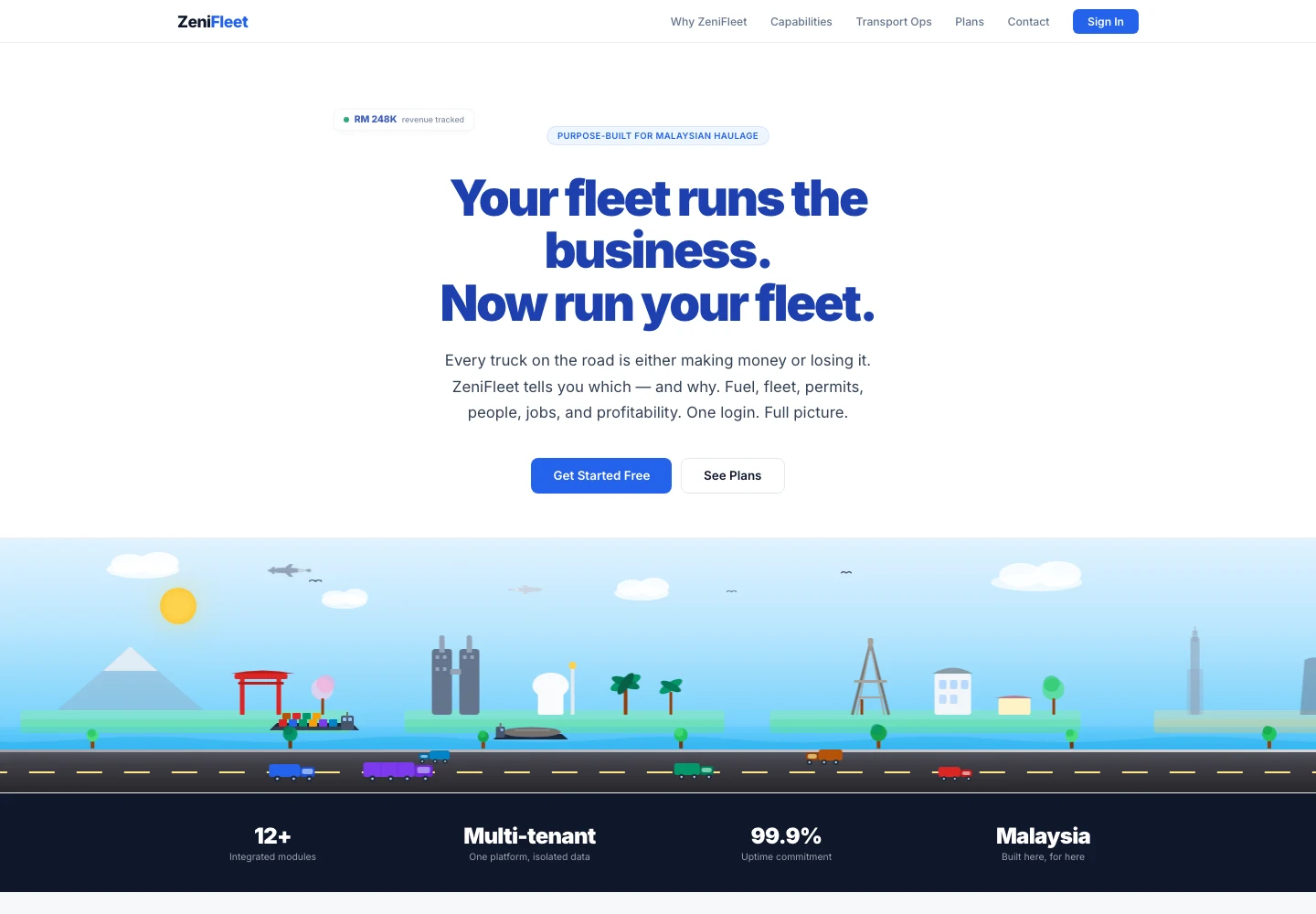
Understand the product. The archived public website introduces its fleet proposition before the operational workspace.
A clear introduction to the fleet product.View full-size screen ↗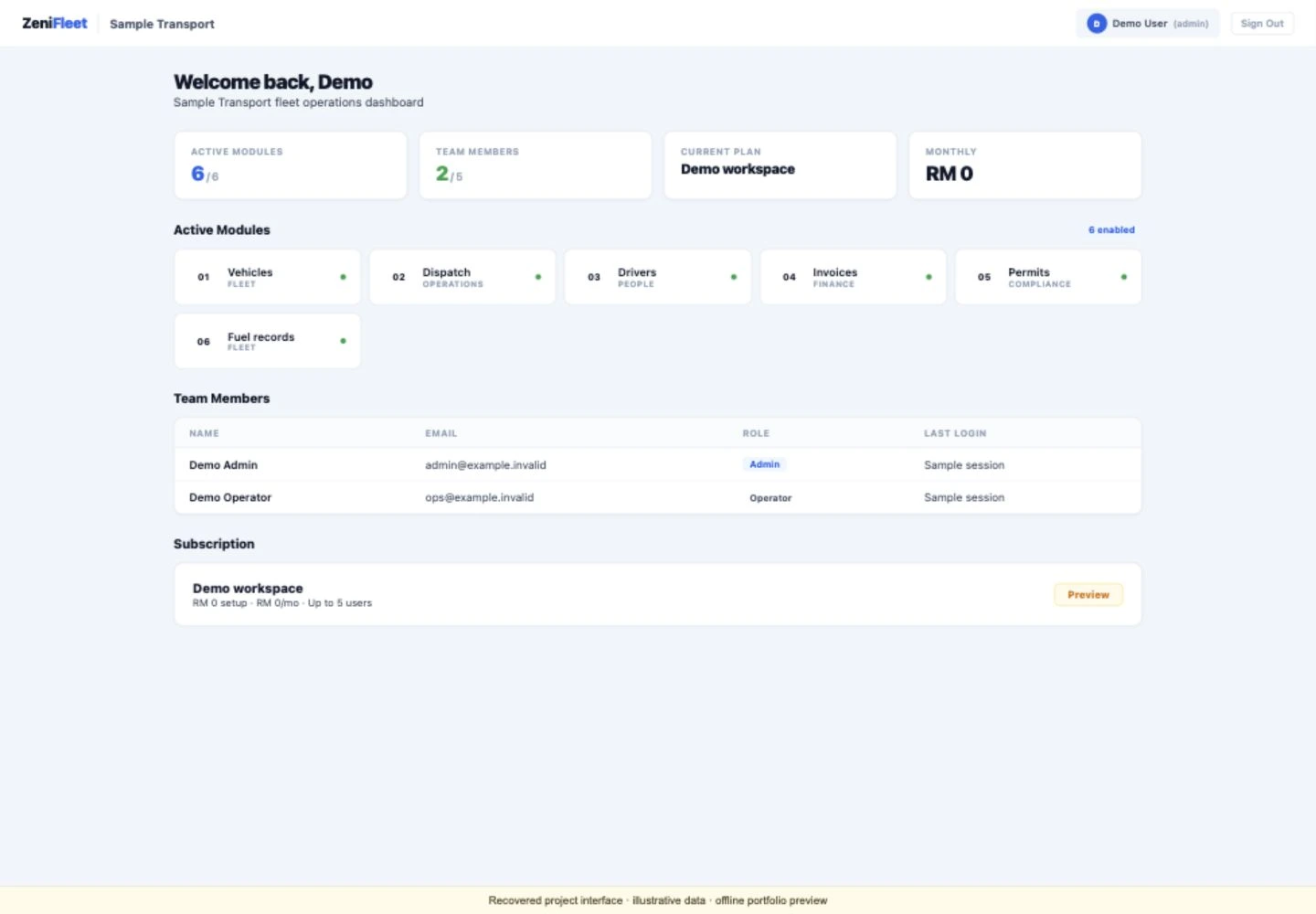
Enter the workspace. The recovered template presents vehicles, drivers, dispatch and finance modules together.
Vehicles, people and operational modules in one tenant workspace.View full-size screen ↗People & approvals / DEVELOPMENT ARCHIVE
How do you make people operations easier to follow?
Designed around: HR administrator · Payroll operator · Approving manager
An HR team moves between workforce information, payroll preparation and requests awaiting a decision. Each task needs its own context.
The original layouts separate overview, payroll runs and approval workflows. The sequence makes it possible to discuss what staff need to inspect, prepare and approve before defining automation.
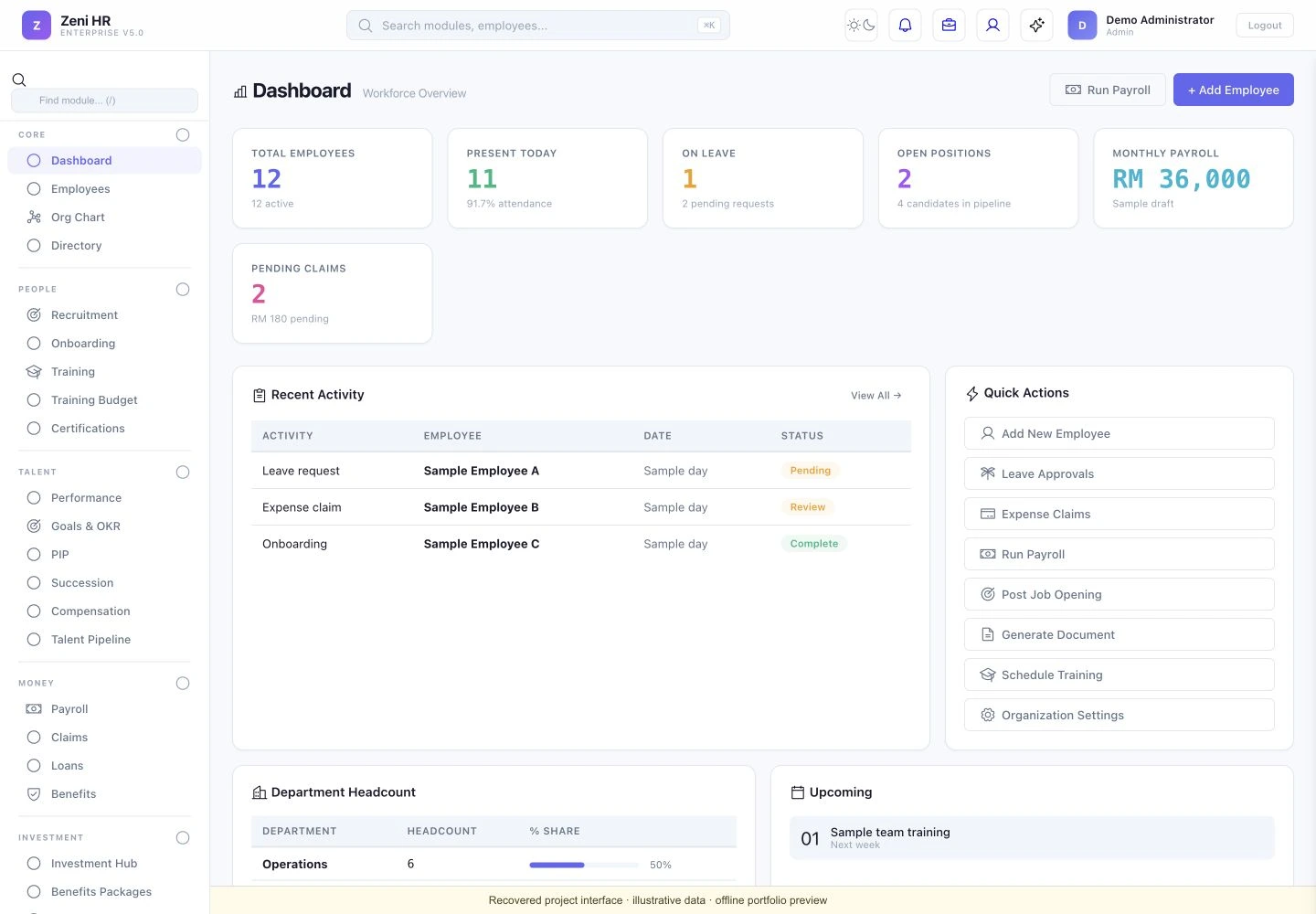
Review the overview. The original interface brings workforce information into an administrative starting point.
Workforce overview with demonstration records.View full-size screen ↗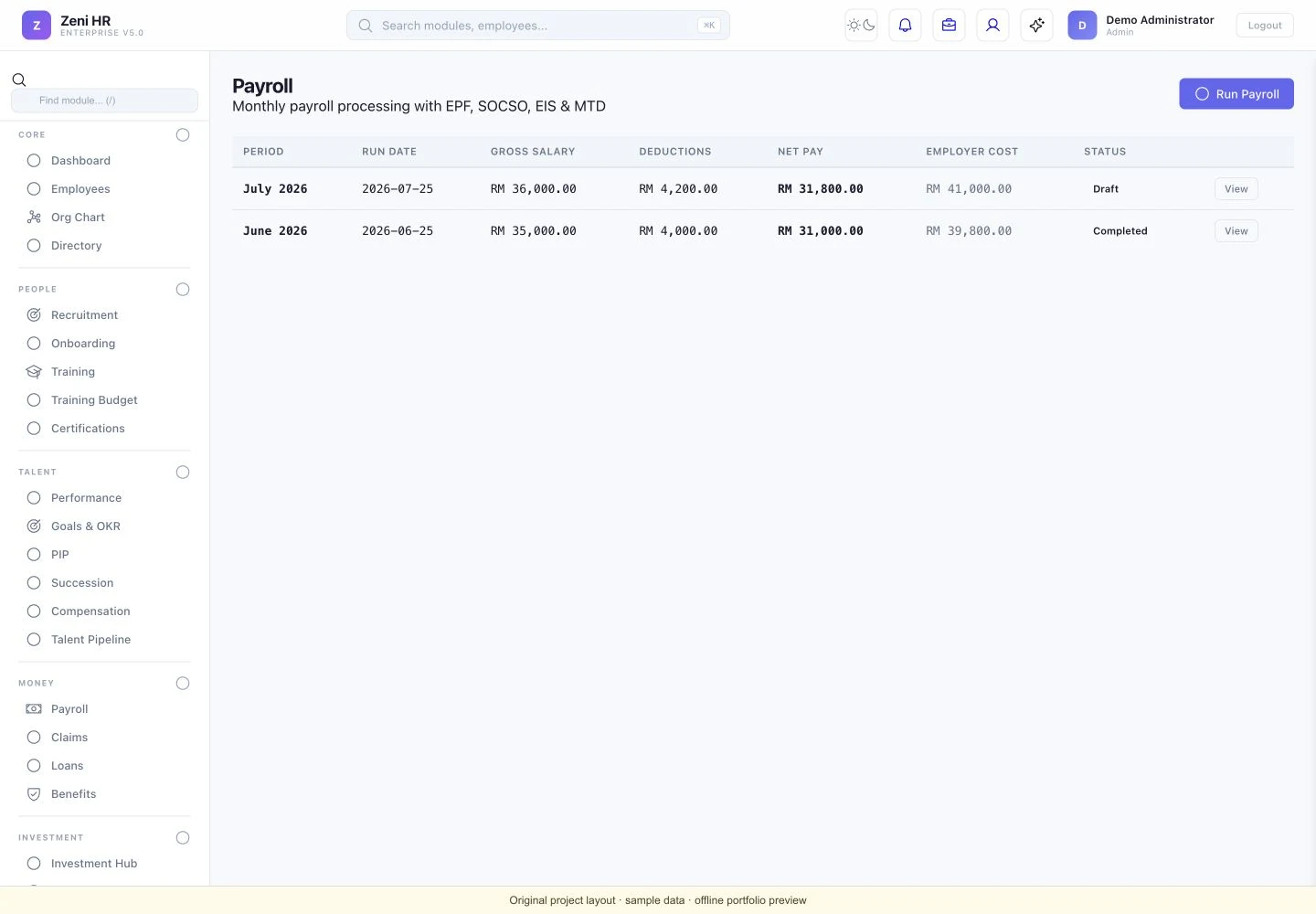
Inspect payroll preparation. The recovered payroll layout uses synthetic amounts to demonstrate the working screen.
Payroll preparation with example figures.View full-size screen ↗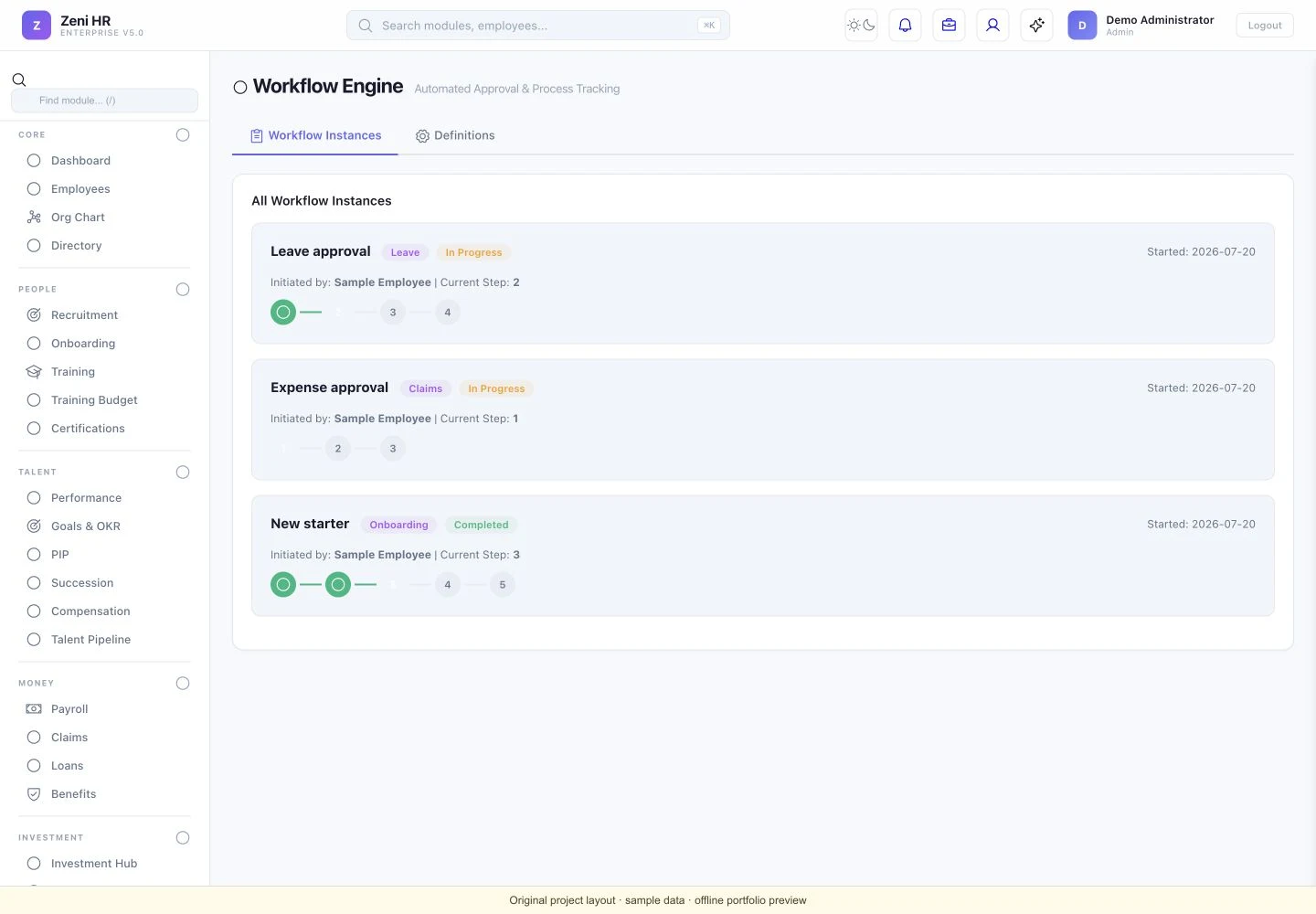
Follow the approval journey. Leave, expense and onboarding requests show how a workflow can be presented.
Leave, expense and onboarding approvals.View full-size screen ↗YOUR EXISTING SYSTEM. MORE POSSIBILITIES.
Keep your PostgreSQL database, POS or ERP. Add the API connections, documents and e-Invoice workflows your team needs, with a clear scope and a documented handover.
Explore systems integration ↗LOGISTICS WORKSPACE / DOCUMENT DESIGNERAPPLICATION EXPERIENCE
Passenger and driver journeys, pickup requests, booking progress, maps and notifications. Experience in coordinating both sides of a trip.
The showcase presents a new interface study informed by the earlier application.Developed in Japan for the everyday journey between school and home. Geofencing and arrival notifications helped parents follow their children’s day through a simple, reassuring experience.
A new Japanese-language design study revisits this earlier application.EXPERIENCE ACROSS BORDERS
Our founder’s work has crossed countries, industries and working cultures. We bring that experience to software delivery: fluent English communication, an agreed scope, regular reviews and a documented handover.
COUNTRIES IN OUR FOUNDER’S WORKING JOURNEY
Based in Malaysia. Available for international software projects and remote delivery.
THE SERVICE COLLECTION
From equipment supply to a purpose-built application. Explore the scope, then let us put together a clear quotation.
52 services · All services · All industries
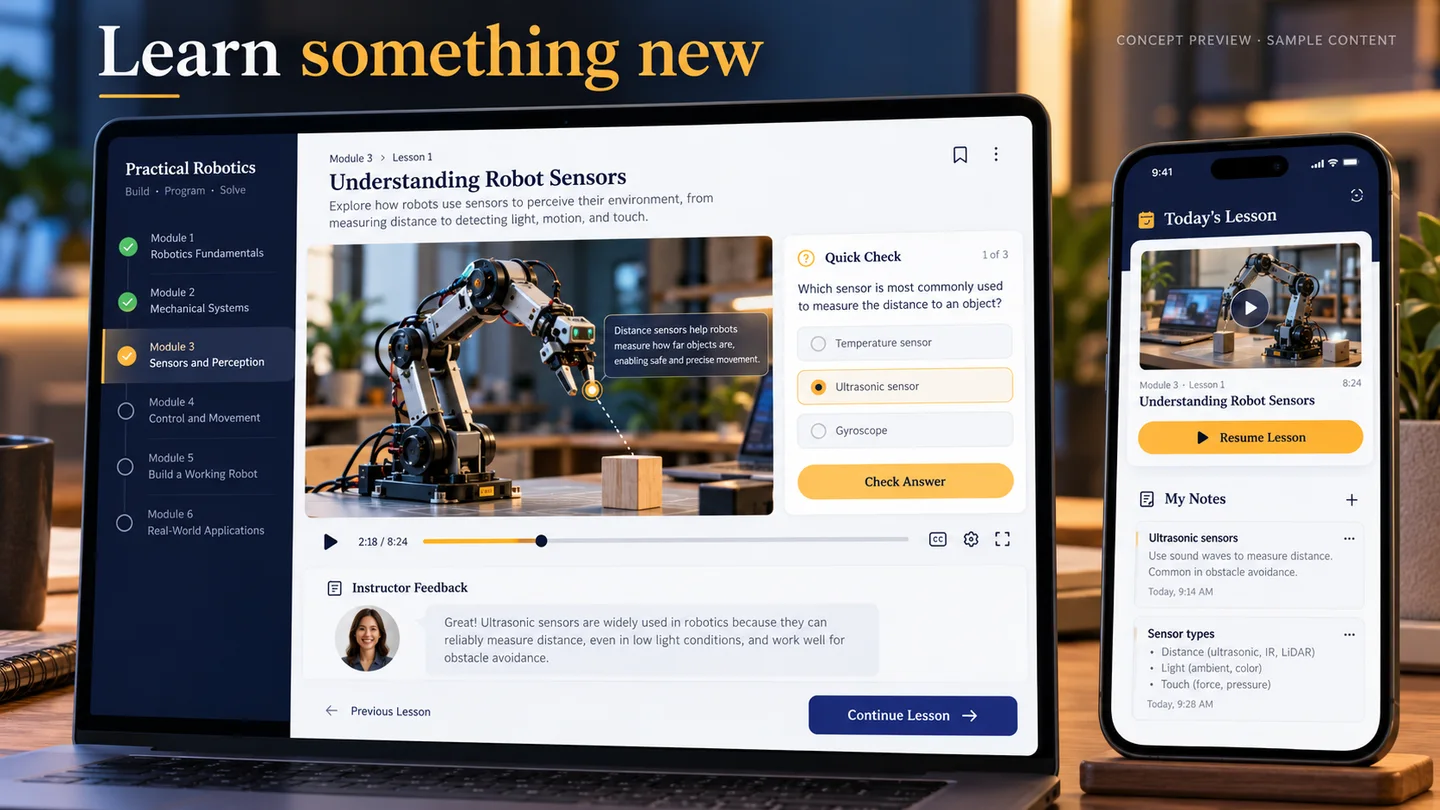
Move from a lesson to practice, save notes and follow learning progress. We can scope learner apps, instructor tools, quizzes and subscription access.
Enquire about this service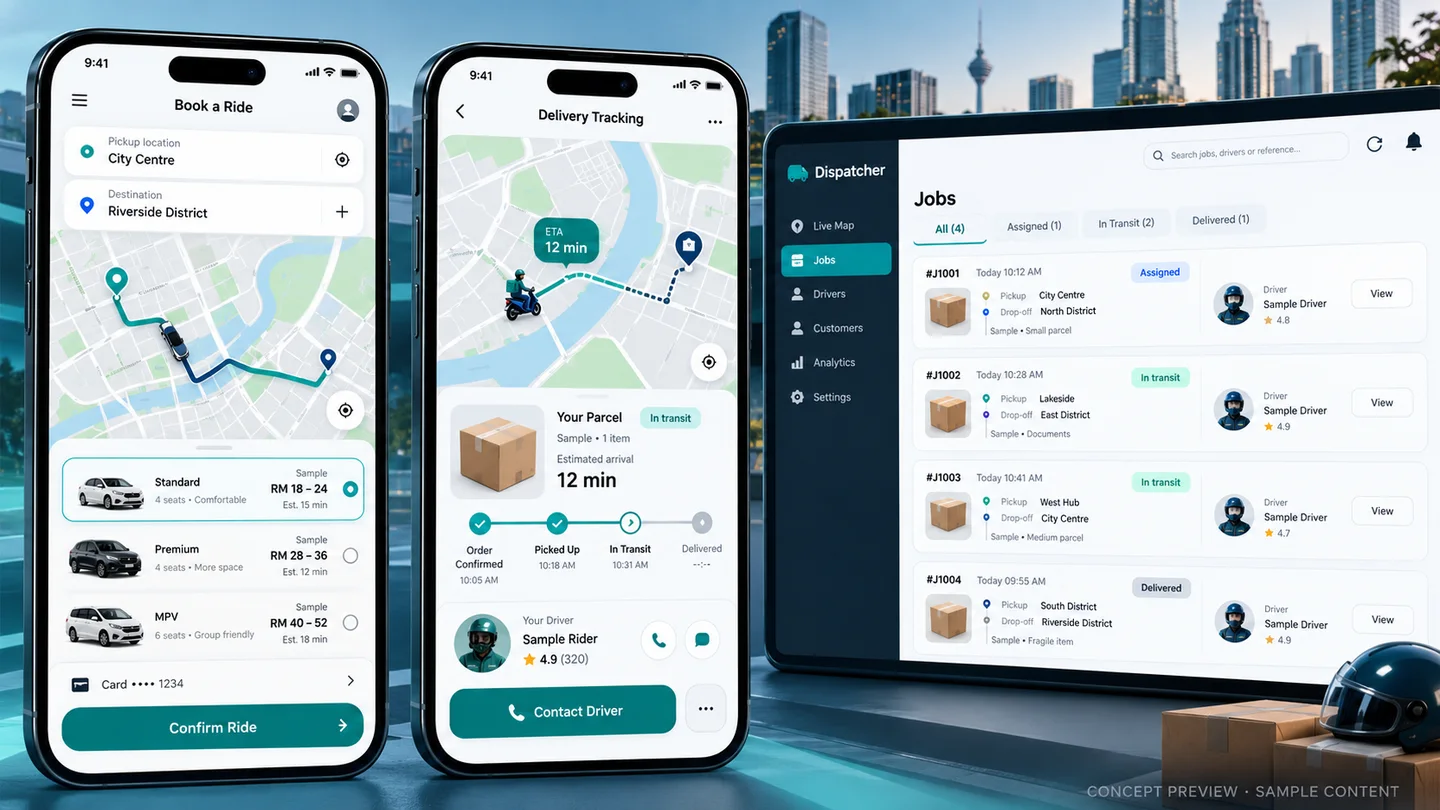
Plan pickup and drop-off, review fare estimates and follow trip or delivery status. Driver tools, dispatch, maps, notifications and payment connections are scoped together. Generated concept; no live tracking.
Enquire about this service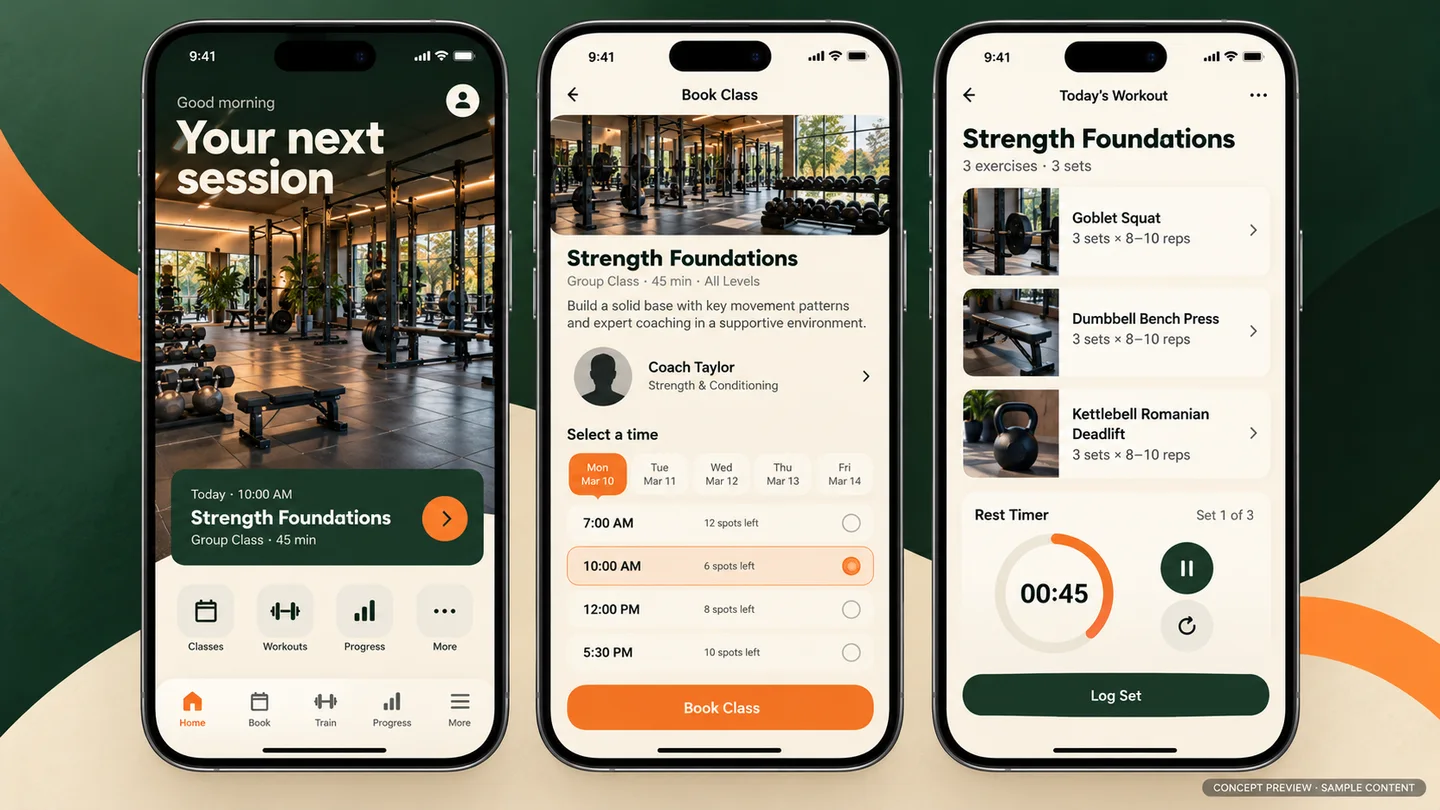
Book classes, follow a workout routine and manage membership access. Coach scheduling, check-ins and renewal workflows can share an administration workspace. Concept preview; no medical or fitness-result claims.
Enquire about this service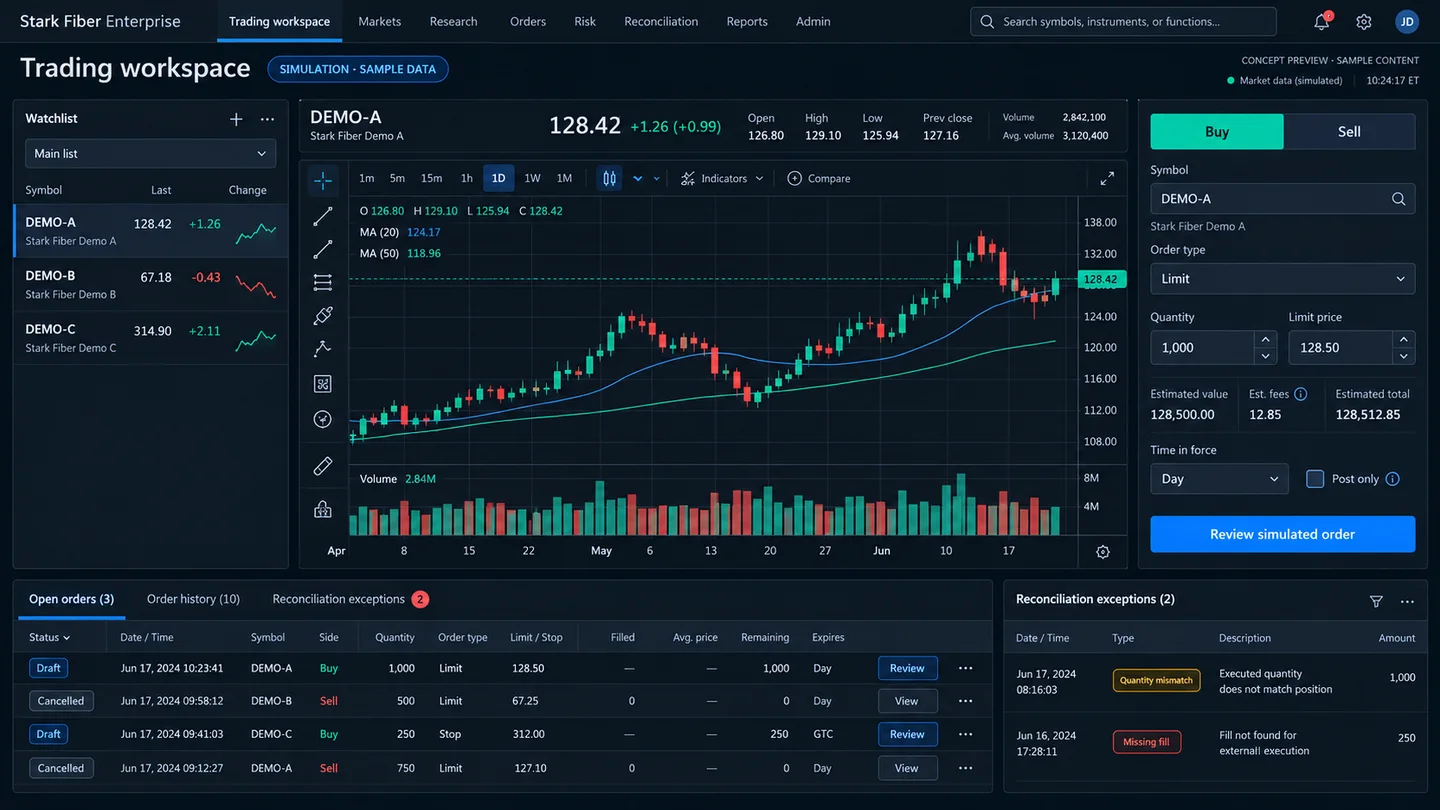
Explore watchlists, charts, draft buy/sell orders and reconciliation exceptions. Illustrative simulation only. Live execution requires authorised broker APIs, agreed permissions and separately validated controls.
Enquire about this service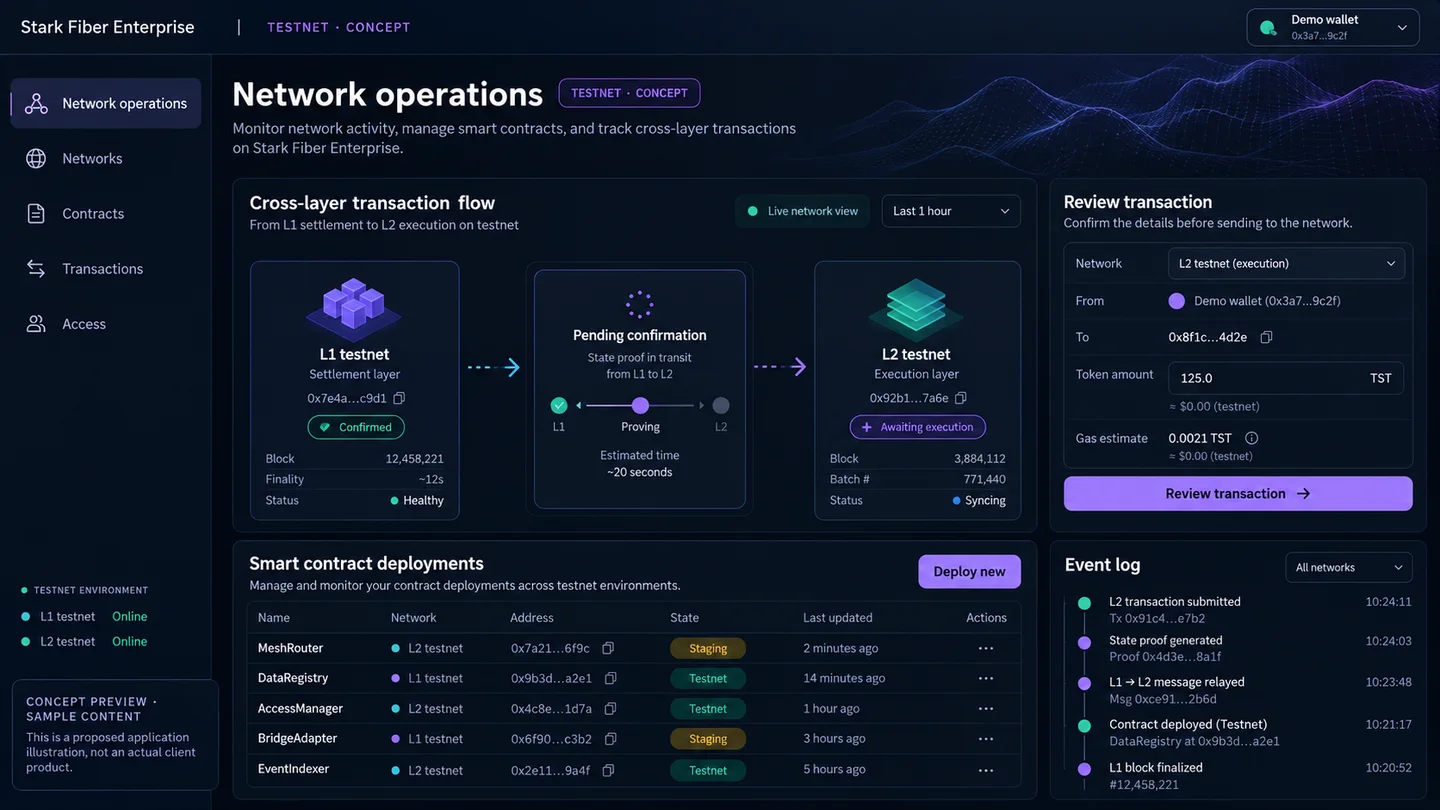
Explore wallet connection, smart-contract interfaces, L1 settlement and L2 execution status. Testnet concept only. Production scope needs chain selection, security review and clear custody responsibilities; no audited or live-funds claim.
Enquire about this service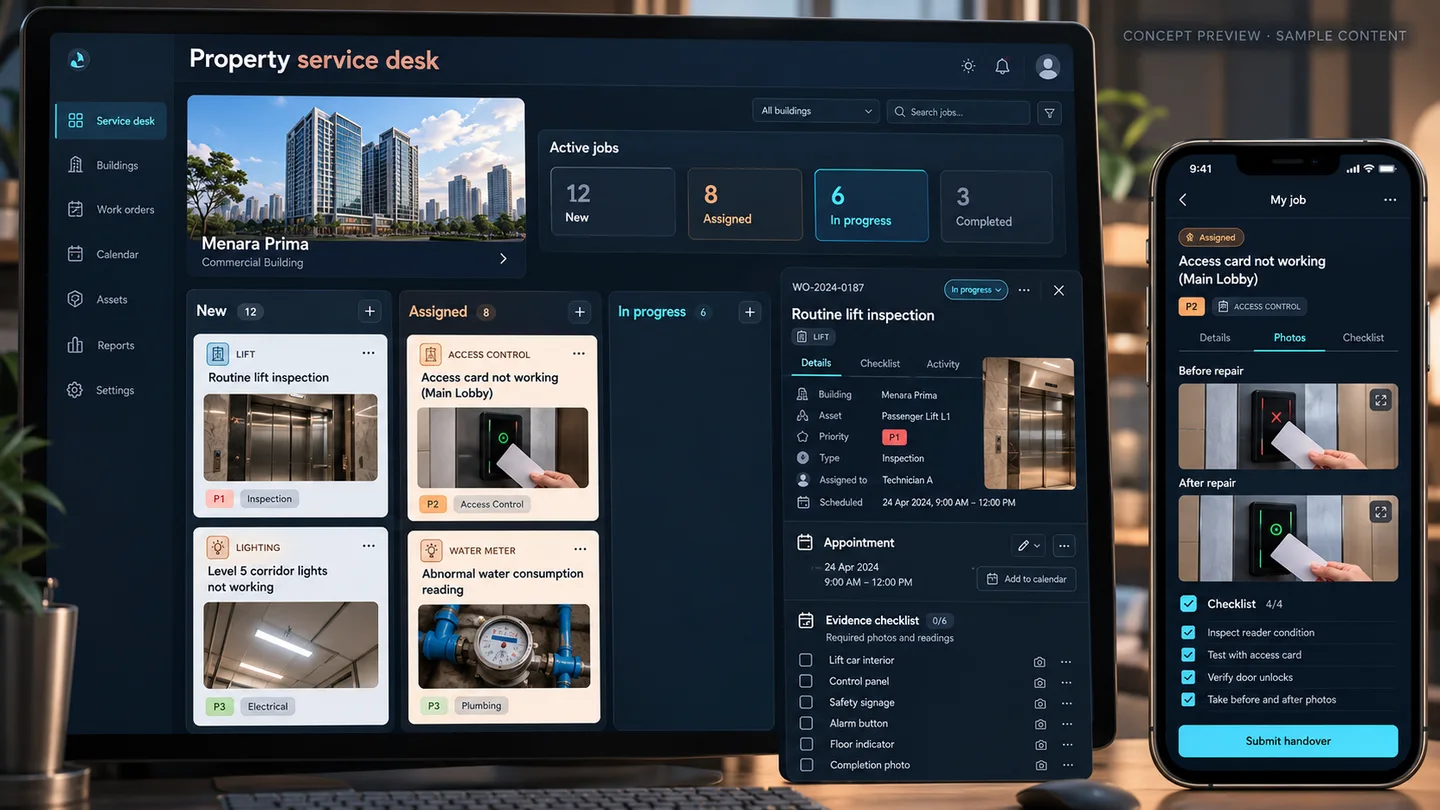
Assign maintenance requests, schedule visits, collect work evidence and hand over completed jobs. Tenant requests and contractor workflows can connect through one platform.
Enquire about this service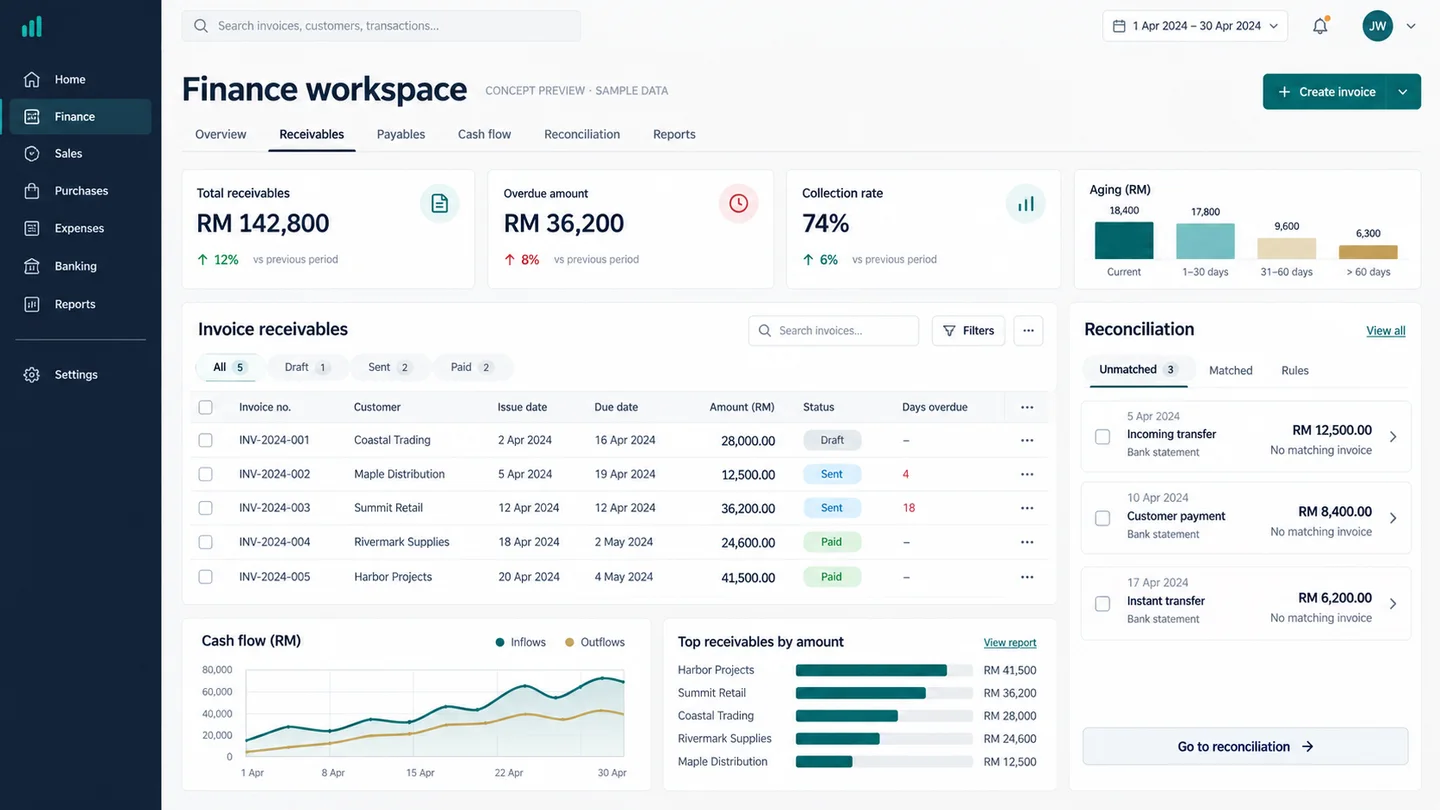
Review invoices, inspect overdue balances and investigate unmatched payments. Explore a reconciliation workspace designed around the decisions your team makes.
Enquire about this service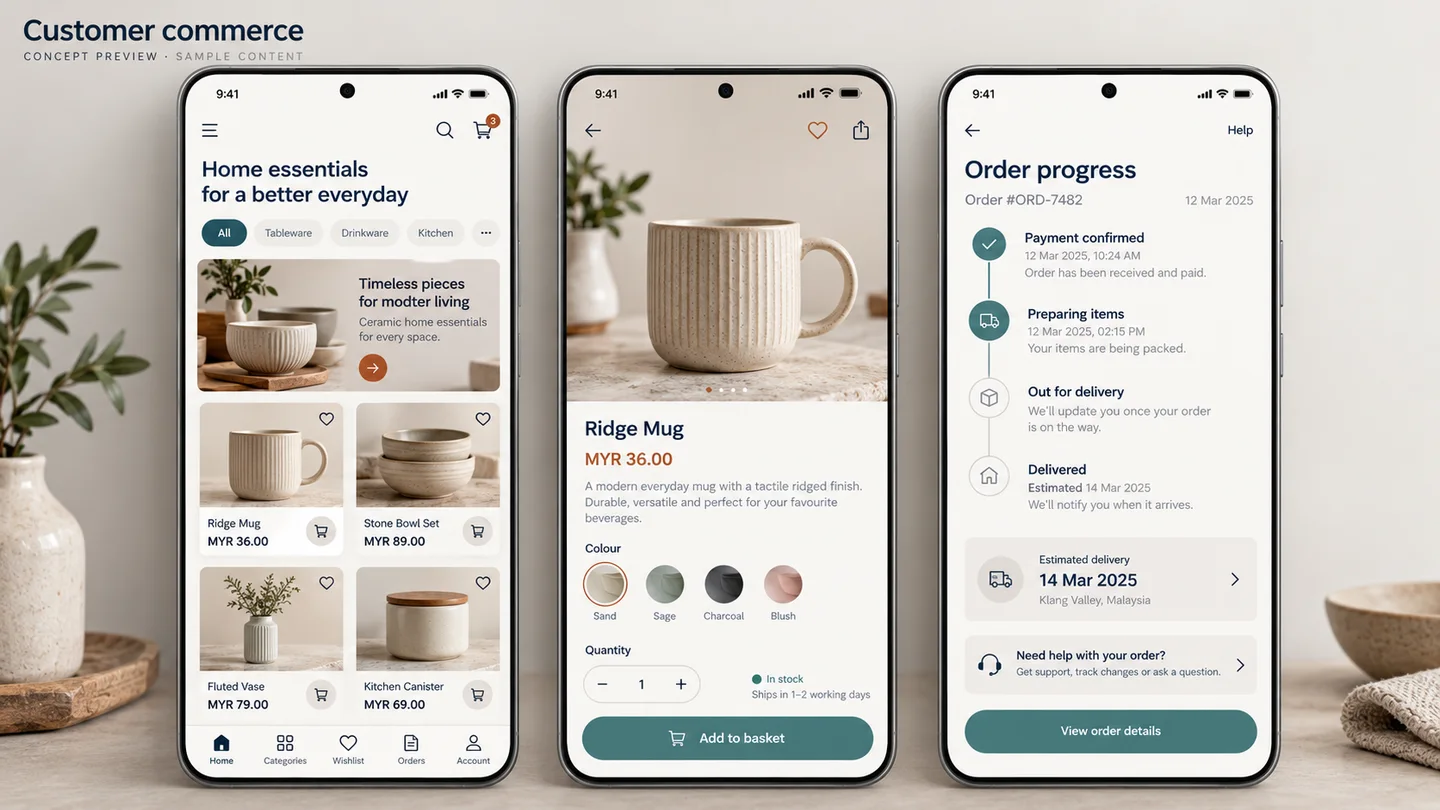
Explore products, choose options and follow an order through delivery. A design exploration of the complete shopping journey.
Enquire about this service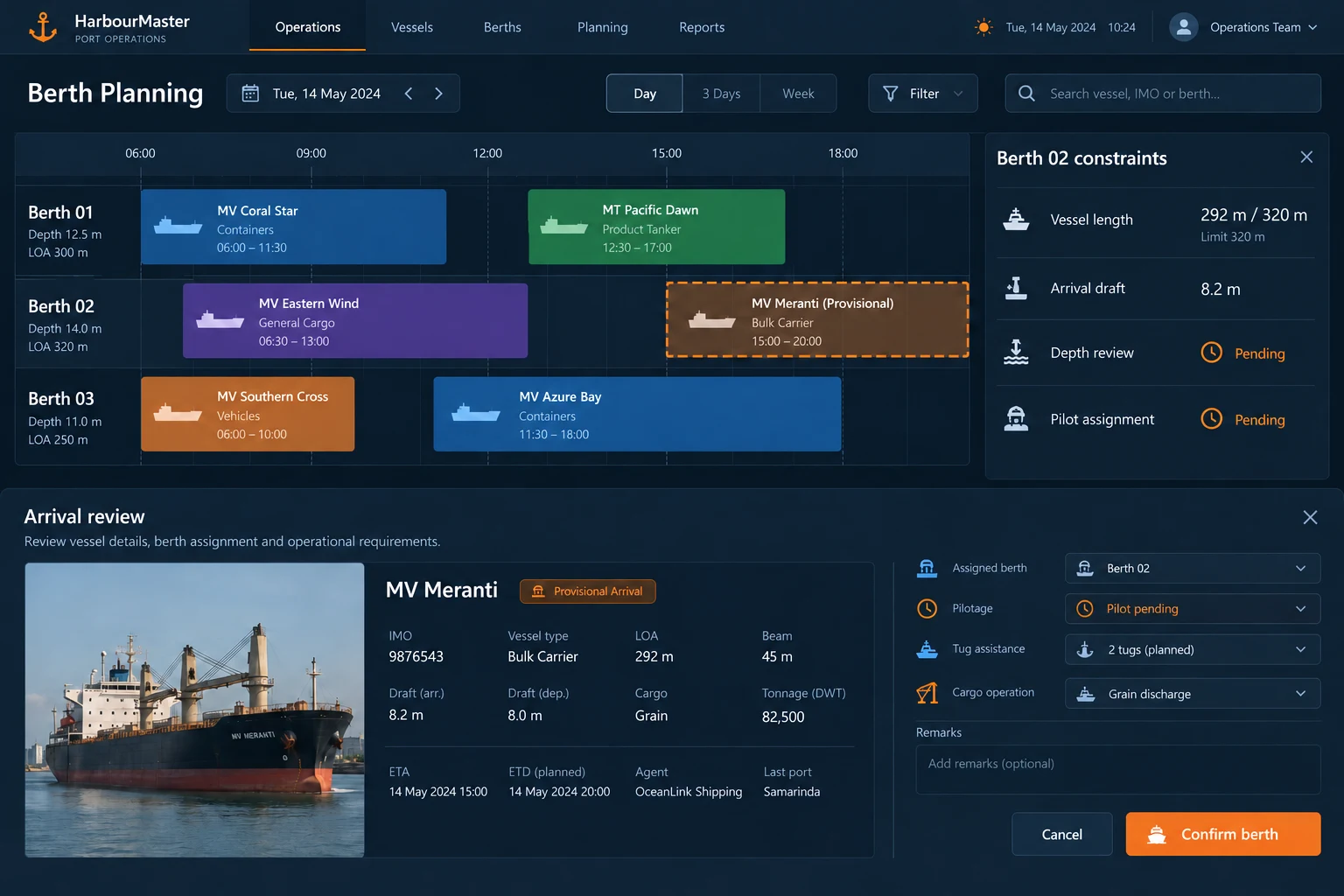
Plan vessel arrivals, inspect berth constraints and resolve an allocation before confirmation.
Enquire about this service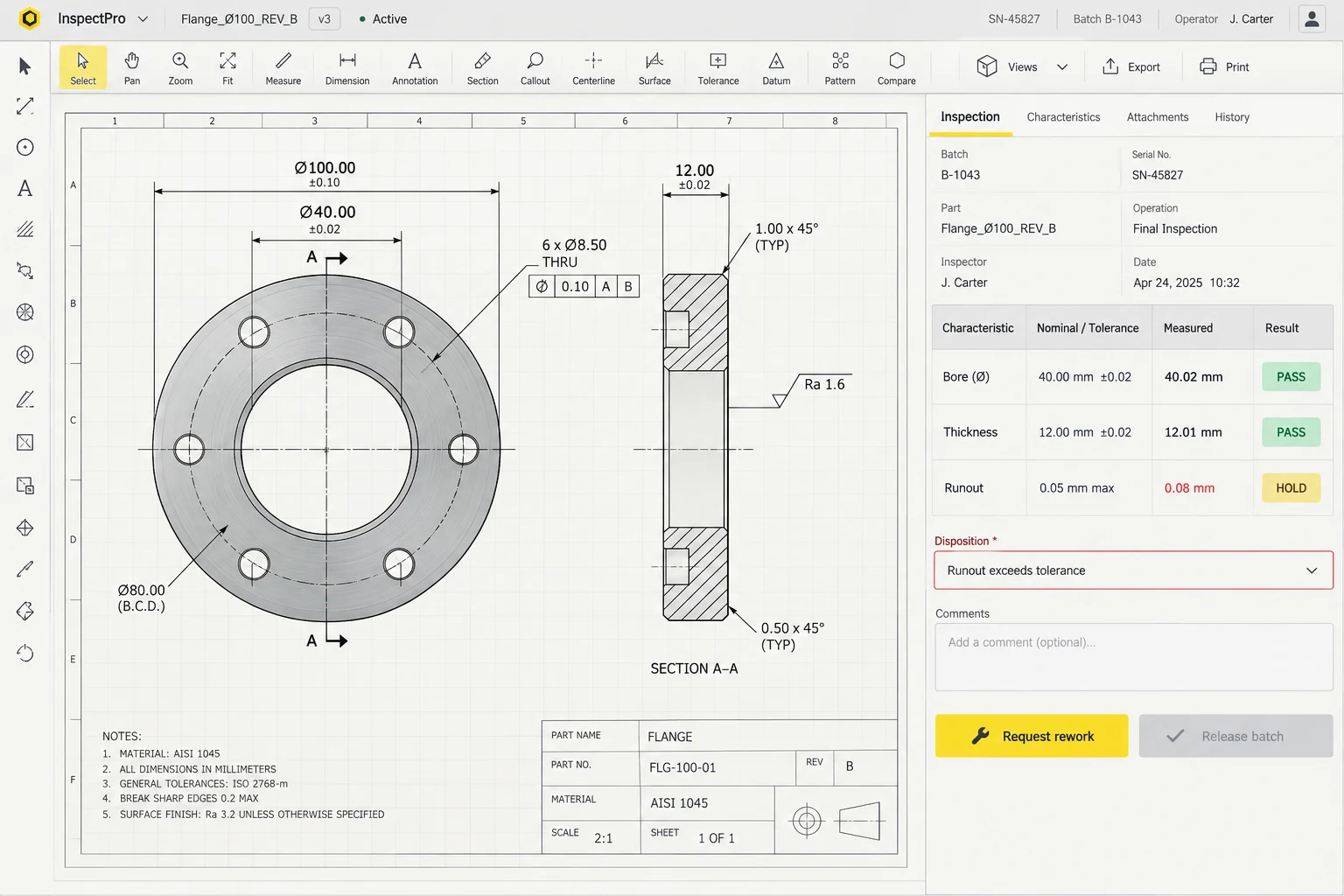
Compare measurements with tolerances and hold a batch when inspection finds an exception.
Enquire about this service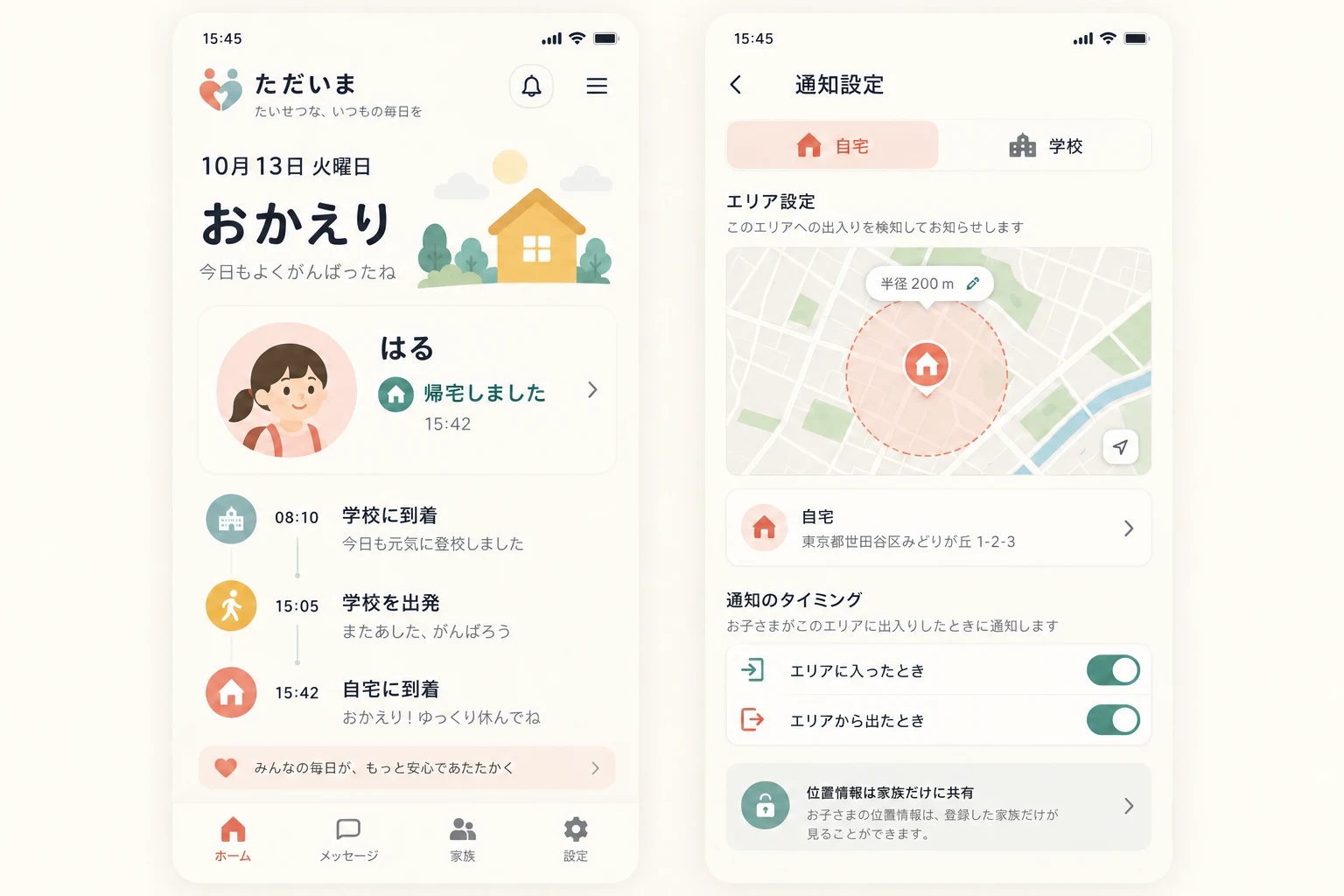
Review school and home arrival events, then choose which notifications the family receives.
Enquire about this service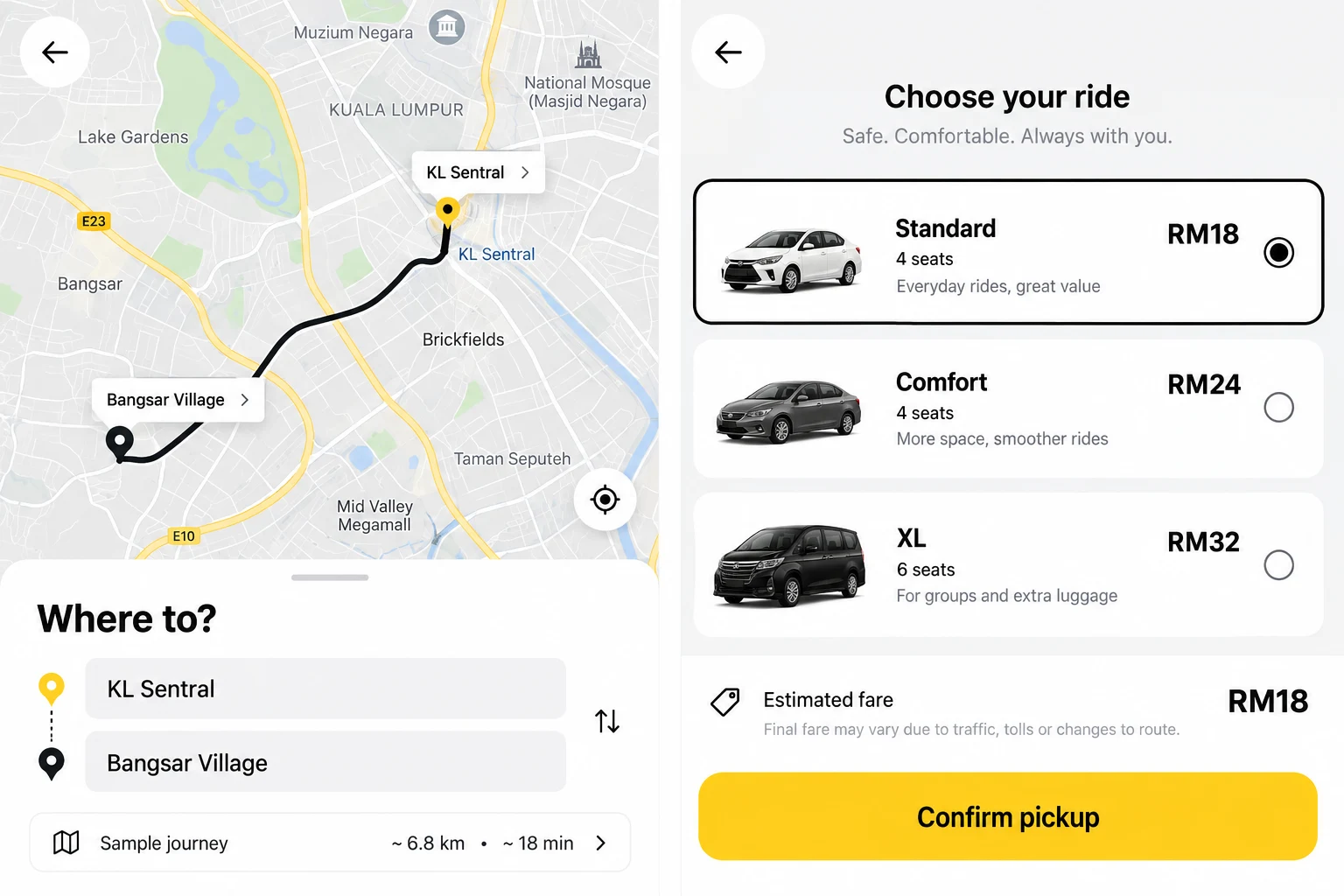
Compare vehicle options and review a pickup point before requesting a journey.
Enquire about this service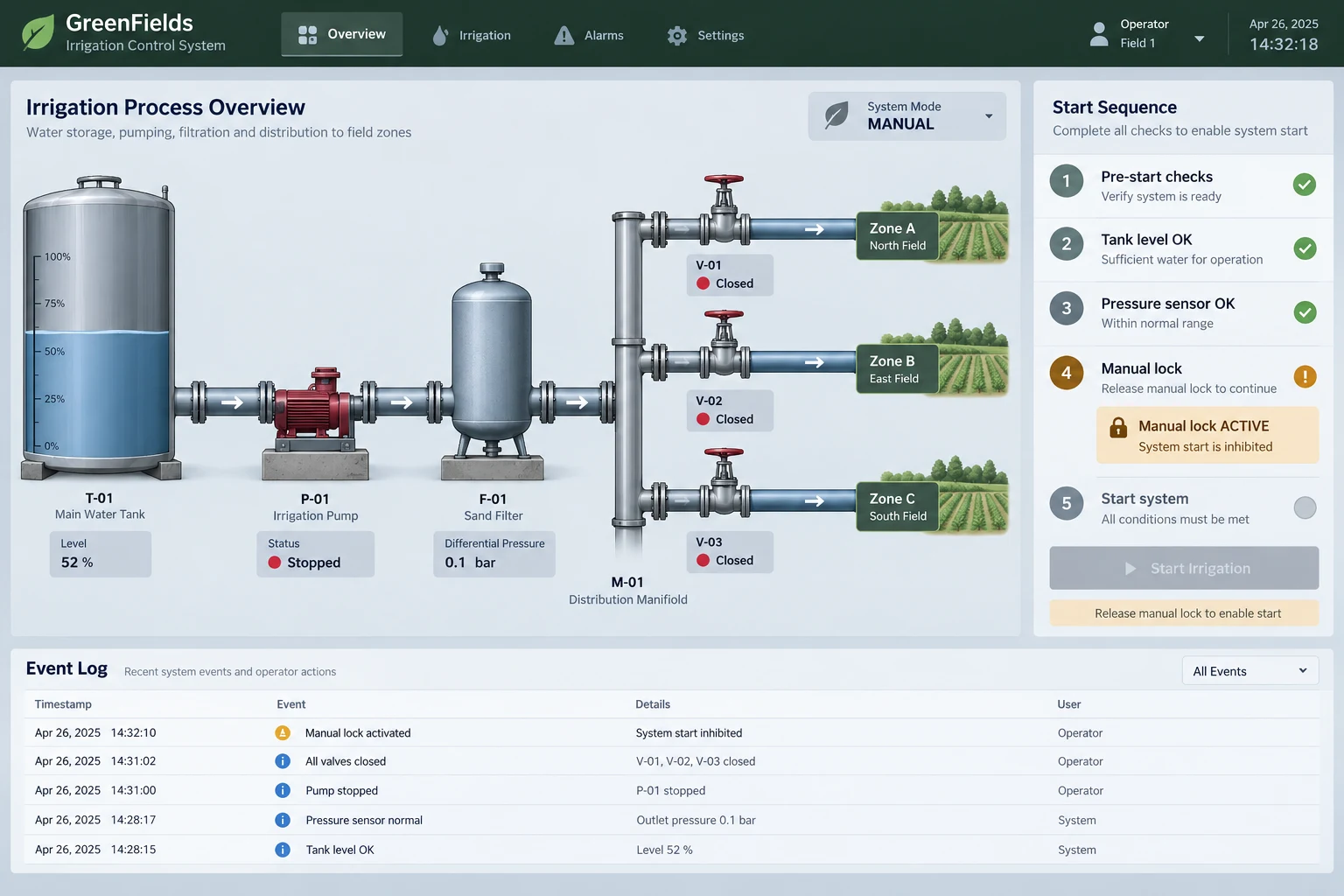
Check pump and valve conditions before starting a controlled watering sequence.
Enquire about this service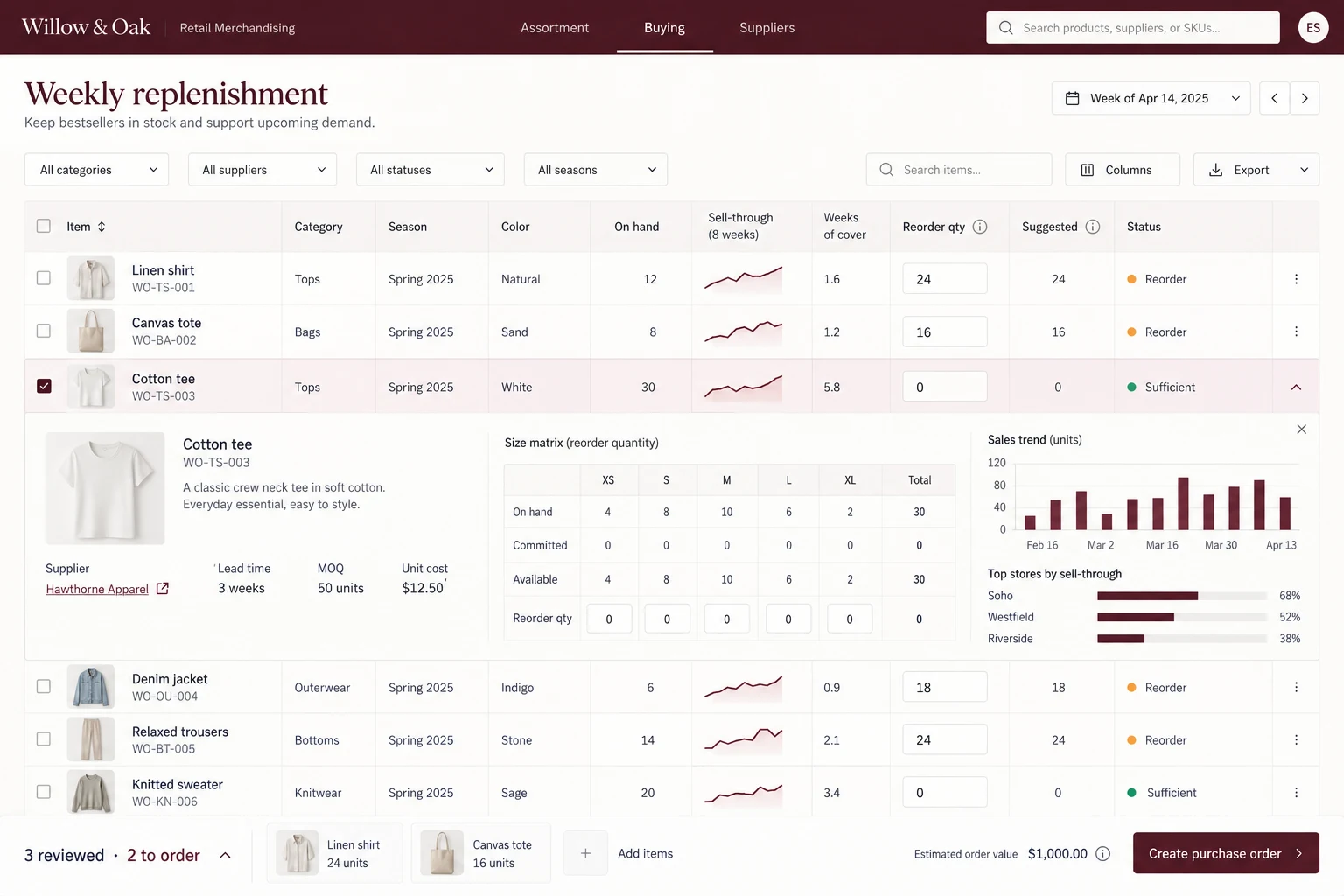
Review stock and supplier lead times, then turn approved quantities into a purchase order.
Enquire about this service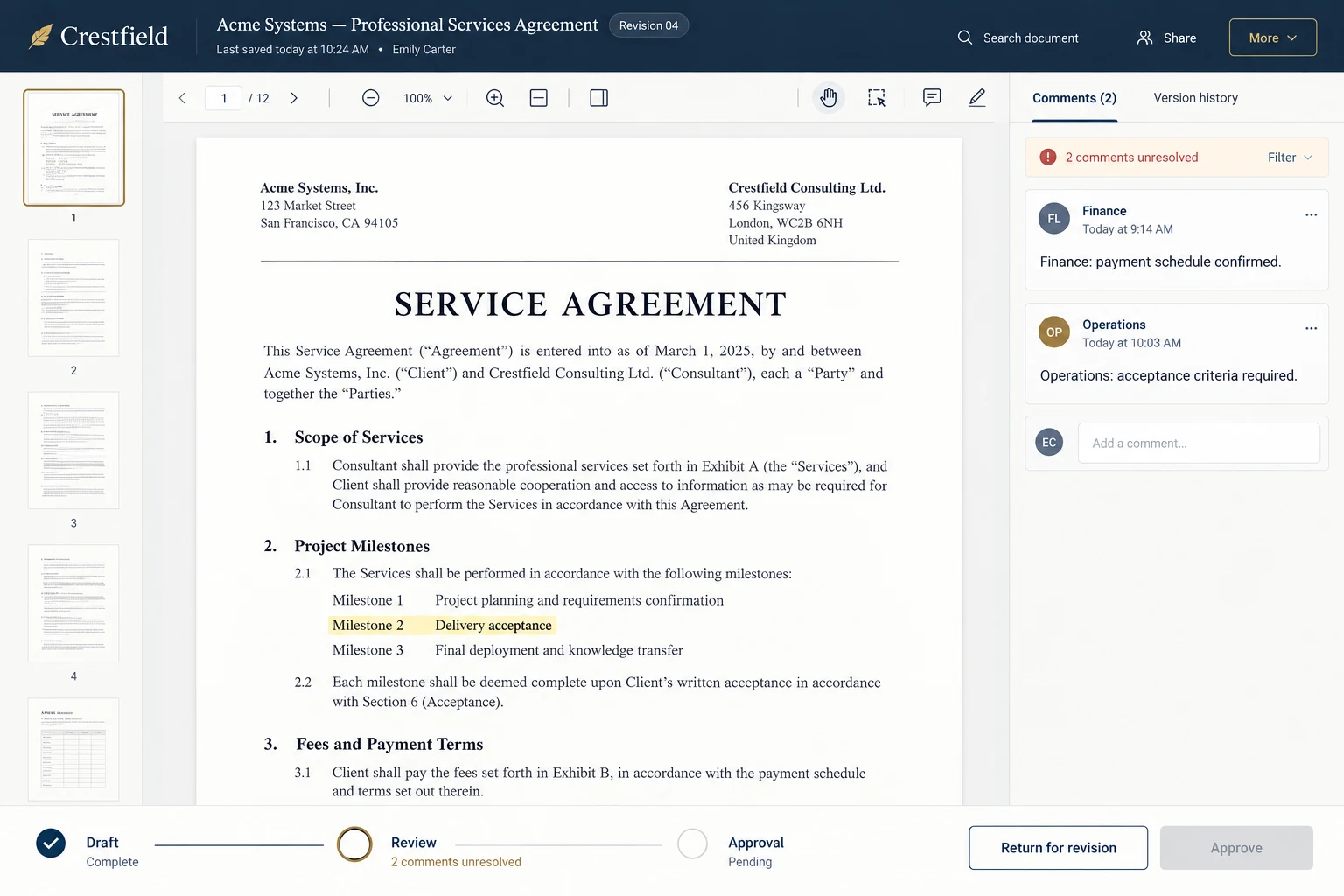
Review scope, payment milestones and unresolved comments before approving an agreement.
Enquire about this service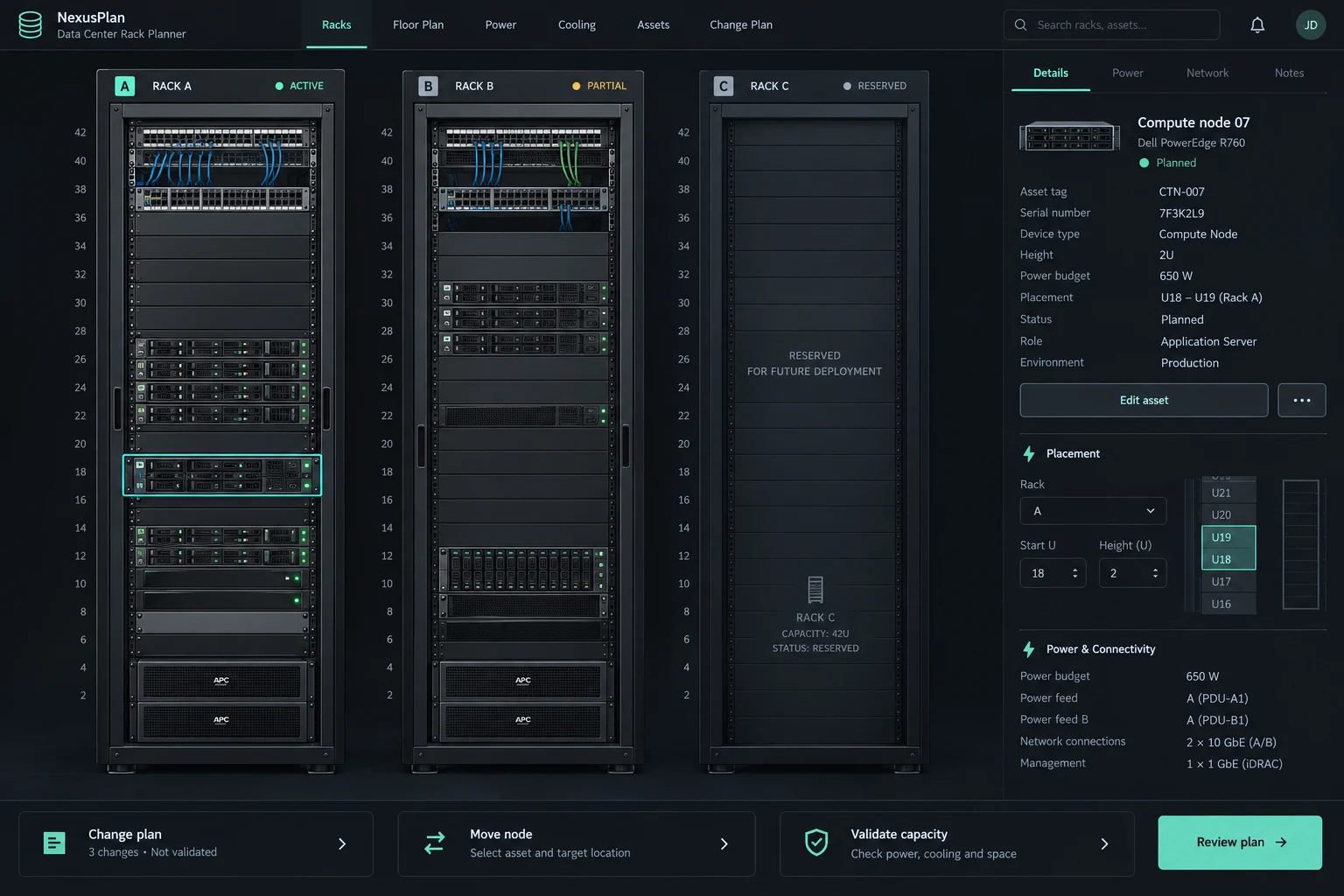
Check rack space and power allowances before planning equipment placement.
Enquire about this service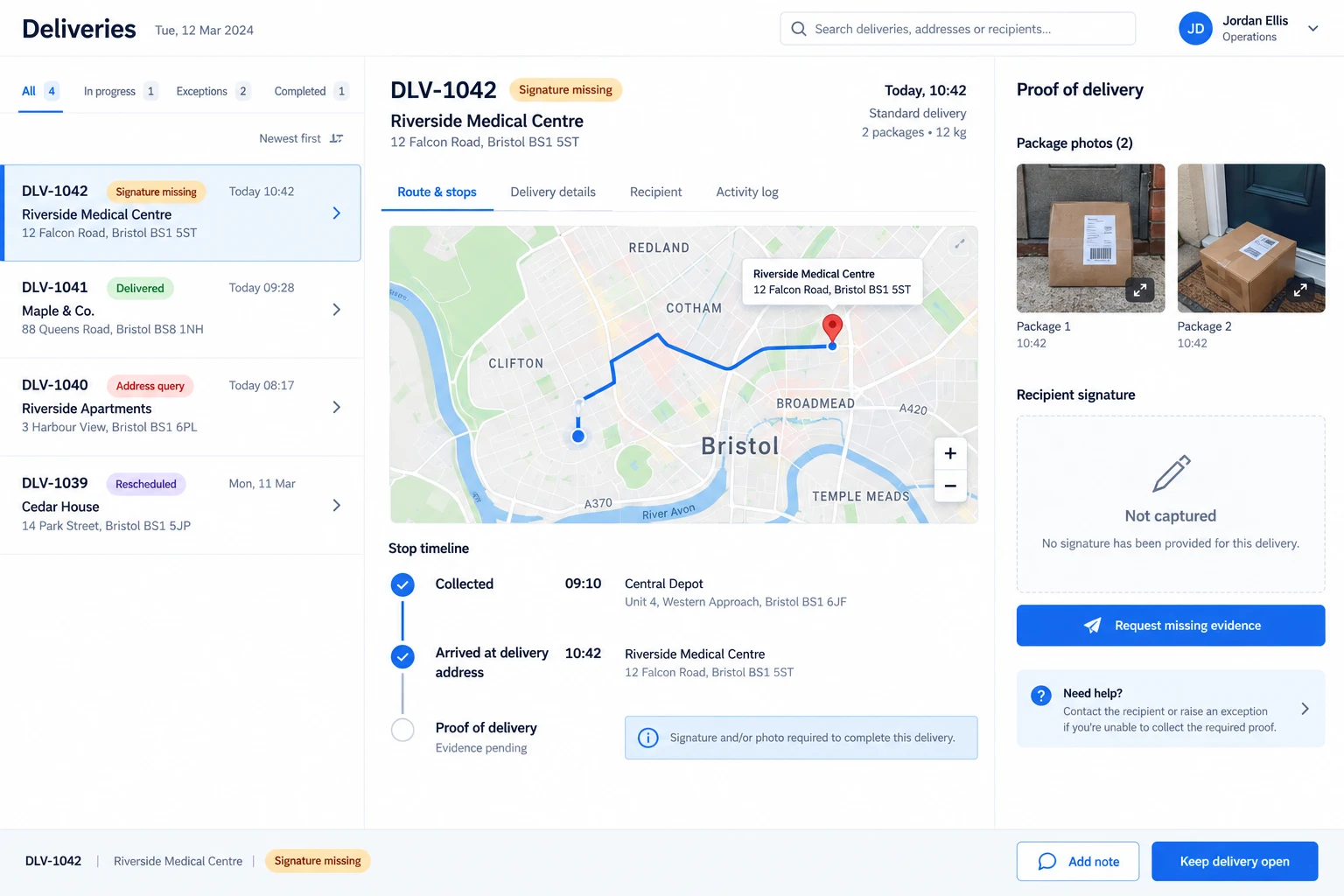
Review delivery evidence and keep exceptions open until the missing record is supplied.
Enquire about this service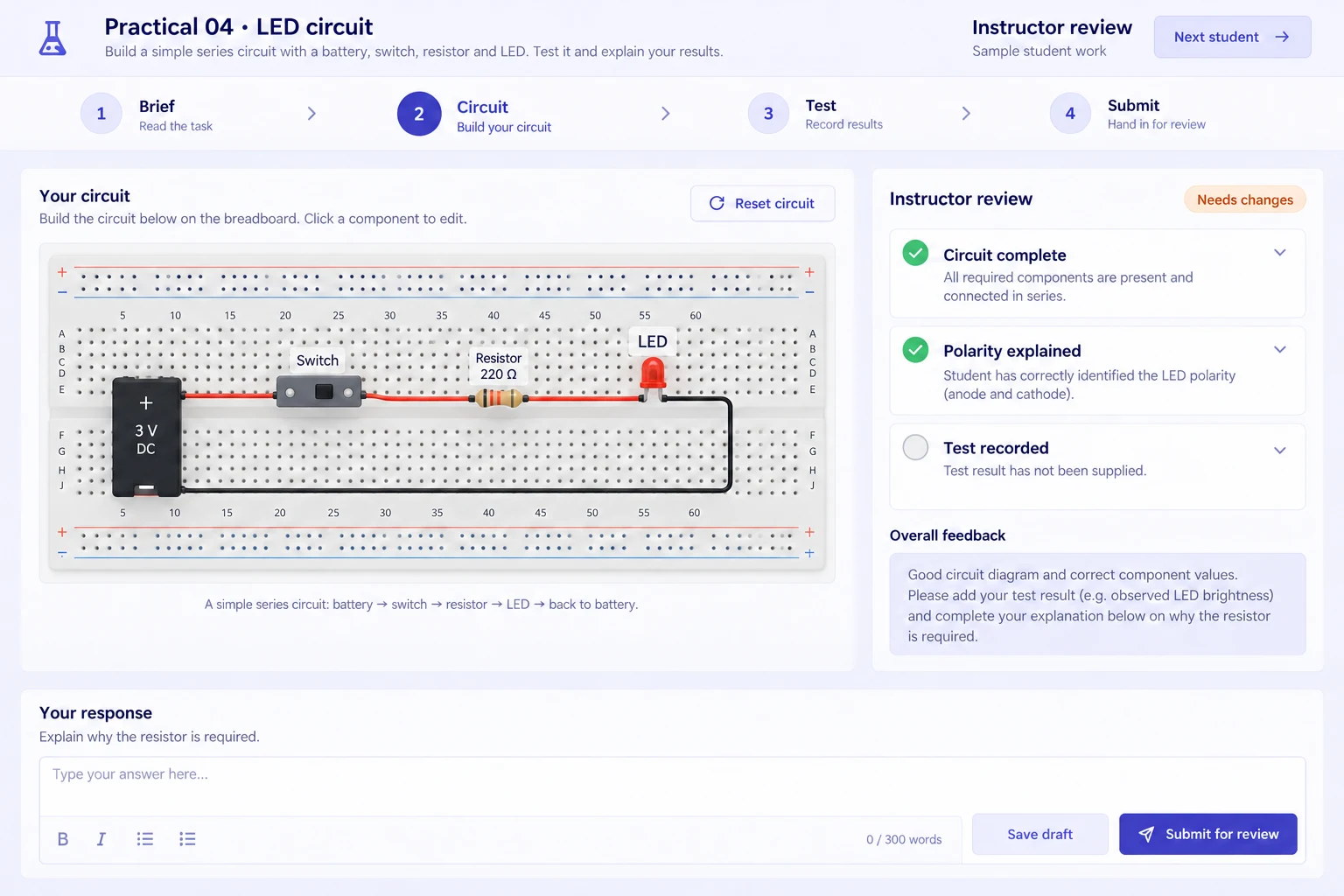
Assess a practical exercise against a clear rubric and return specific feedback.
Enquire about this service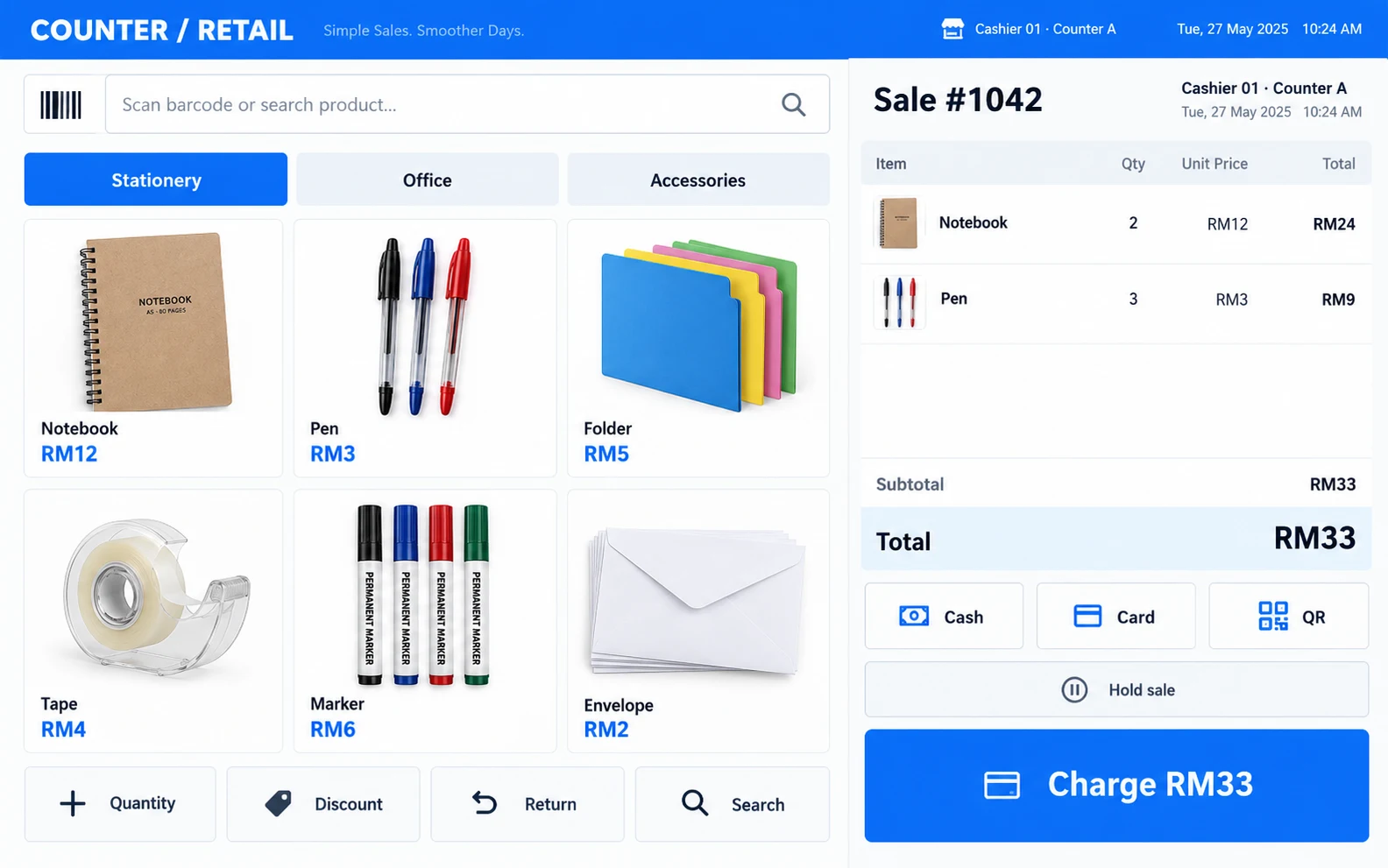
Scan products, adjust quantities, hold a basket and take payment with an itemised receipt.
Enquire about this service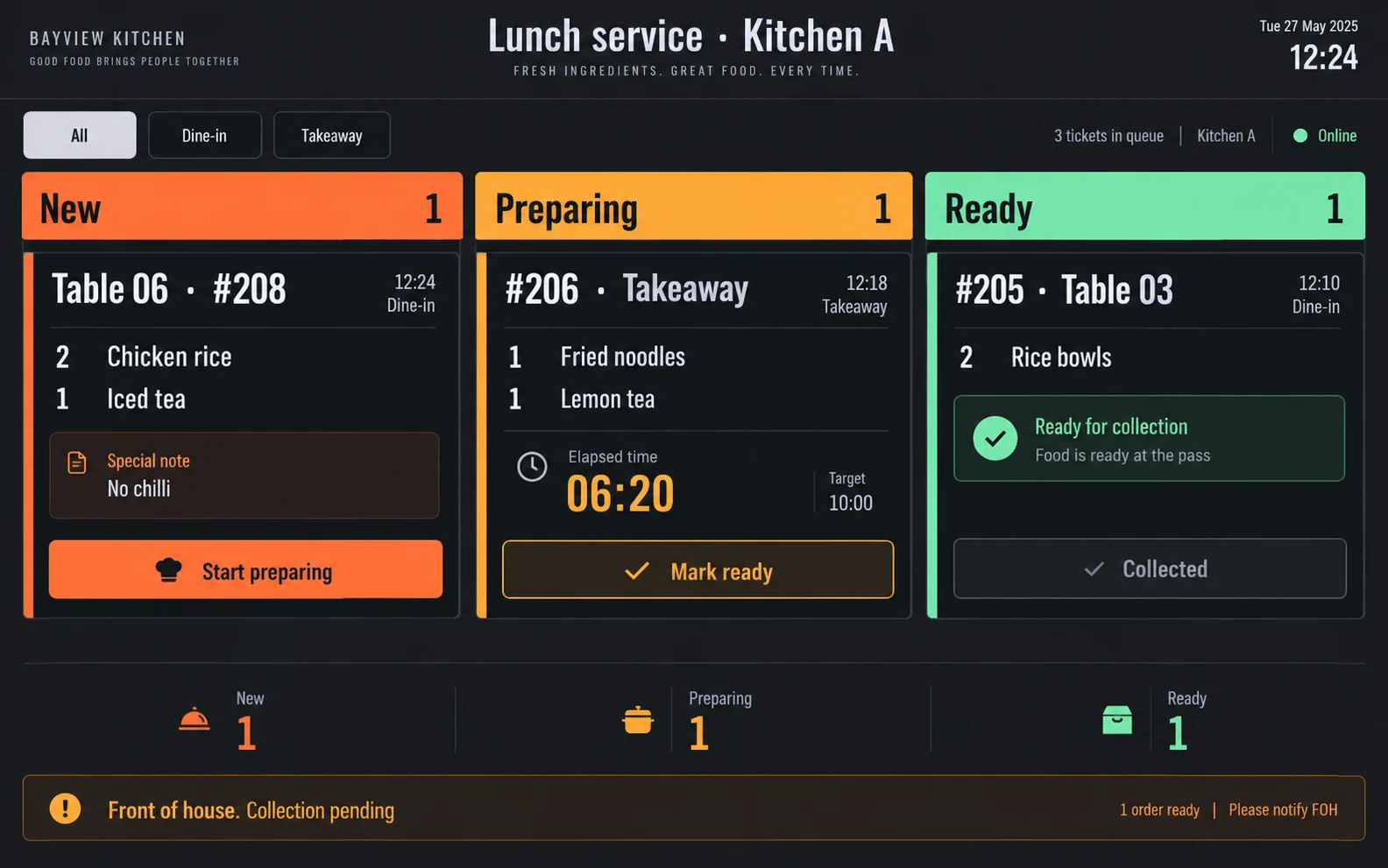
See incoming tickets, preparation status and ready orders without losing table or takeaway context.
Enquire about this service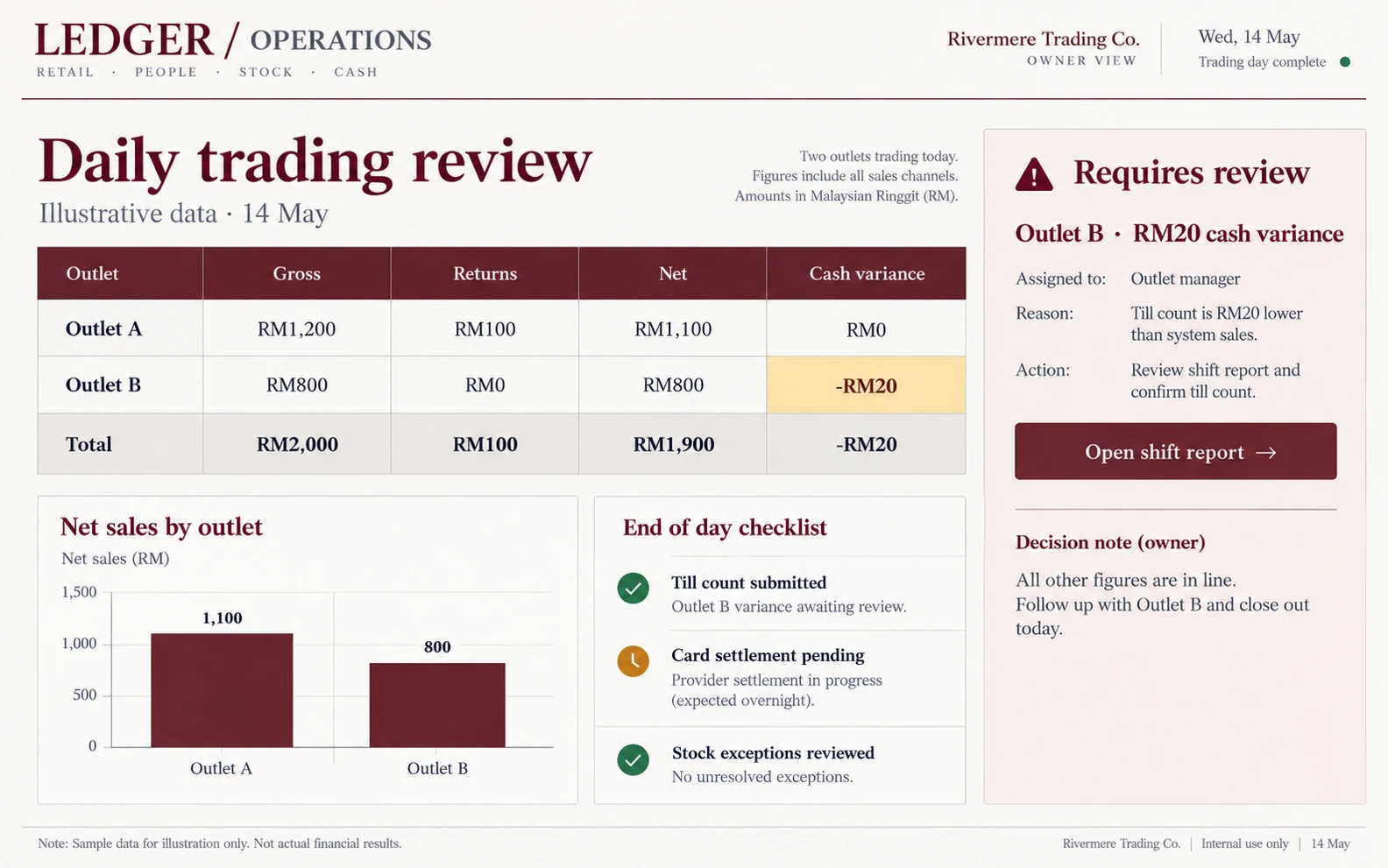
Compare sales, returns and cash variances across outlets, then follow up on the exceptions.
Enquire about this service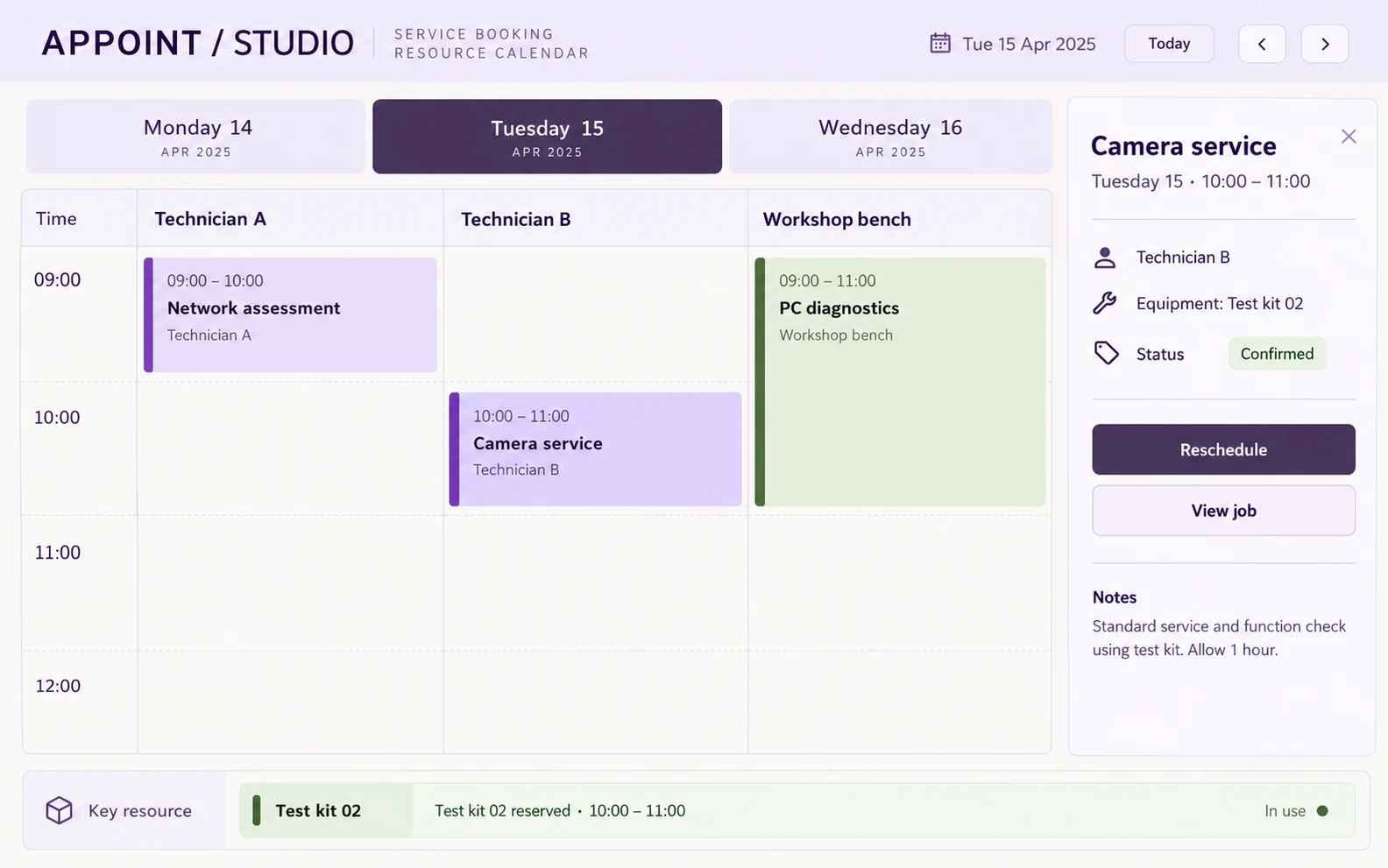
Match appointments to available staff, reserve equipment and manage rescheduling.
Enquire about this service
Compare equipment, check specification sheets and build a quotation request.
Enquire about this service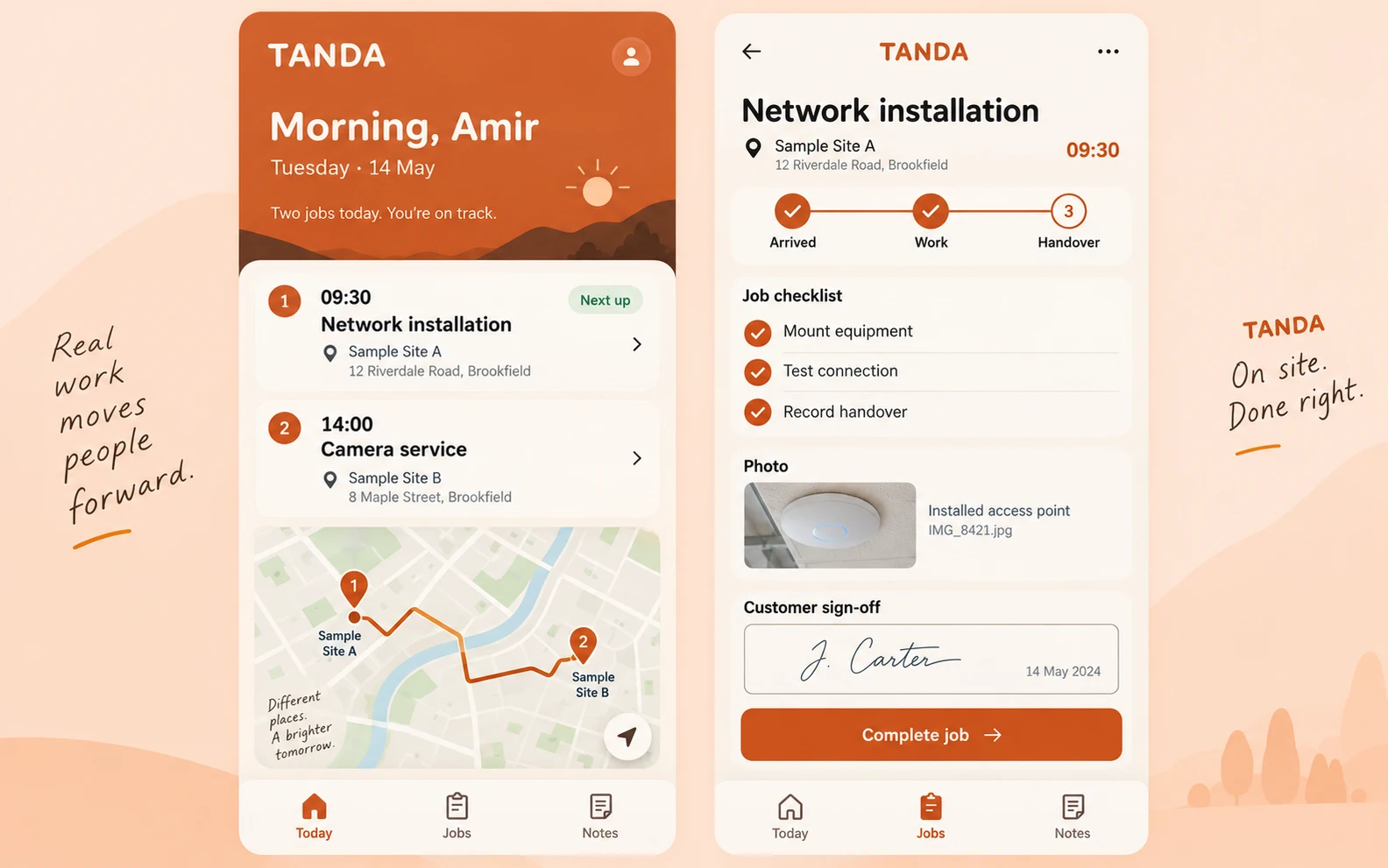
Follow the job checklist, record the work and collect customer sign-off.
Enquire about this service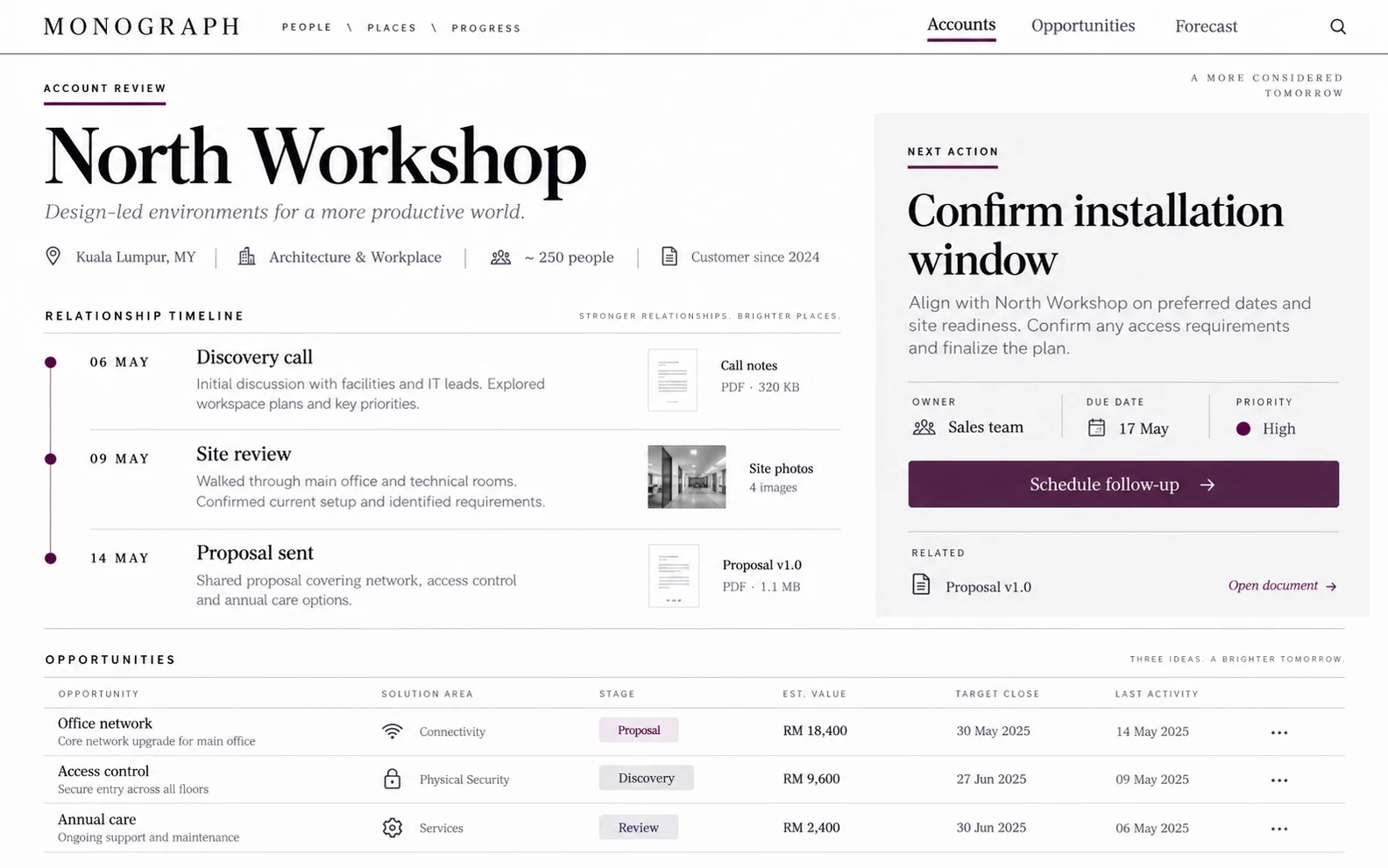
Review account history, proposal status and the next conversation in one place.
Enquire about this service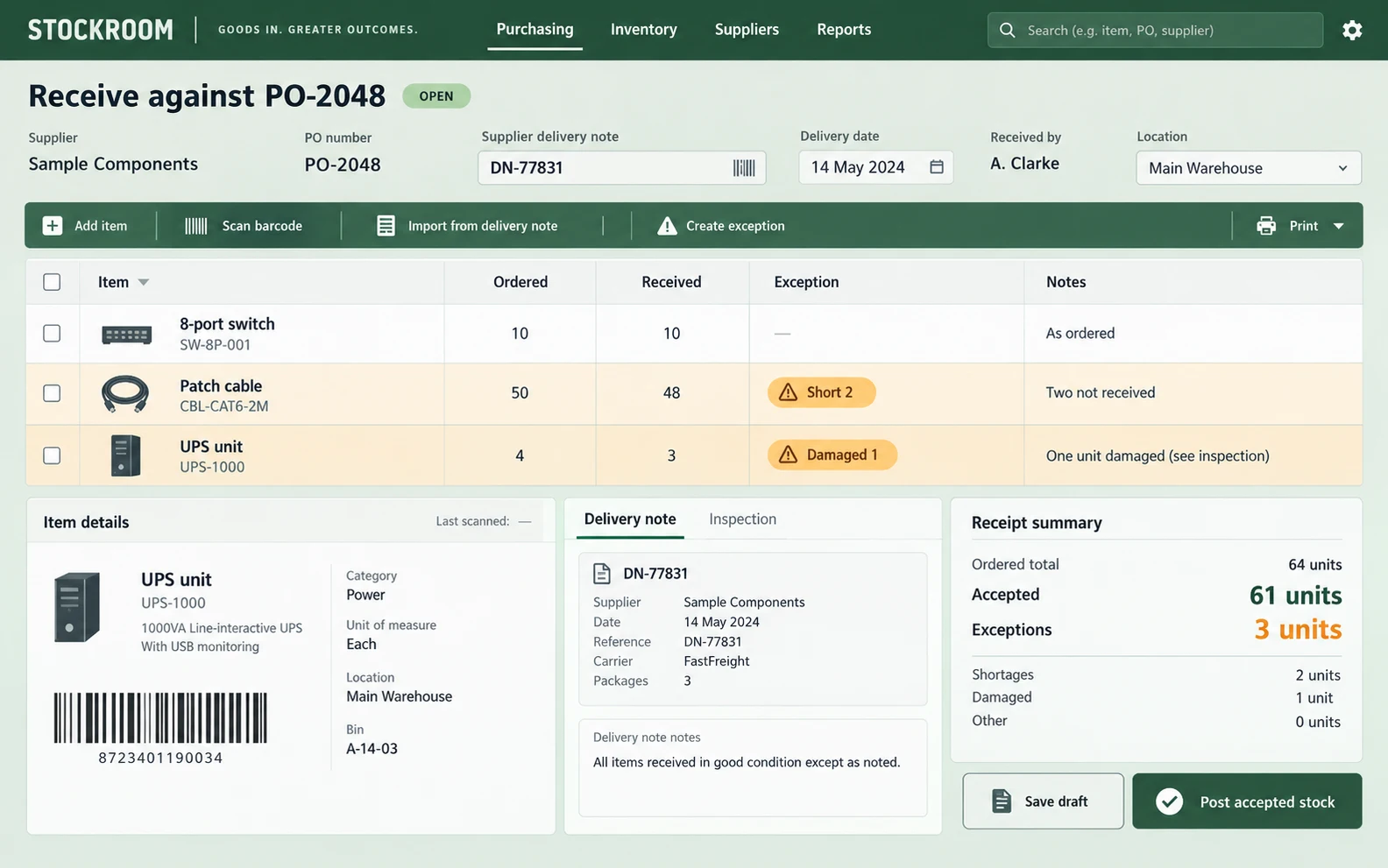
Match a delivery to its purchase order and flag damaged or missing items before posting stock.
Enquire about this service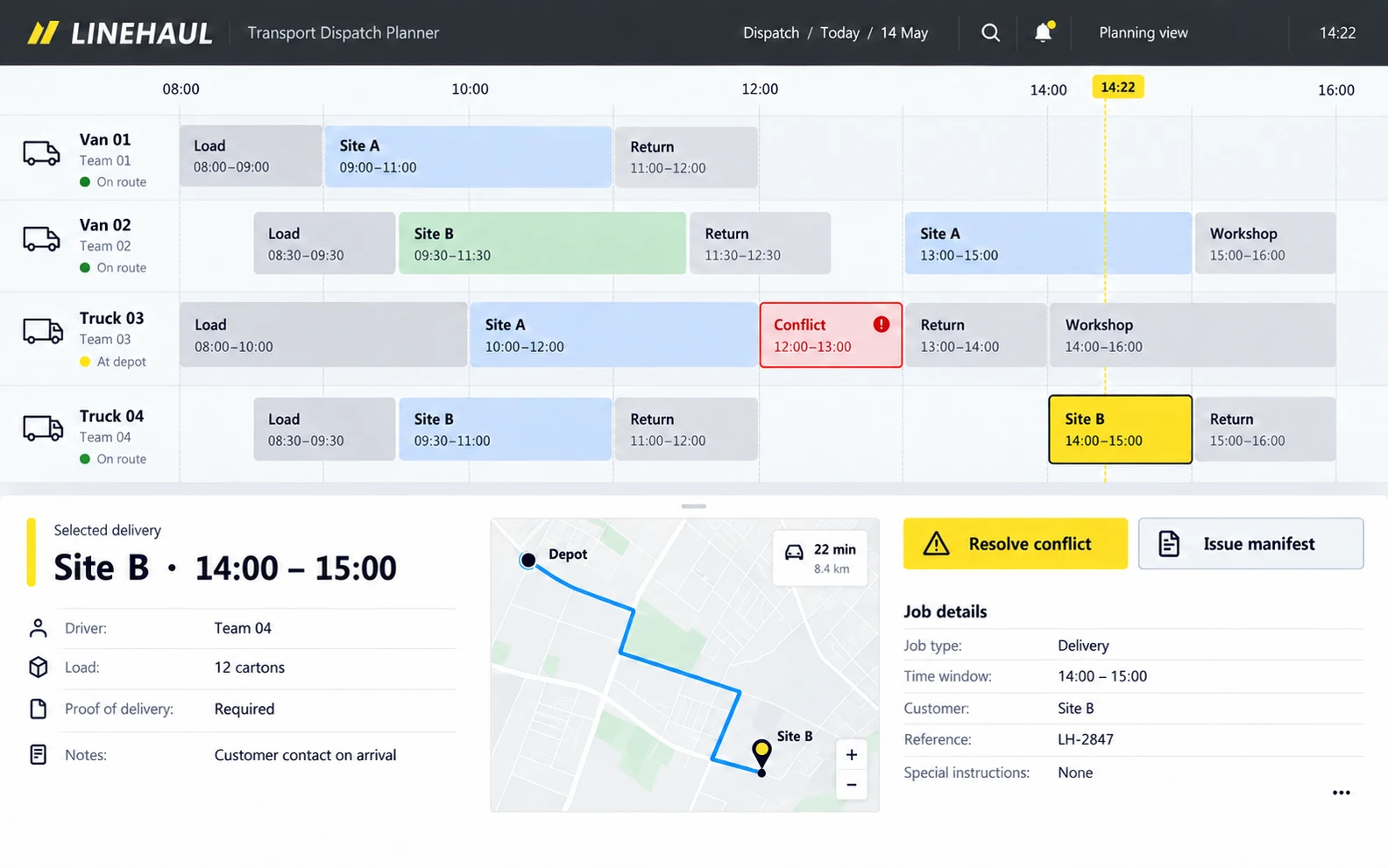
Assign delivery windows, spot scheduling conflicts and issue a driver manifest.
Enquire about this service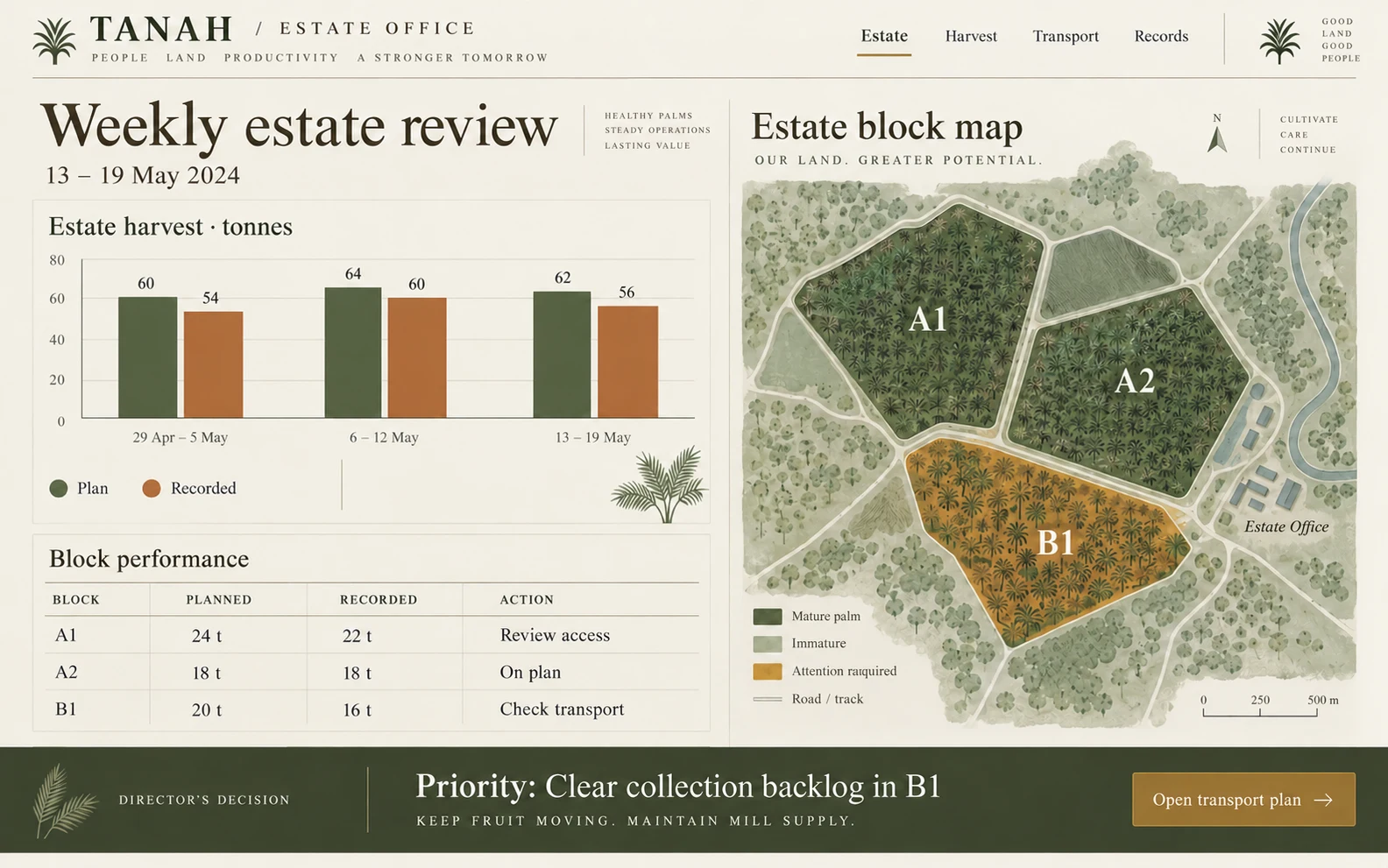
Compare harvest plans with recorded output and investigate exceptions by block.
Enquire about this service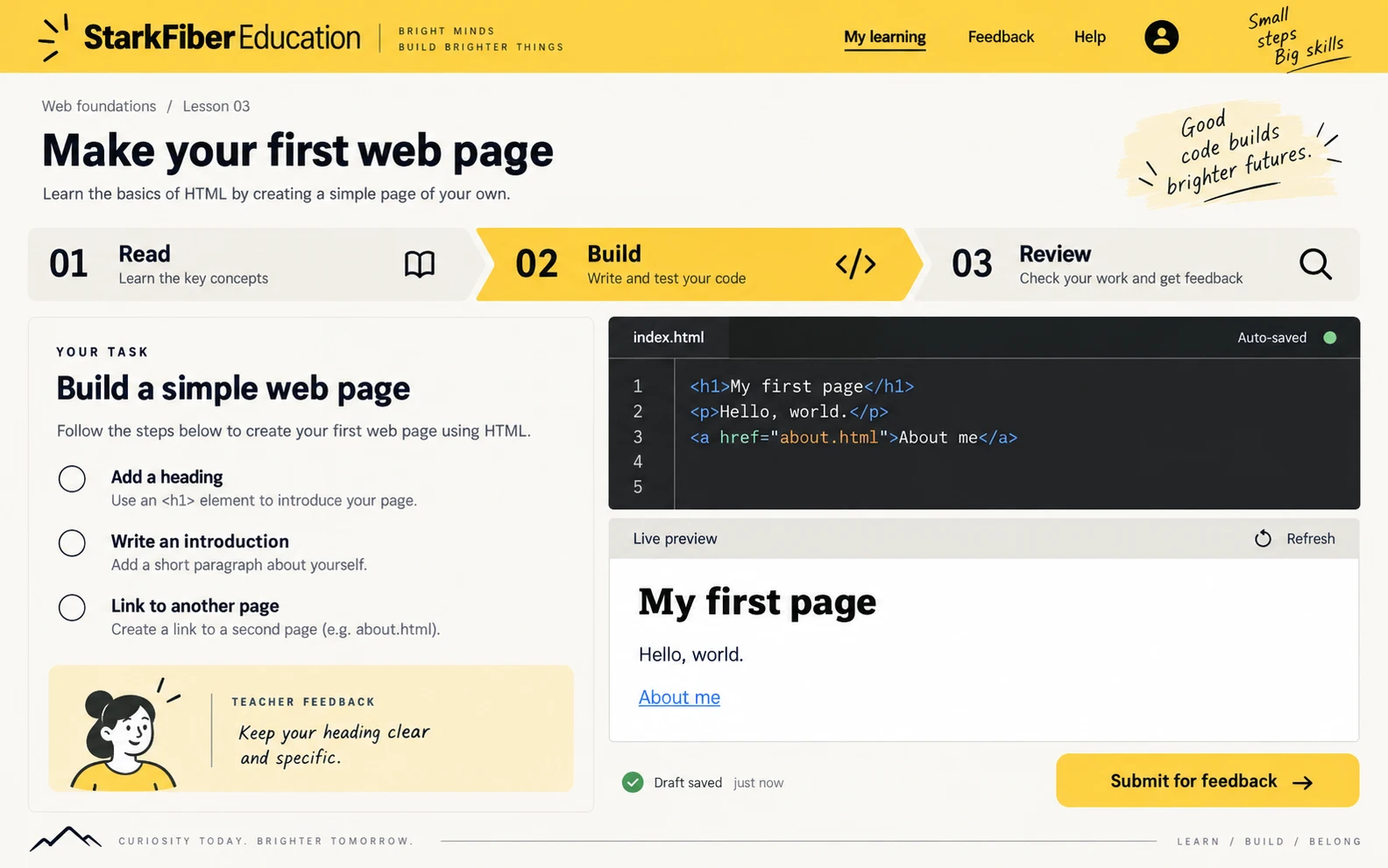
Move from a lesson to a practical exercise, with feedback and the next task clearly visible.
Enquire about this service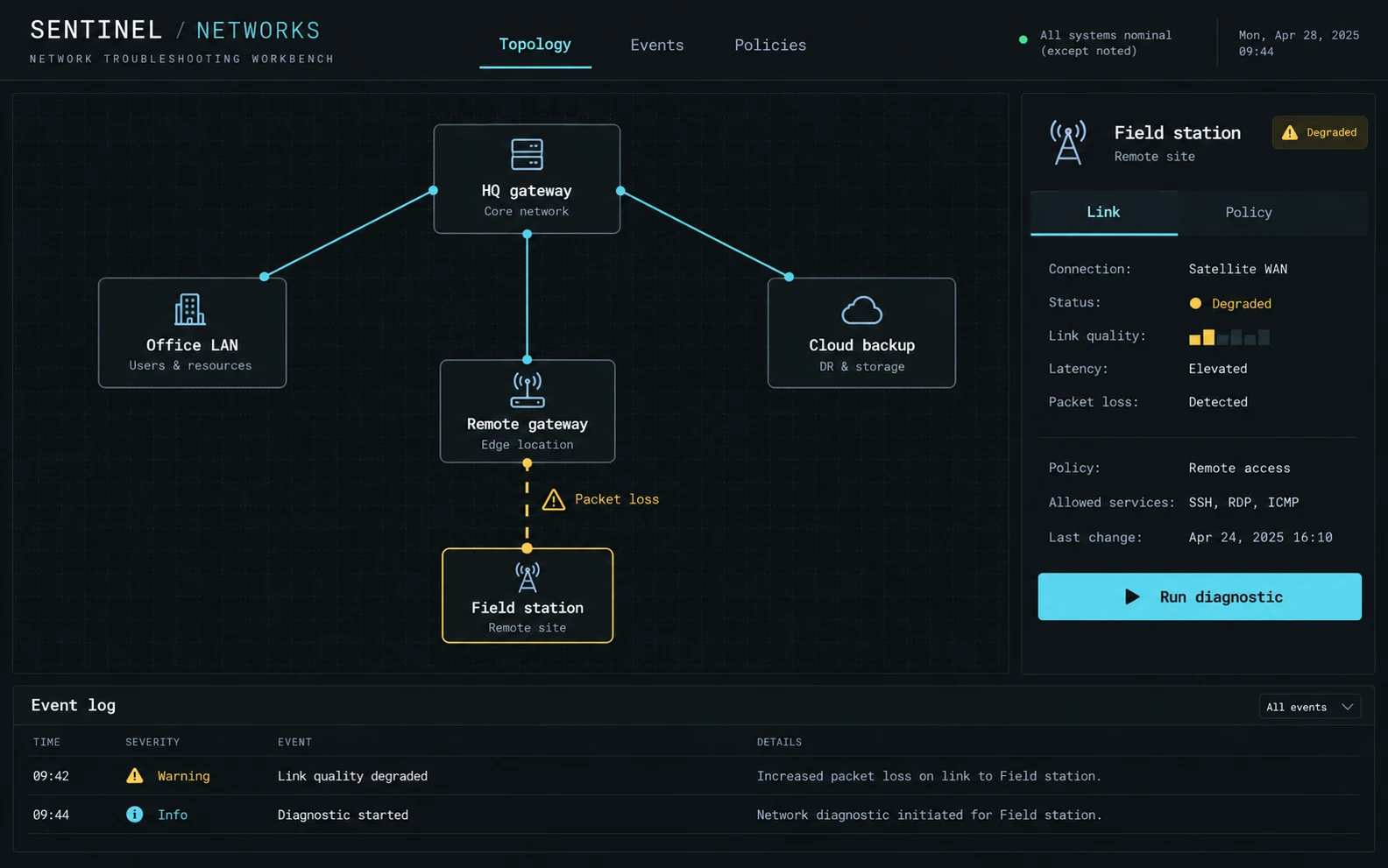
Trace a remote-site connection, inspect the affected link and review the applicable policy.
Enquire about this service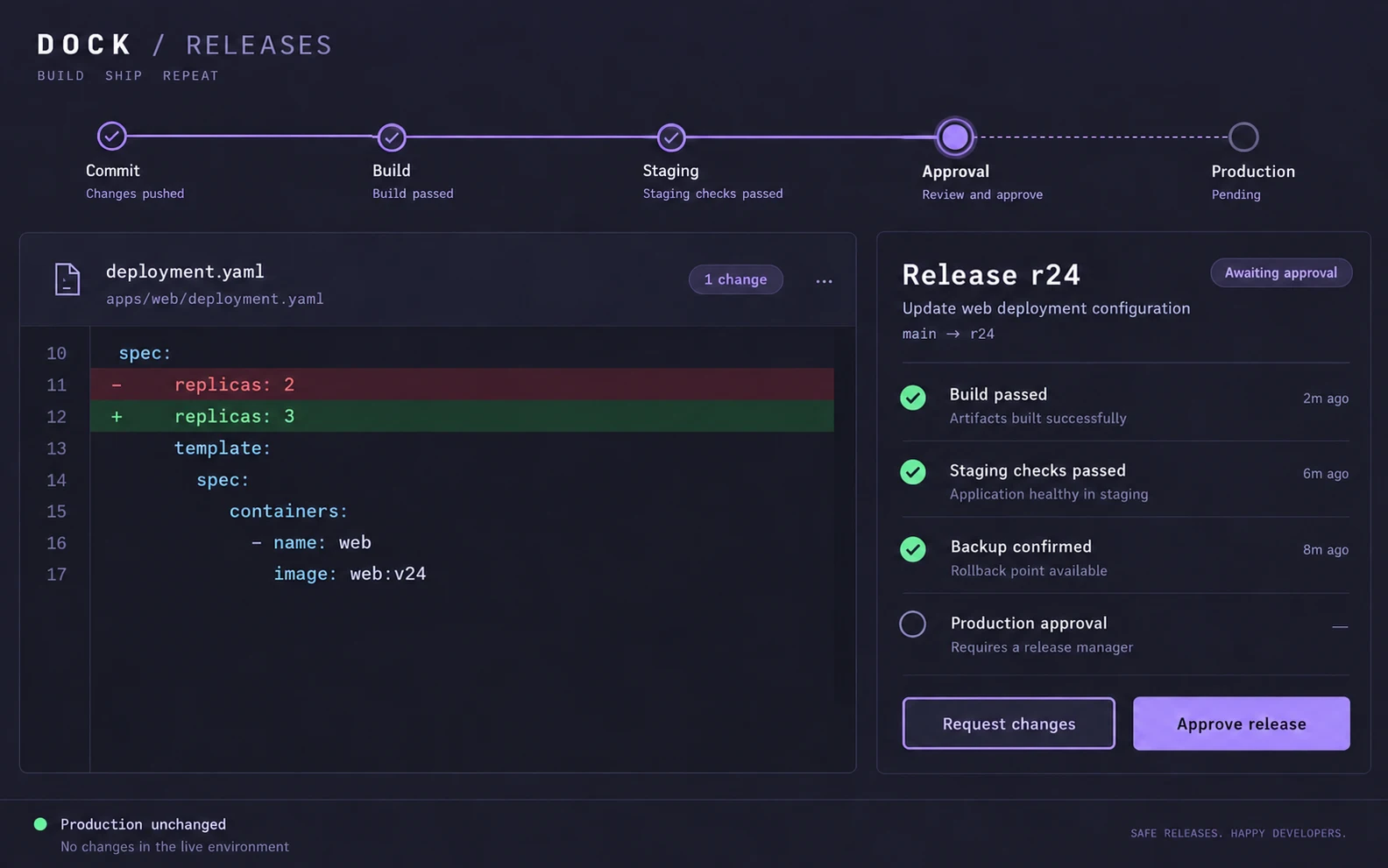
Compare a release, check staging results and approve a production deployment.
Enquire about this service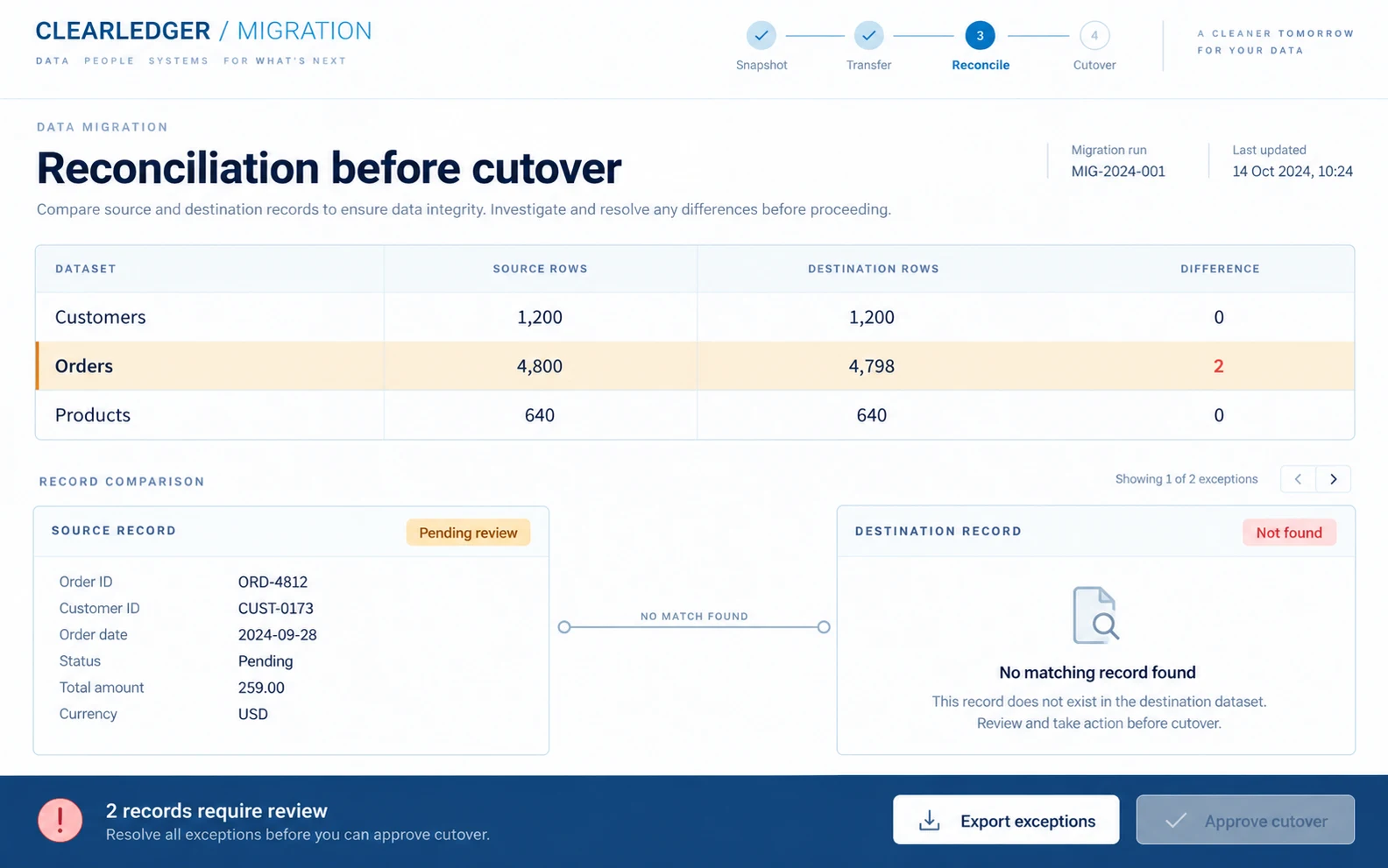
Compare source and destination counts, investigate exceptions and hold cutover until checks pass.
Enquire about this service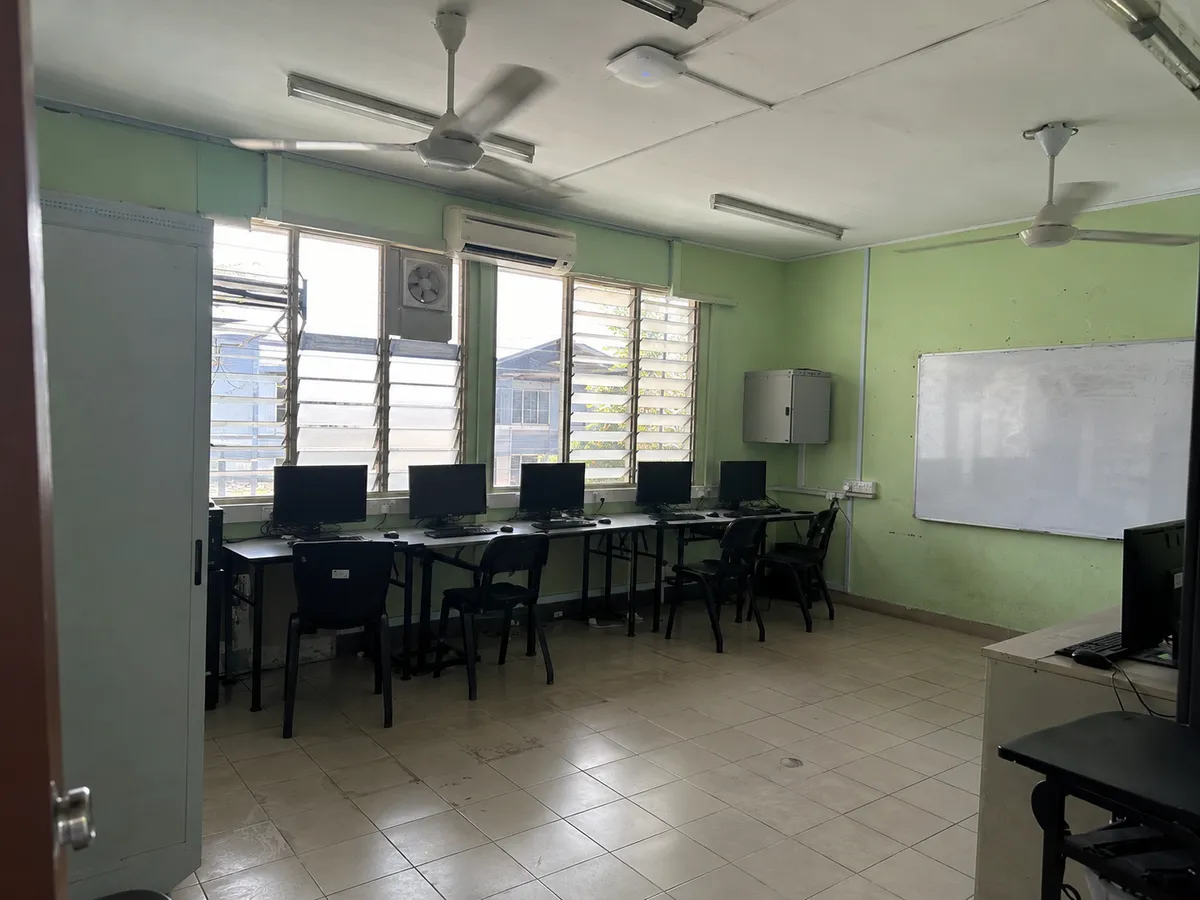
Wireless coverage, network equipment and installation for classrooms and shared learning spaces.
Enquire about this service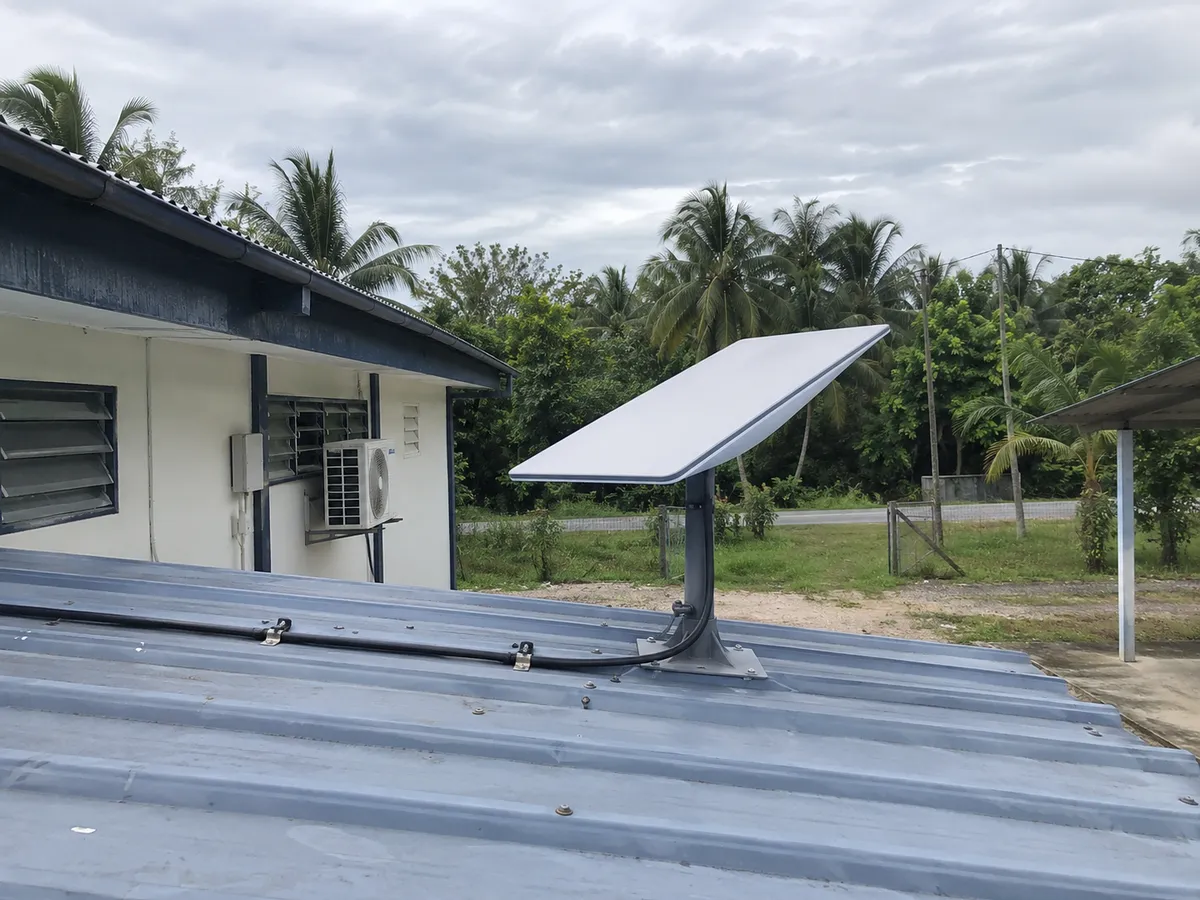
Remote-site connectivity, equipment supply and configuration, with provider plans quoted separately.
Enquire about this service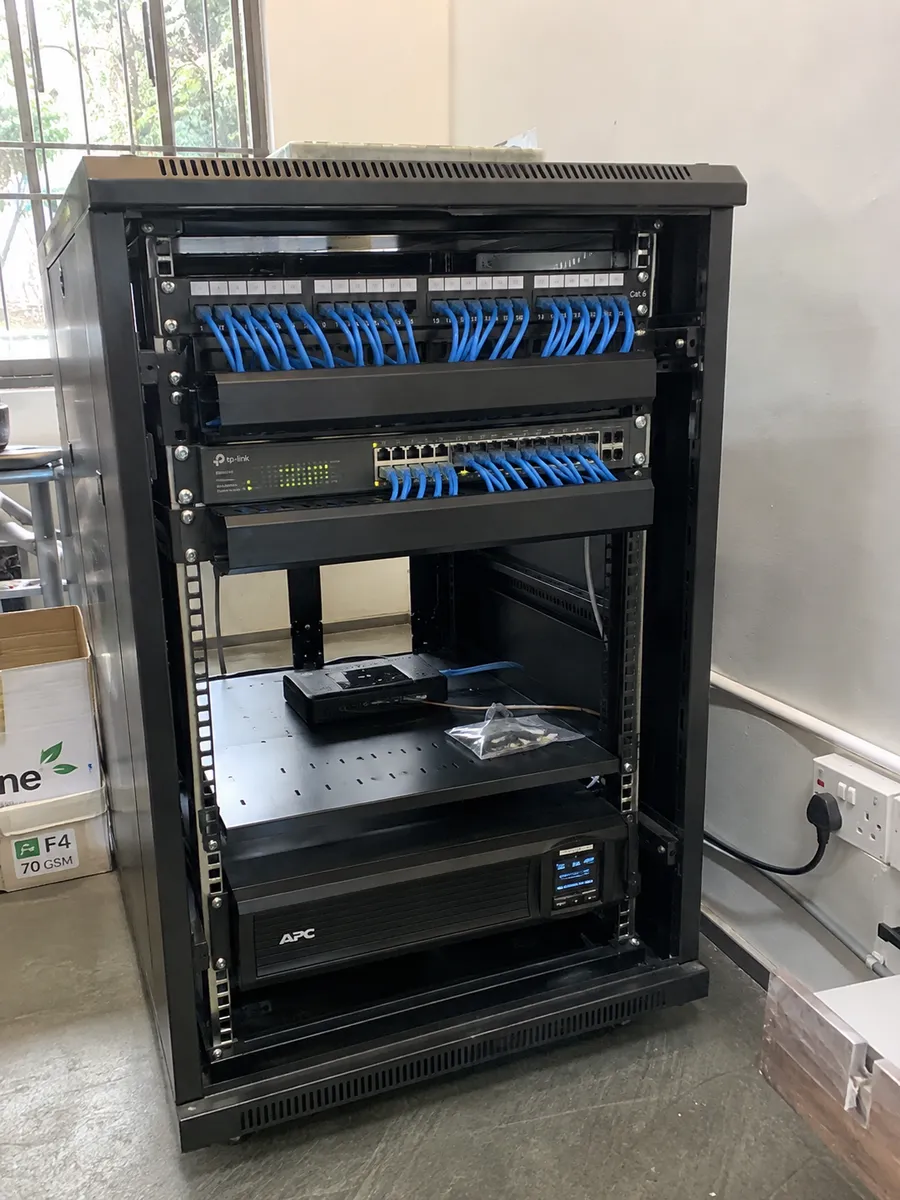
Switches, structured cabling and network cabinets, documented for maintenance and expansion.
Enquire about this service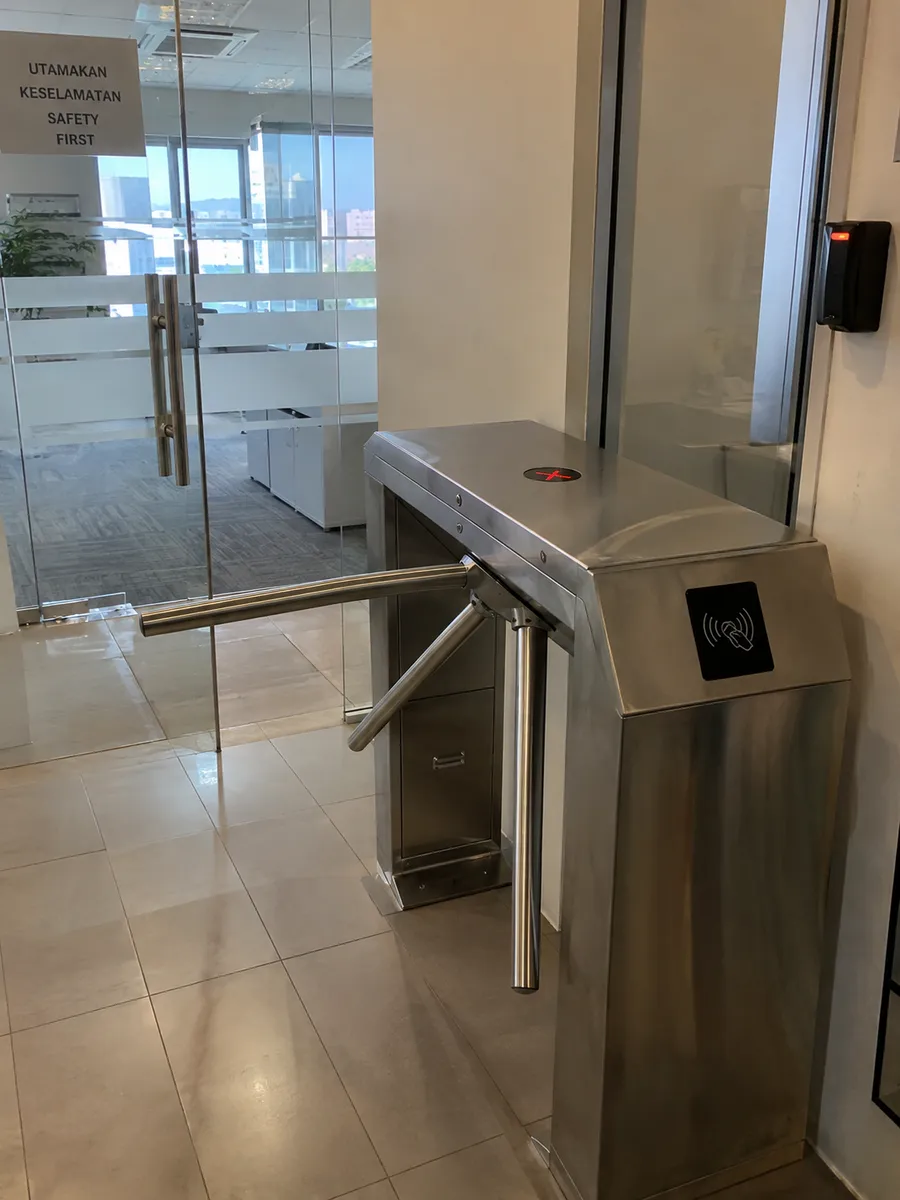
Readers, controllers and entrance systems selected around your access requirements.
Enquire about this service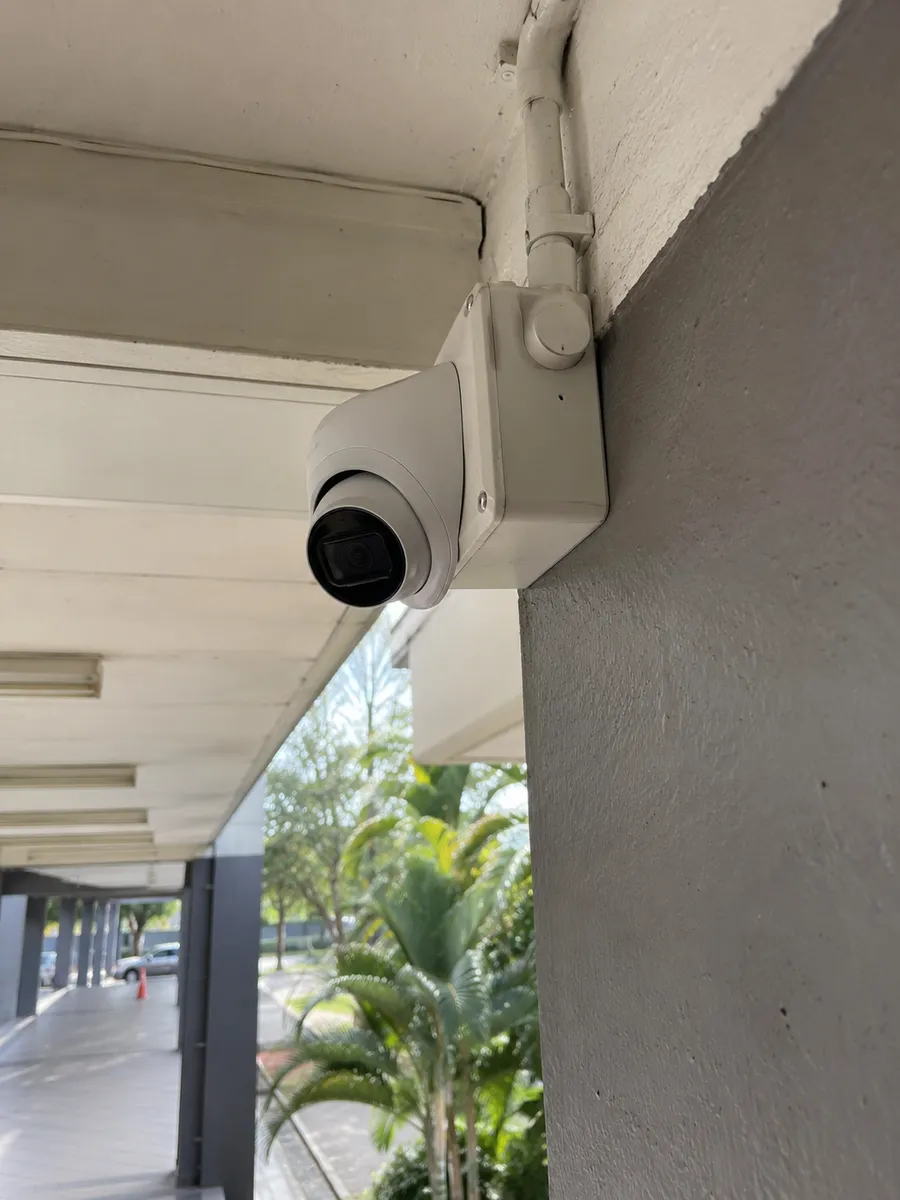
Cameras, recording and practical coverage planning for business premises.
Enquire about this service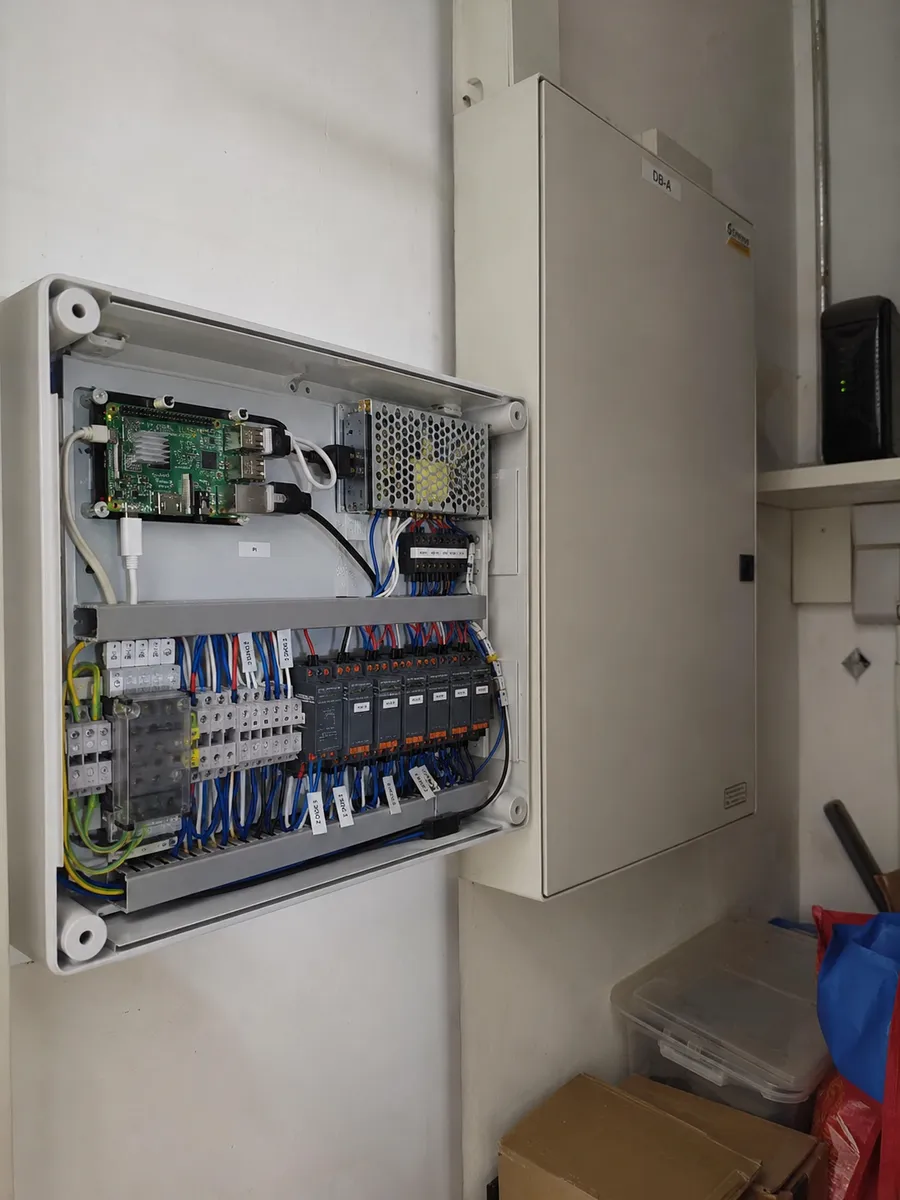
Connected controls for lighting, appliances and everyday home routines.
Enquire about this service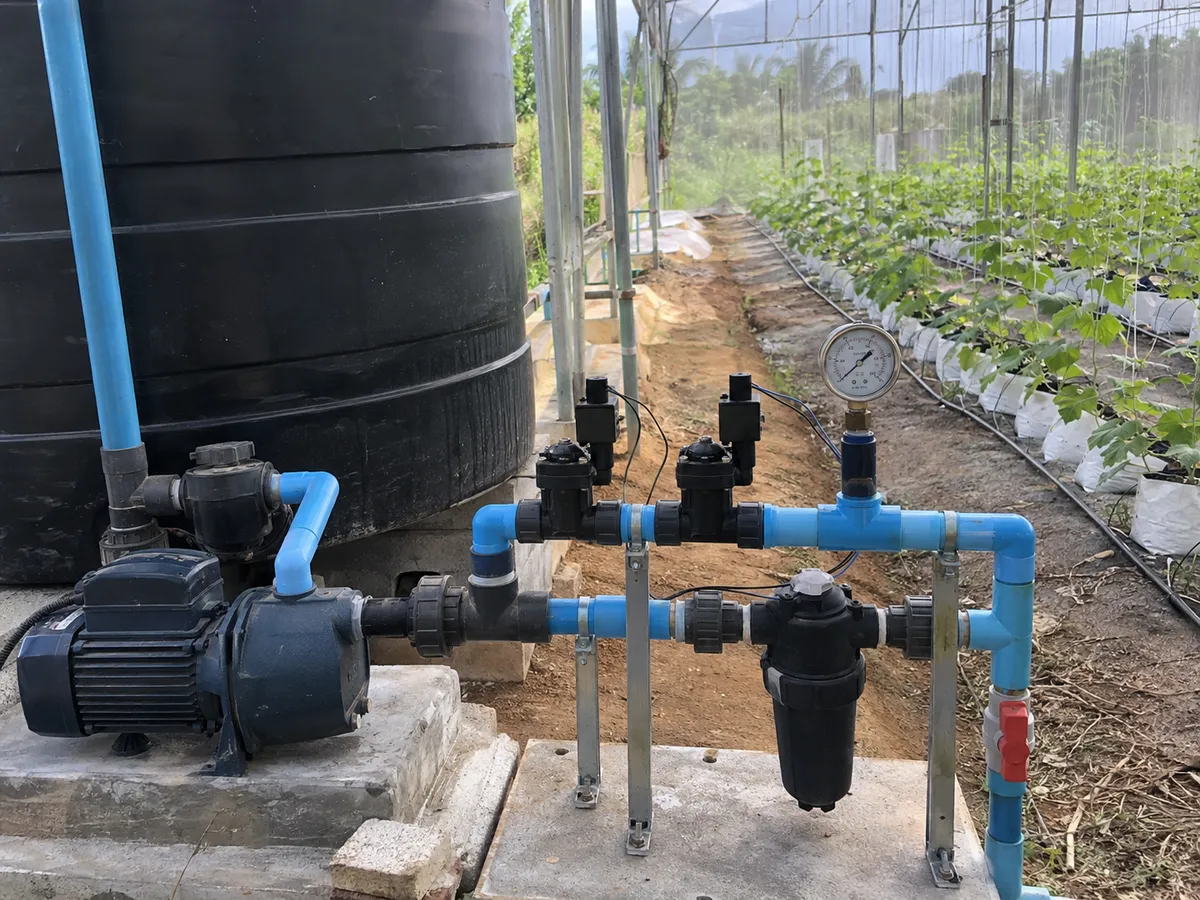
Pumps, valves and irrigation controls brought together around site conditions.
Enquire about this service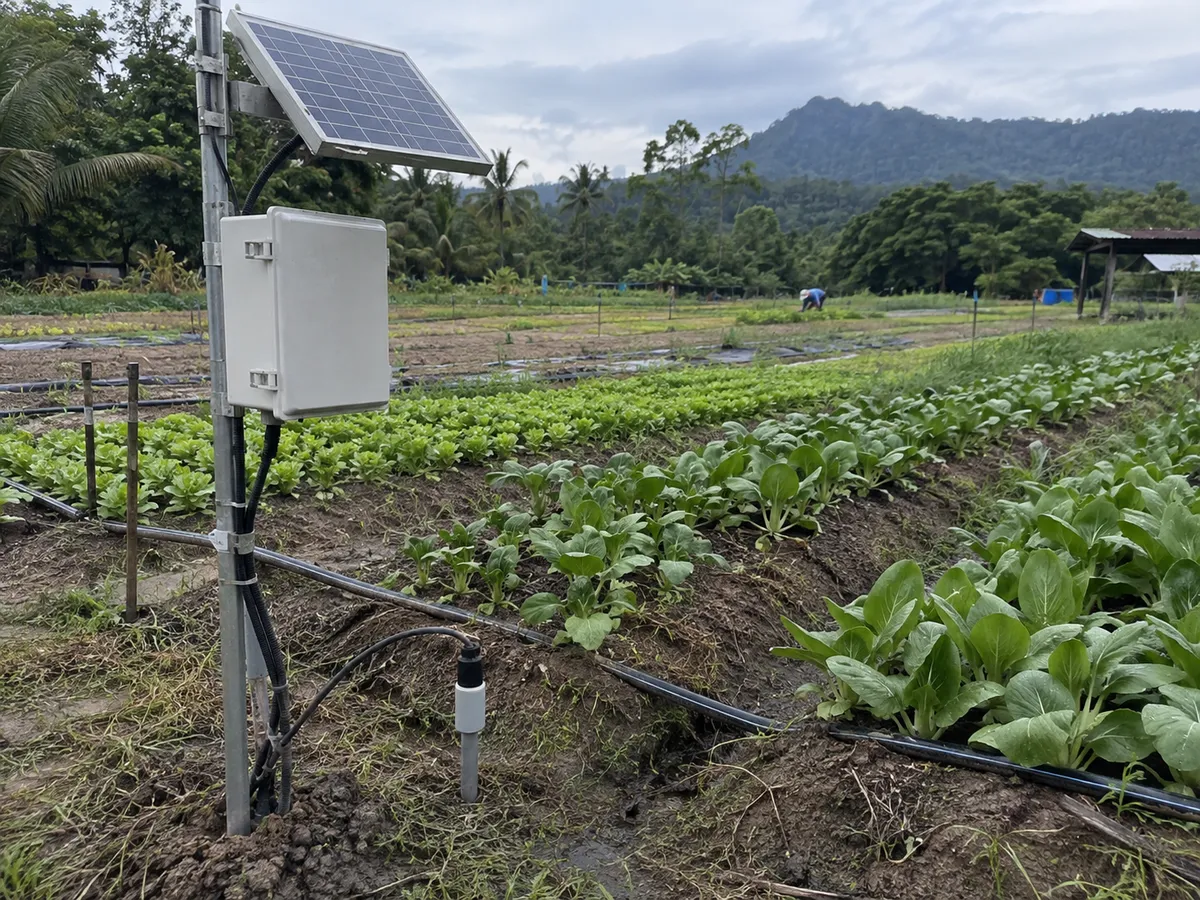
Field monitoring and sensor integration for readings that inform practical decisions.
Enquire about this service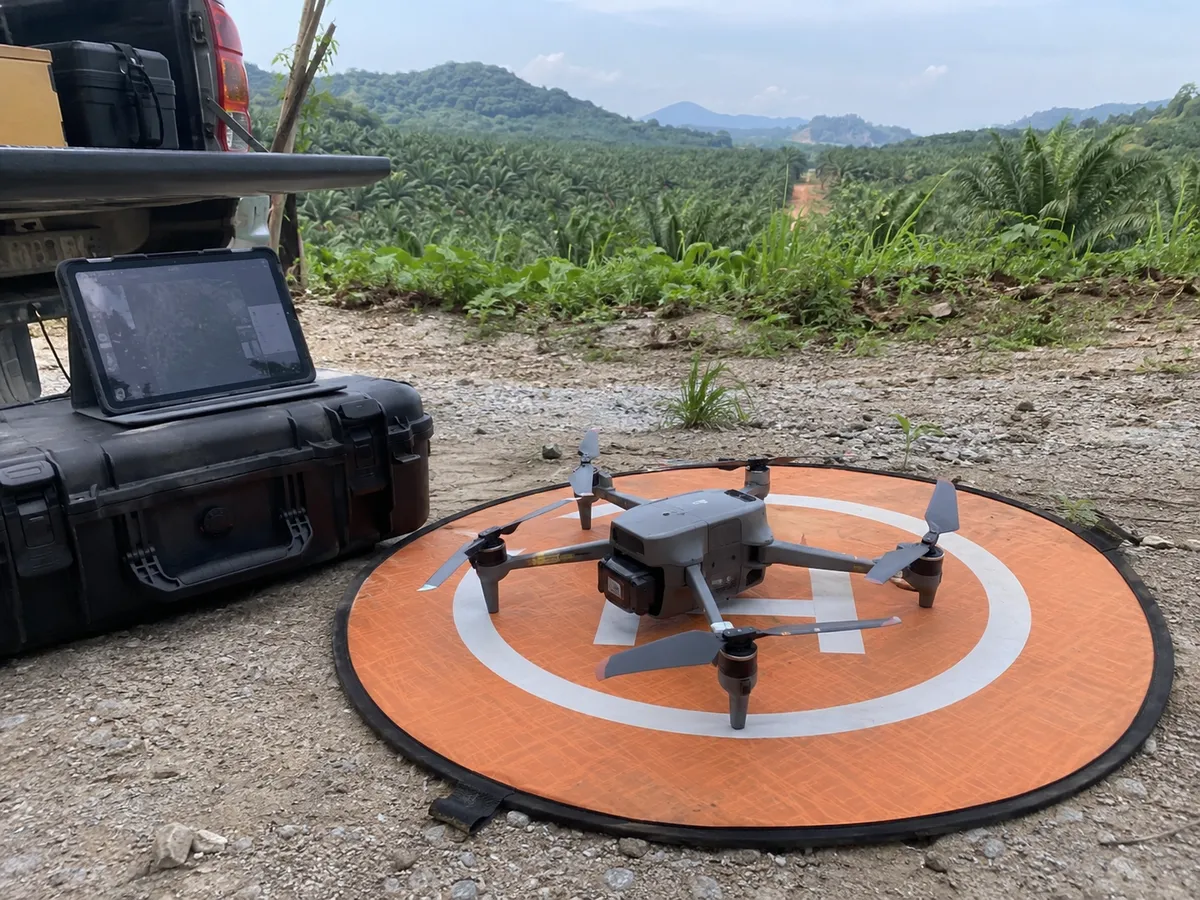
Aerial photography and site coverage, scoped around location and operating requirements.
Enquire about this service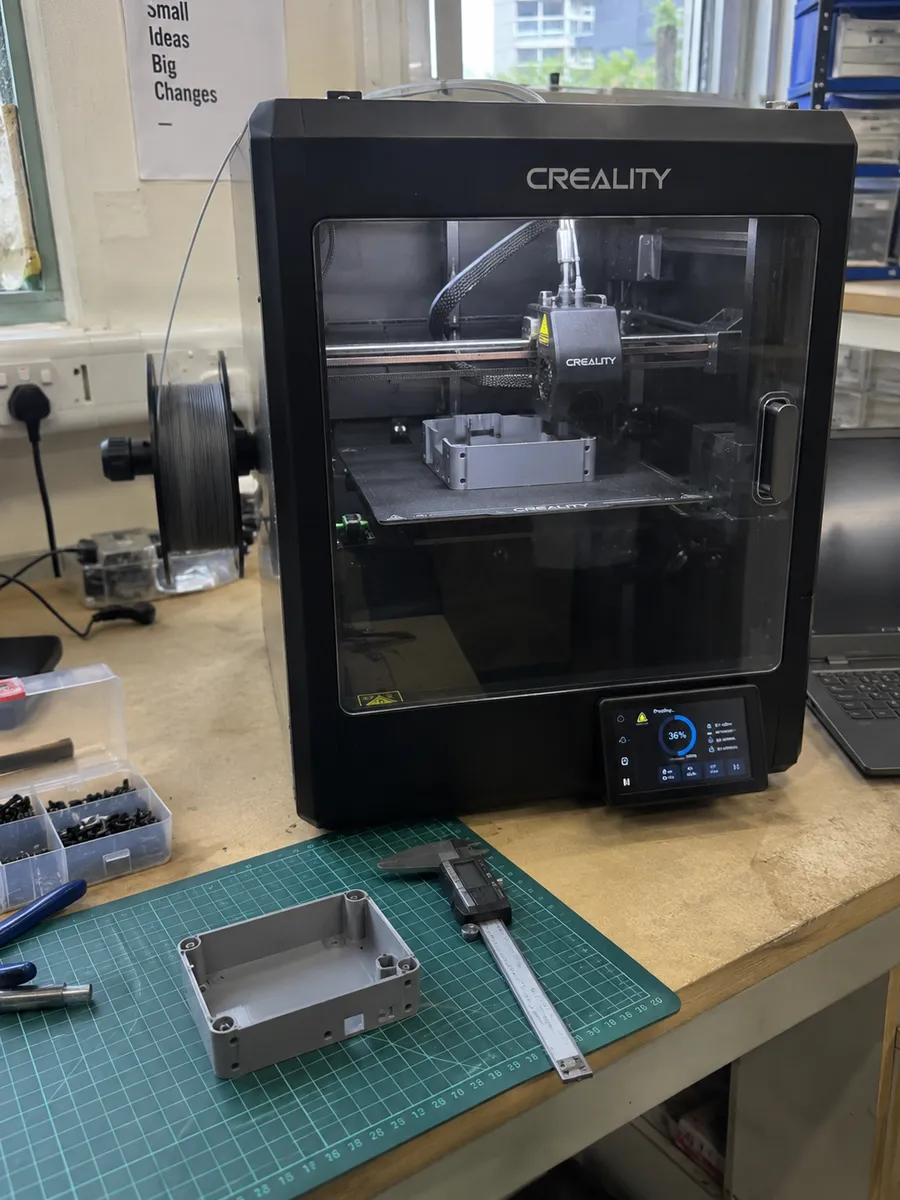
Prototypes, enclosures and short-run printed components from an agreed design.
Enquire about this service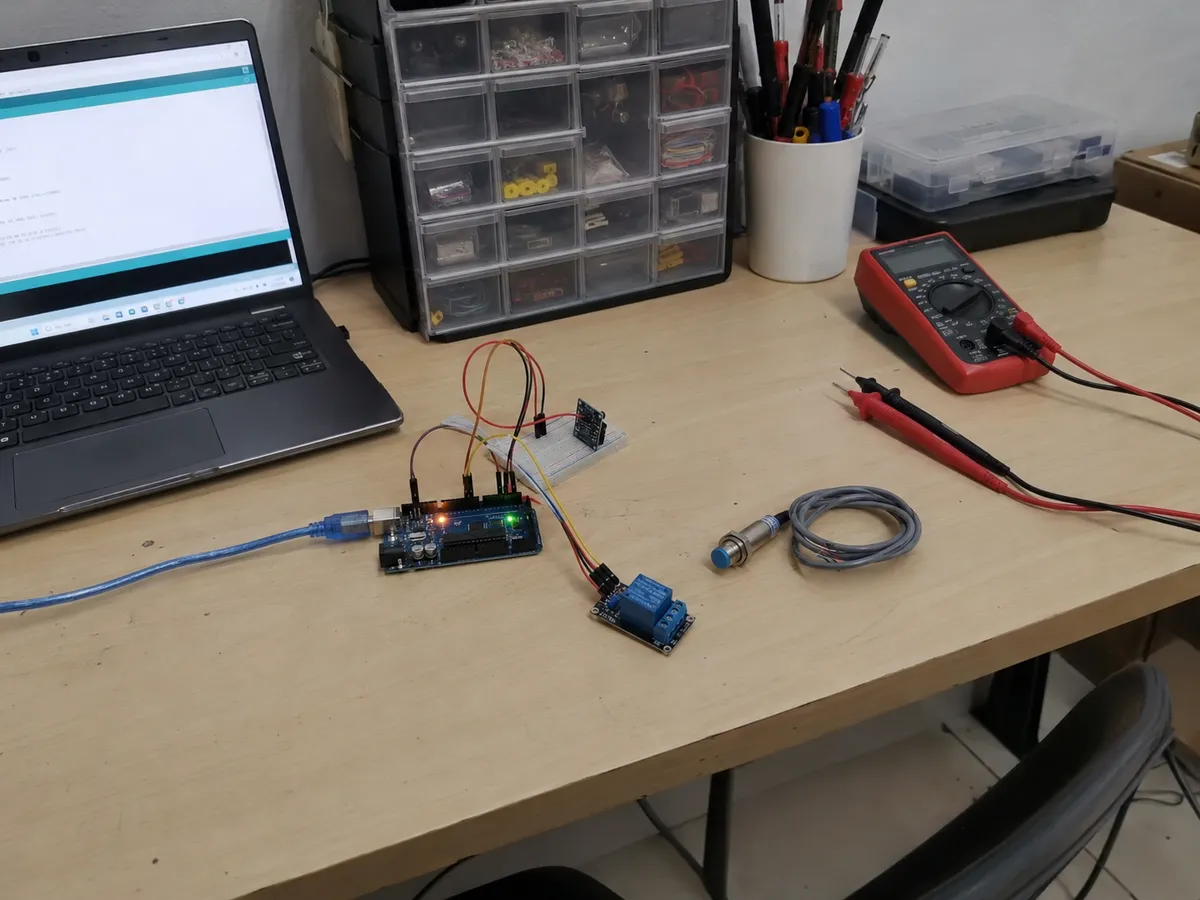
Microcontrollers, relays and sensor prototypes for a defined operating task.
Enquire about this service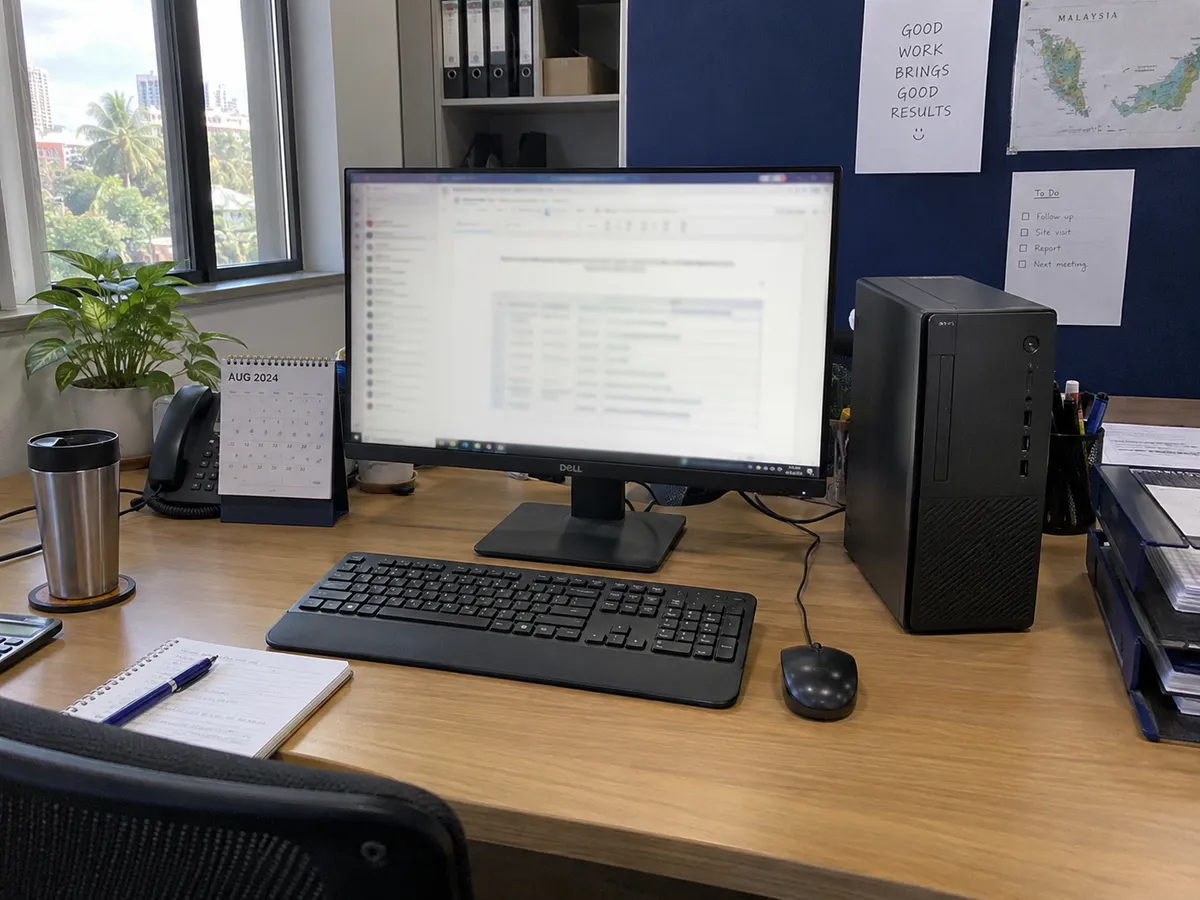
Office computers, peripherals, setup and support for the way your team works.
Enquire about this service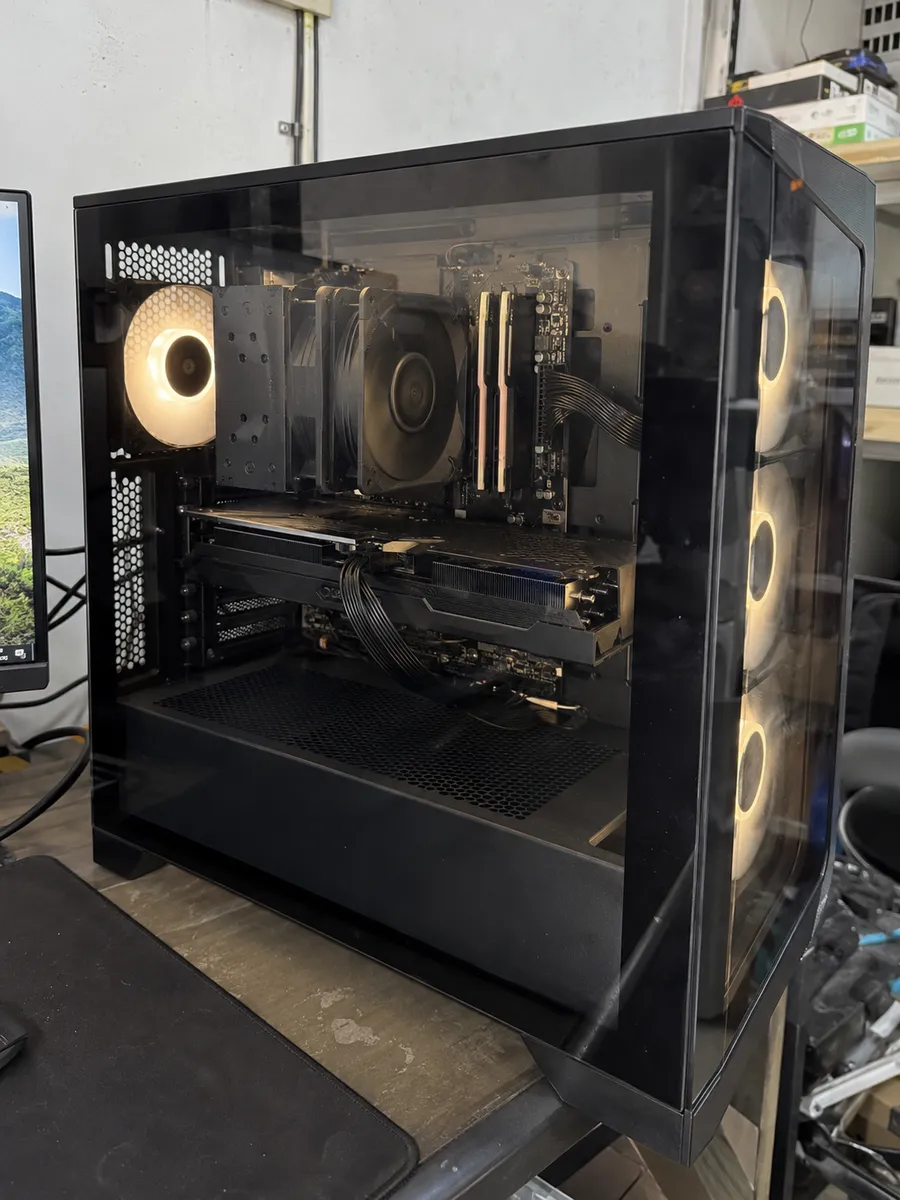
PCs configured around workload, parts availability and an agreed budget.
Enquire about this service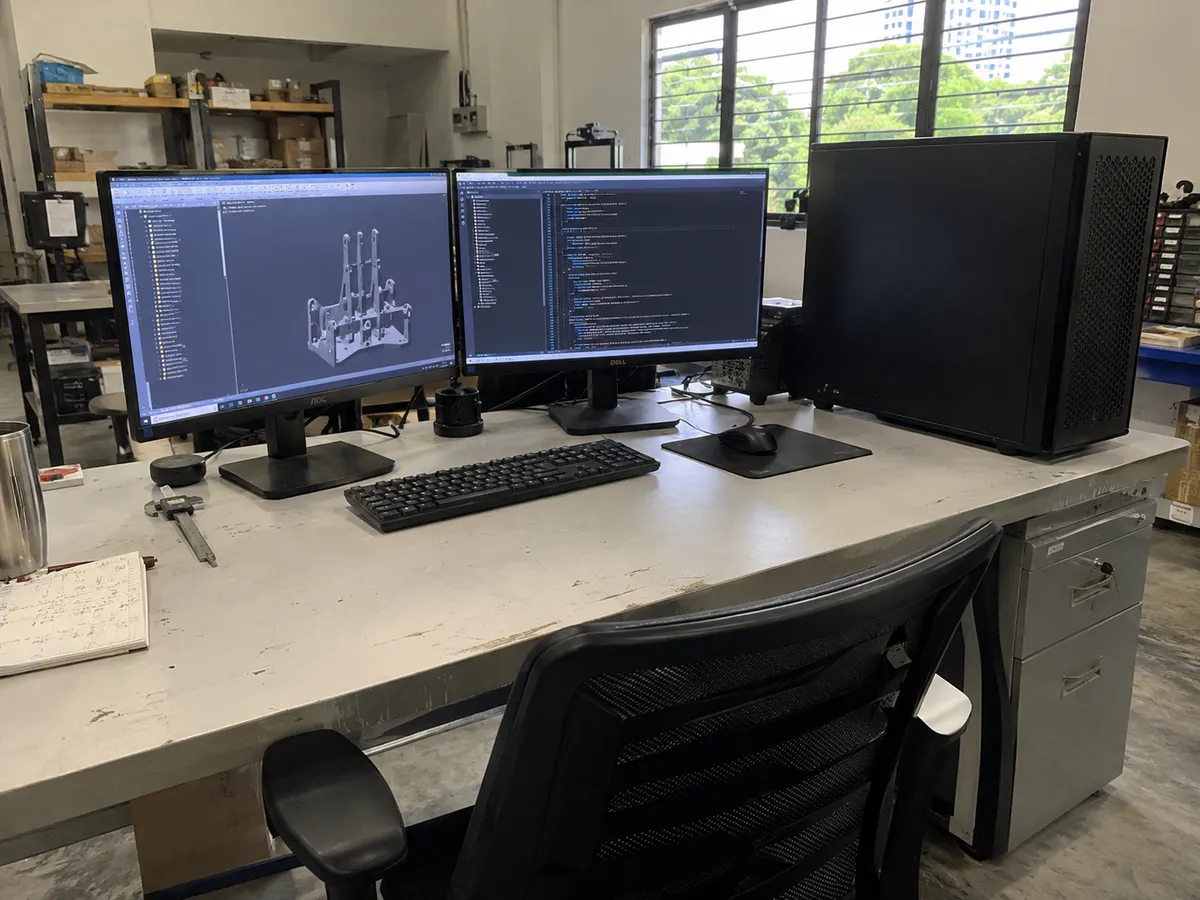
Workstations selected for engineering, development and demanding desktop workloads.
Enquire about this service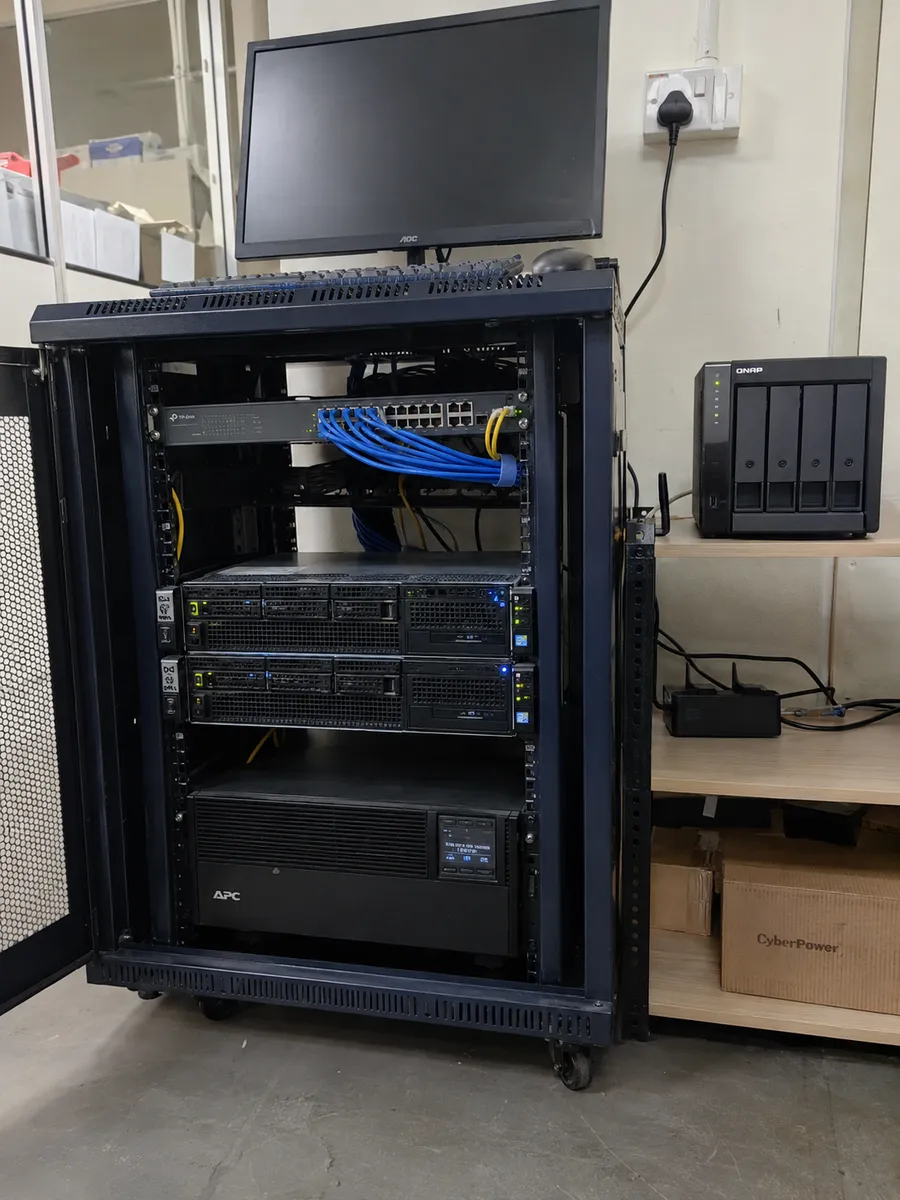
Server supply, storage, backup and configuration with a clear recovery plan.
Enquire about this service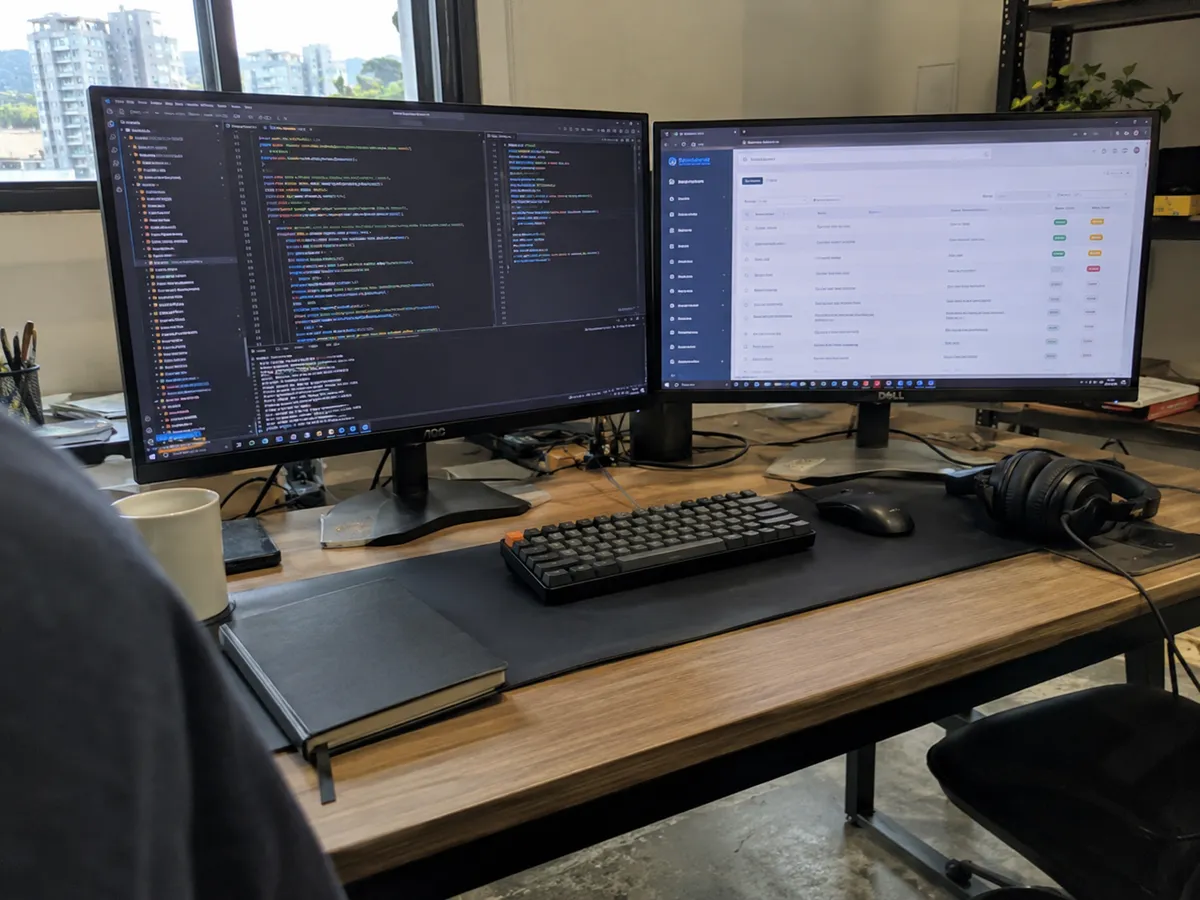
Web applications and integrations designed around an agreed business workflow.
Enquire about this service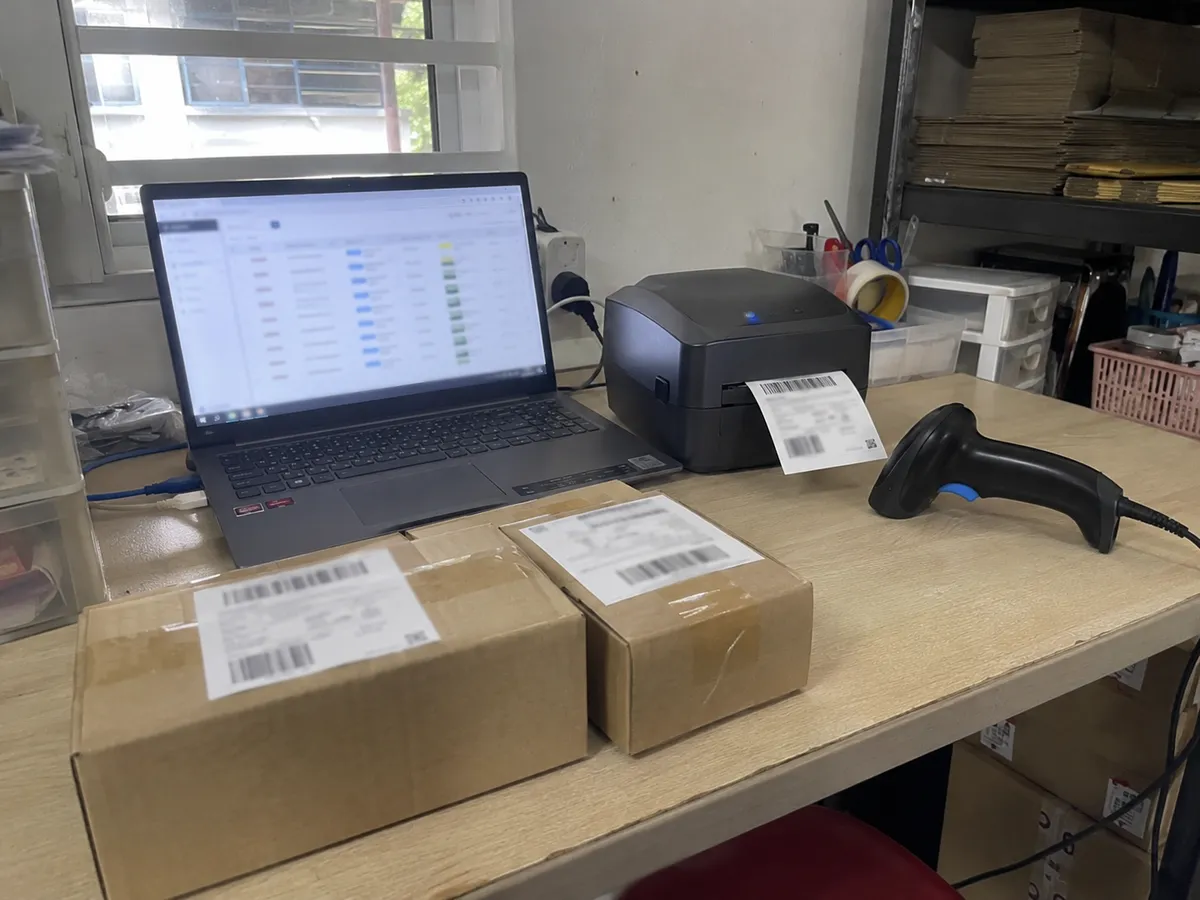
Online catalogues, checkout and order-management integration.
Enquire about this service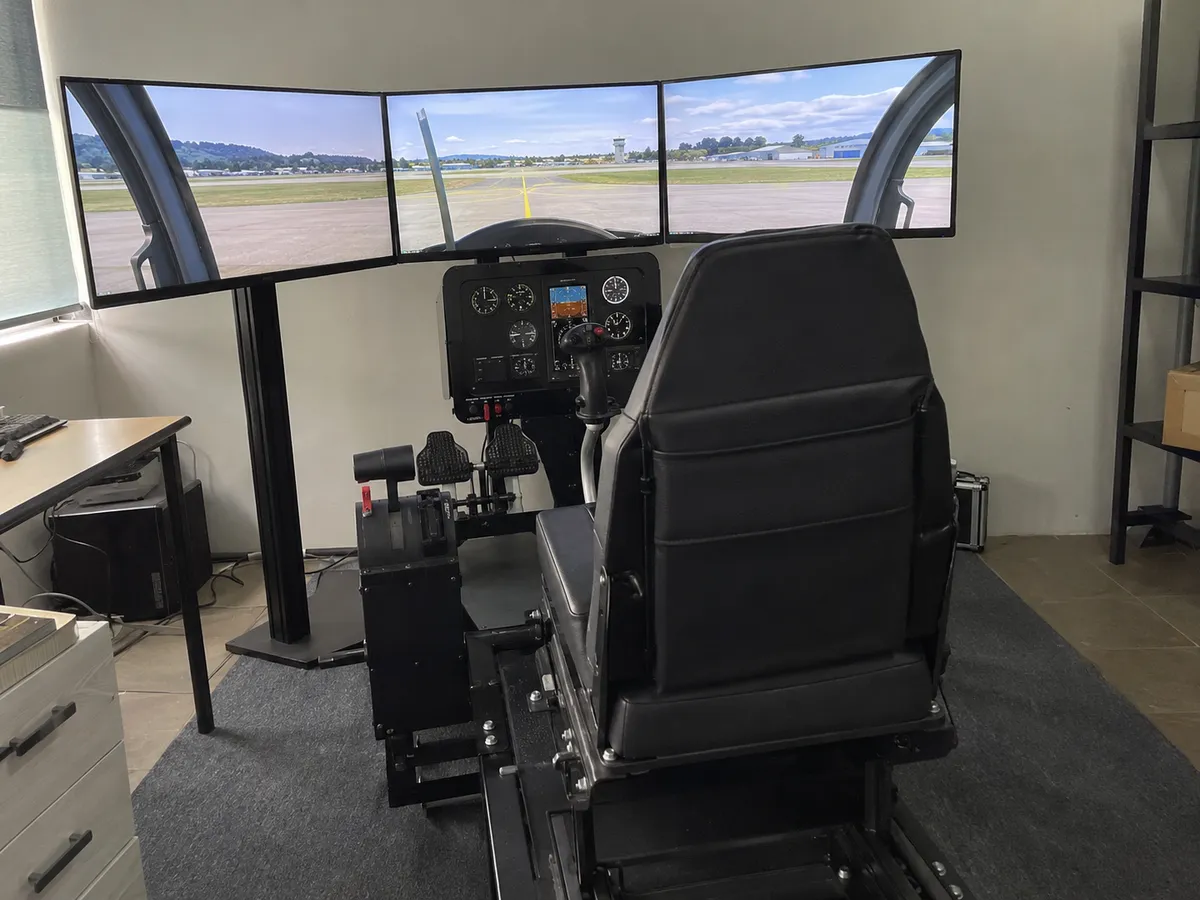
Specialist simulation interfaces and integration, subject to a defined project scope.
Enquire about this service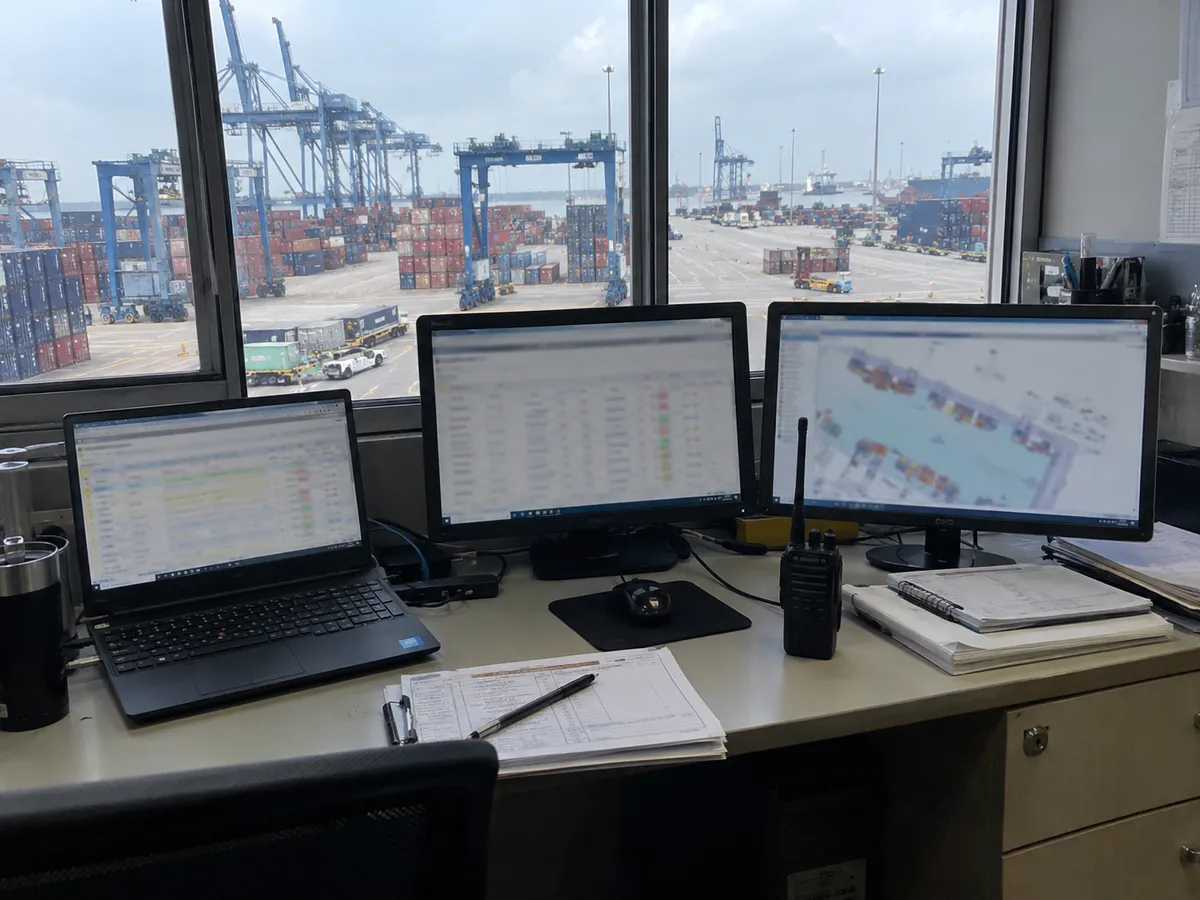
Operations interfaces connecting dispatch, records and logistics workflows.
Enquire about this service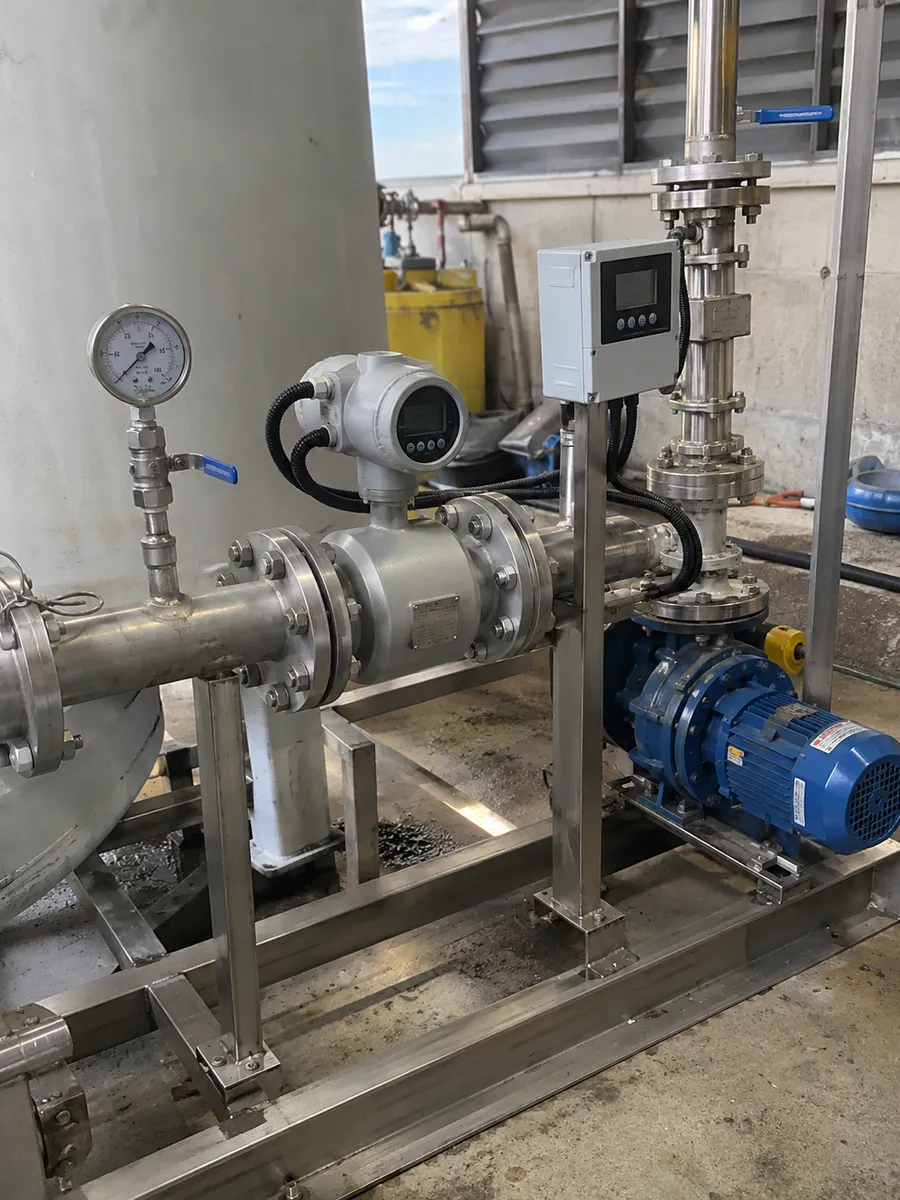
Measurement and monitoring integration with equipment selection and validation.
Enquire about this serviceRELATIONSHIPS OVER THE YEARS
Selected past relationships across SFE and the founder’s earlier Sutera Awana practice.
A CLEAR SCOPE. A PROPER HANDOVER.
Your users, working environment, existing equipment and budget determine the scope.
Products, installation, licences and support are itemised. Bespoke development begins with an agreed specification.
Testing, access, documentation and ongoing responsibilities form part of the handover plan.
Original Taxikini, Tadaima and Origami Tour screens document earlier professional work under Avaelon. Other product examples use demonstration records to protect confidentiality. Design explorations present possible applications and service settings, rather than completed customer installations. Availability and integrations are confirmed in your proposal.