Which wall performs better?
Compare heat loss, installed cost and lifetime payback across wall assemblies.
Run the wall calculator ↗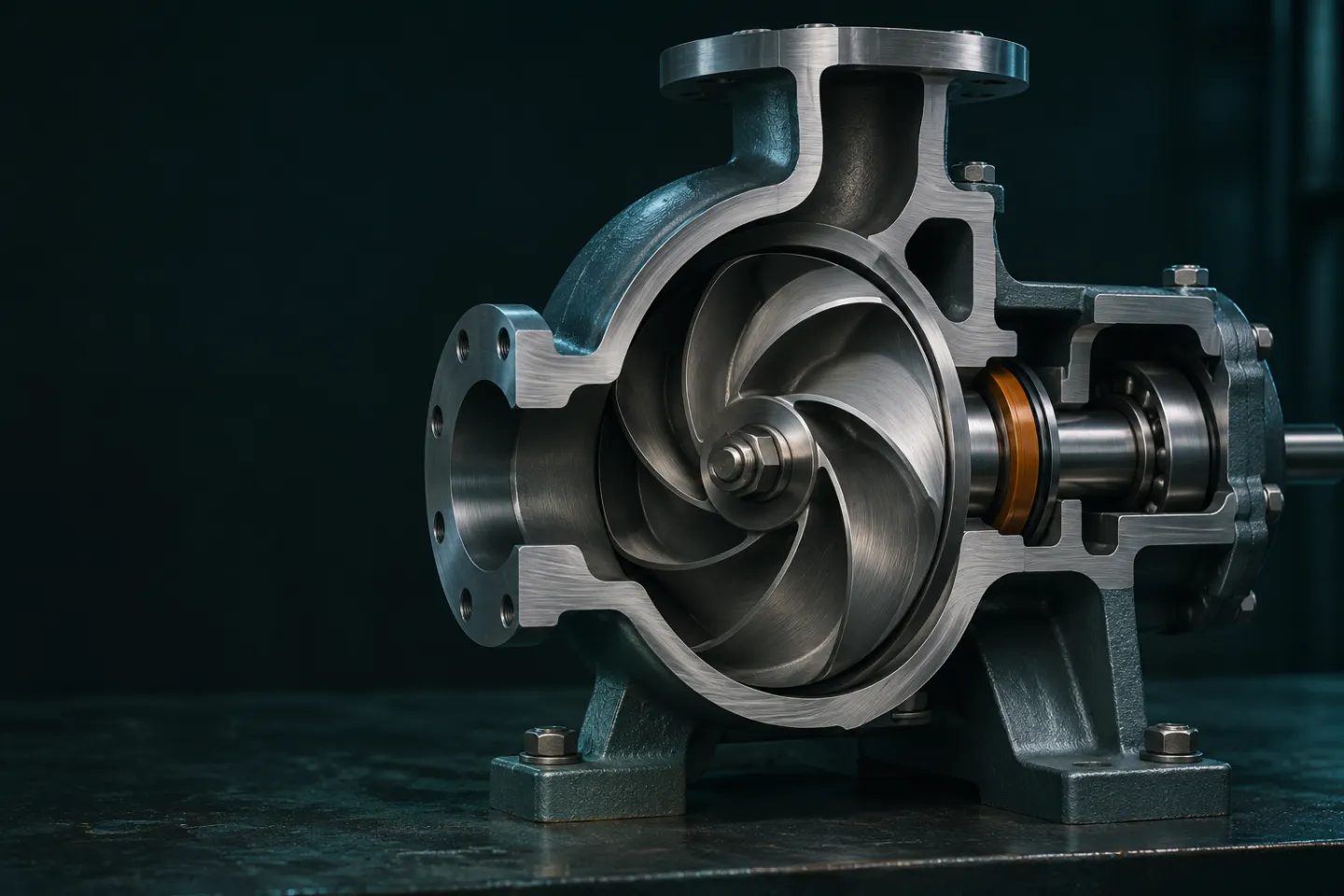
Engineering tools by Stark Fiber Enterprise
Run a heat-flow study, replay a process signal, or turn an equipment drawing into something your team can explore.
Free browser tools · No account required
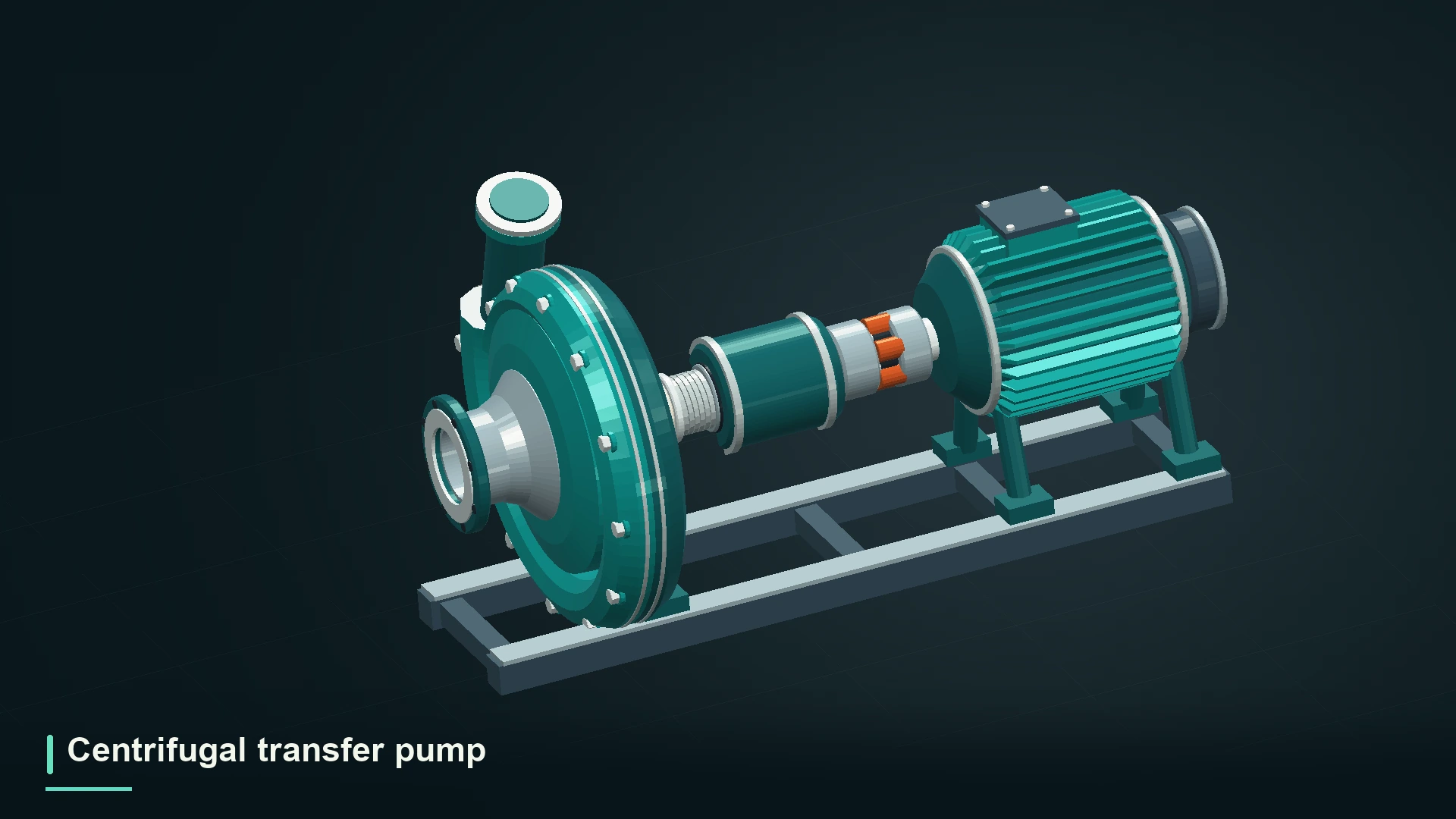
Centrifugal pump cutaway · Concept illustration
Compare heat loss, installed cost and lifetime payback across wall assemblies.
Run the wall calculator ↗Bring a CSV or start with ours. Scrub the trace and export the key readings.
Open CSV Studio ↓Replay a recorded simulation and follow a change through the equipment.
Enter the engineering lab ↓Trace studio
Open a CSV, scrub to a moment and export the minimum, peak and time of peak. The file stays in your browser.
Use the exact header time_s,value and 2–5,000 rows. Time is in seconds and must increase. Values must be numbers.
Ask your AI tool to return plain CSV with the header time_s,value, two numeric columns, strictly increasing time in seconds, and 2–5,000 data rows. Use a dot for decimals. Save the output as a .csv file.
Enter time in seconds. Each timestamp must be later than the previous one.
Load a sample or file to see the signal.
Follow one signal from the event to the evidence.
Saved OpenFOAM run
Follow water at the oil outlet through a 60-second separator simulation.
Loading simulation readings…
Illustrative model
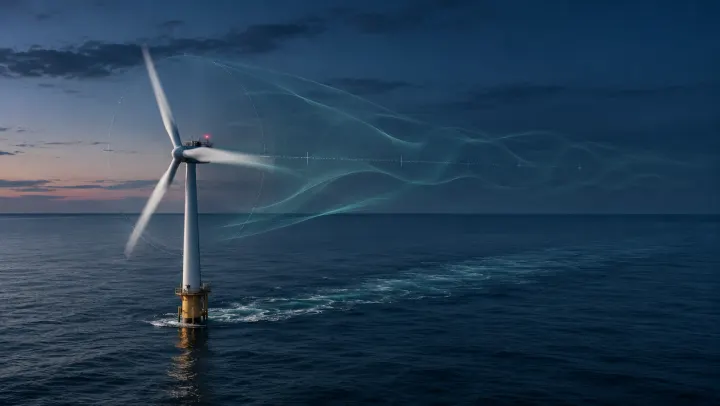
Change rotor speed from 0–40 RPM. The index below shows how the teaching model responds to that input.
Relative values illustrate the input–response relationship. They do not predict real wake distance.
Interactive geological section
Drag the section or use the sliders. Lower the cut depth to see which layers the teaching well crosses.
Synthetic section for training and demonstration.
Engineering showcases
Equipment training
Eight equipment films, interactive 3D models and a sample AI review that links drawing changes to lessons and assessments.
Mechanical systems
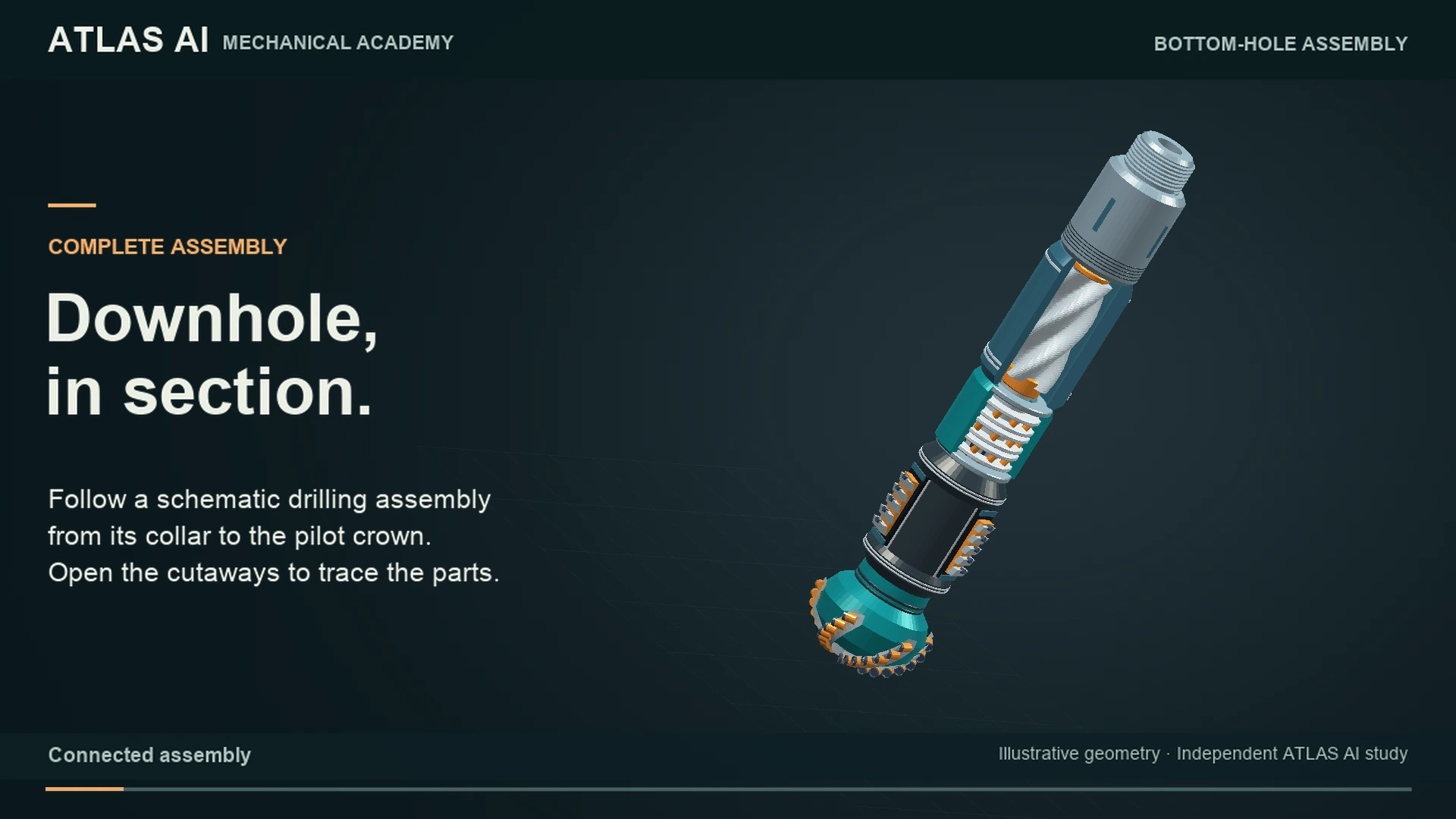
Open a downhole assembly, isolate its components and work through the evidence in an instructor review exercise.
Independent SFE teaching demonstrations using sample equipment and data.
Engineering workflows
Ten starting points across engineering and training.
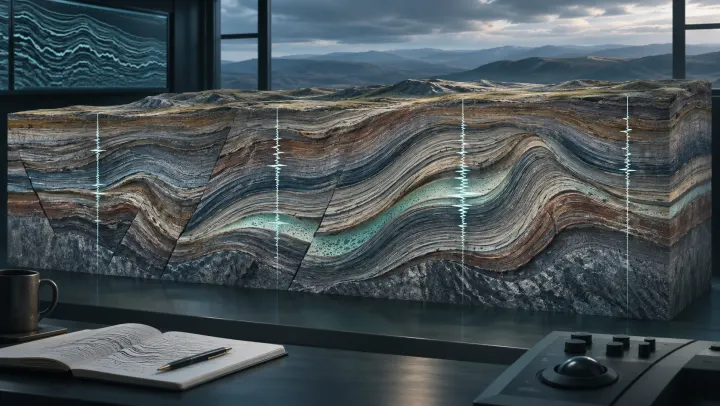
Subsurface
Rotate a synthetic geological block and step through its strata.
Explore the section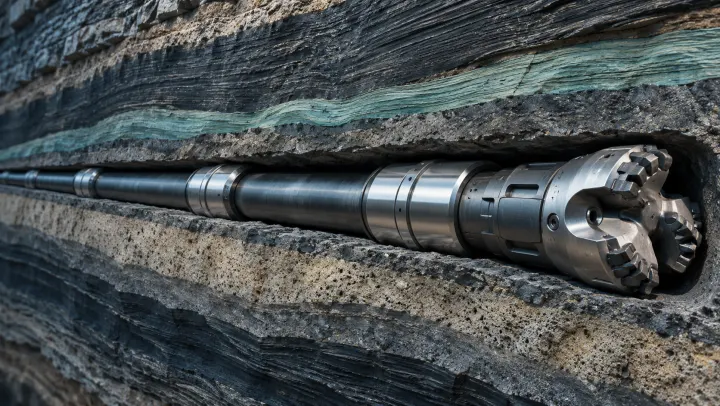
Mechanical systems
Spin the teaching model, isolate a component and follow its motion.
Open the equipment lab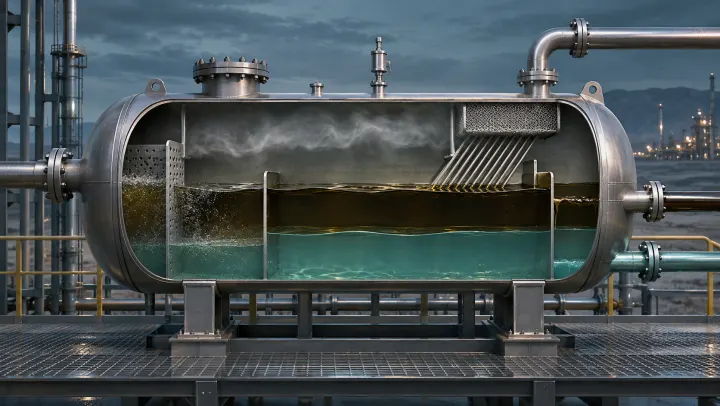
Process replay
Scrub a saved OpenFOAM run and see when water at the oil outlet peaks.
Replay the separatorRenewables
Try two rotor speeds and see how the model responds.
Try the turbine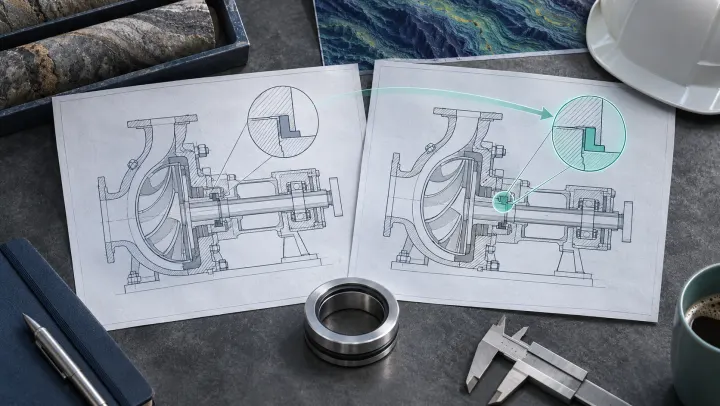
Drawing review
Run the sample and see which labels, lessons and quiz items need an instructor’s review.
Run the sample review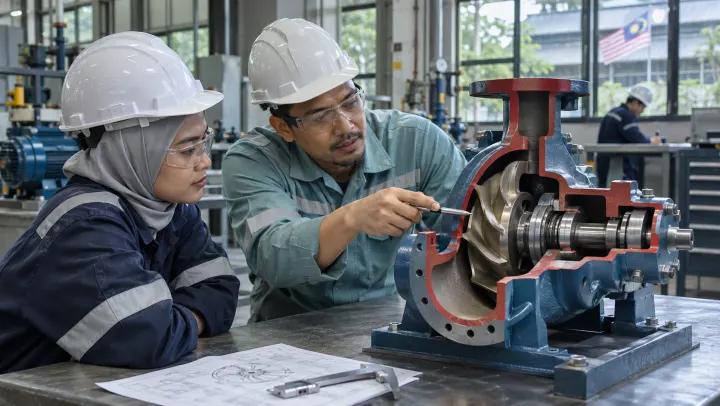
Technical training
Watch equipment films, try guided tasks and work through a lesson.
Open the academy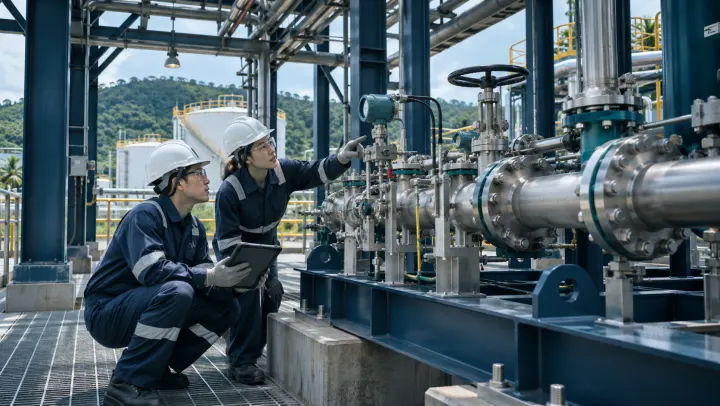
Site rehearsal
Scope one mechanical installation, test sequence or commissioning scenario for your crew.
See the project scope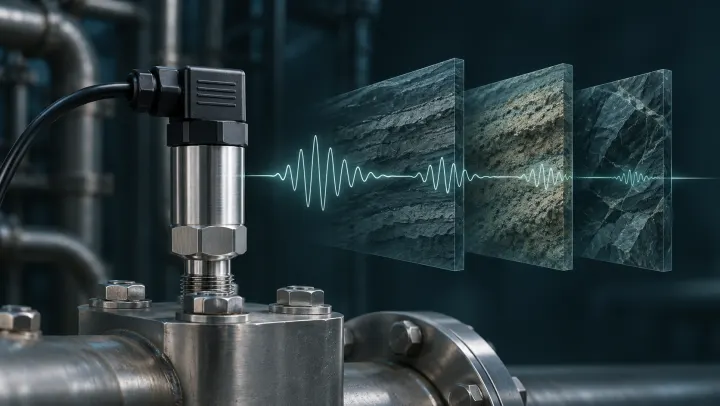
Signal analysis
Load a two-column CSV in your browser, inspect the trace and export a summary.
Open the trace studio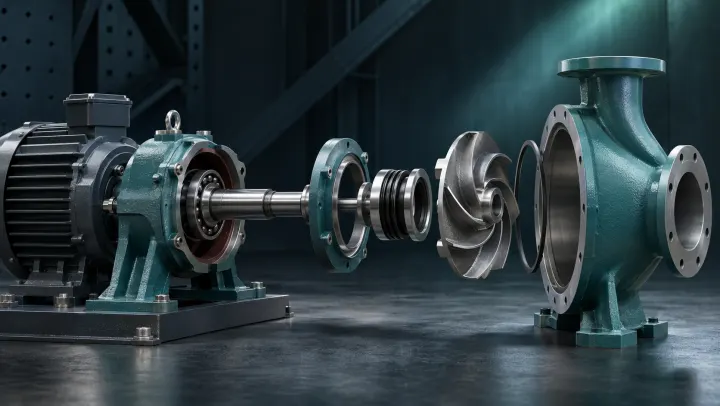
Model tooling
Open the local Blender kit, bind a signal to an object and control it through MCP.
Get the developer kit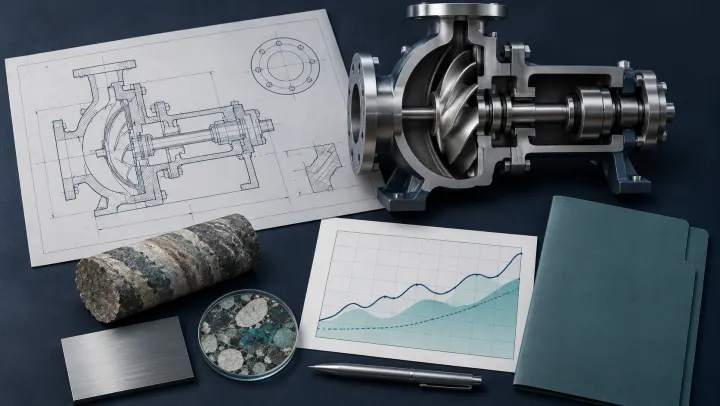
Handover
See the example deliverables for a model rebuild, review or training module.
Compare deliverablesConcept illustrations. Each exercise identifies the model or data it uses.
Developer kit
Use the RF² CLI or local MCP server for thermal studies. Use the Blender kit to bind a synthetic signal to a sample model.
Replay evidence, compare batches, sweep a layer and export lifecycle sensitivities.
Import a model, bind a signal and inspect the stream using the local Blender kit.
Read the setup guide ↗Run one pump drawing revision from the dashboard or the sample API. Each suggested change points back to its source.
Try the revision dashboard ↗Commissioned engineering work
SFE can turn your approved drawings or data into an interactive equipment model, an annotated event replay or a source-linked review pack. We agree on the files you’ll receive, the acceptance checks and the price before work starts.
Follow Stark Fiber on GitHub, or contribute a synthetic trace, open model or teaching case for others to try.