
SFE WORKING GUIDES / OPERATIONS
Plan a POS rollout around real shop-floor checks
A POS rollout involves more than installing a terminal. Catalogue data, peripherals, network access and the staff workflow all need to be ready together.
By Stark Fiber Enterprise · Published 13 October 2026 · Practical guidance for manual business records
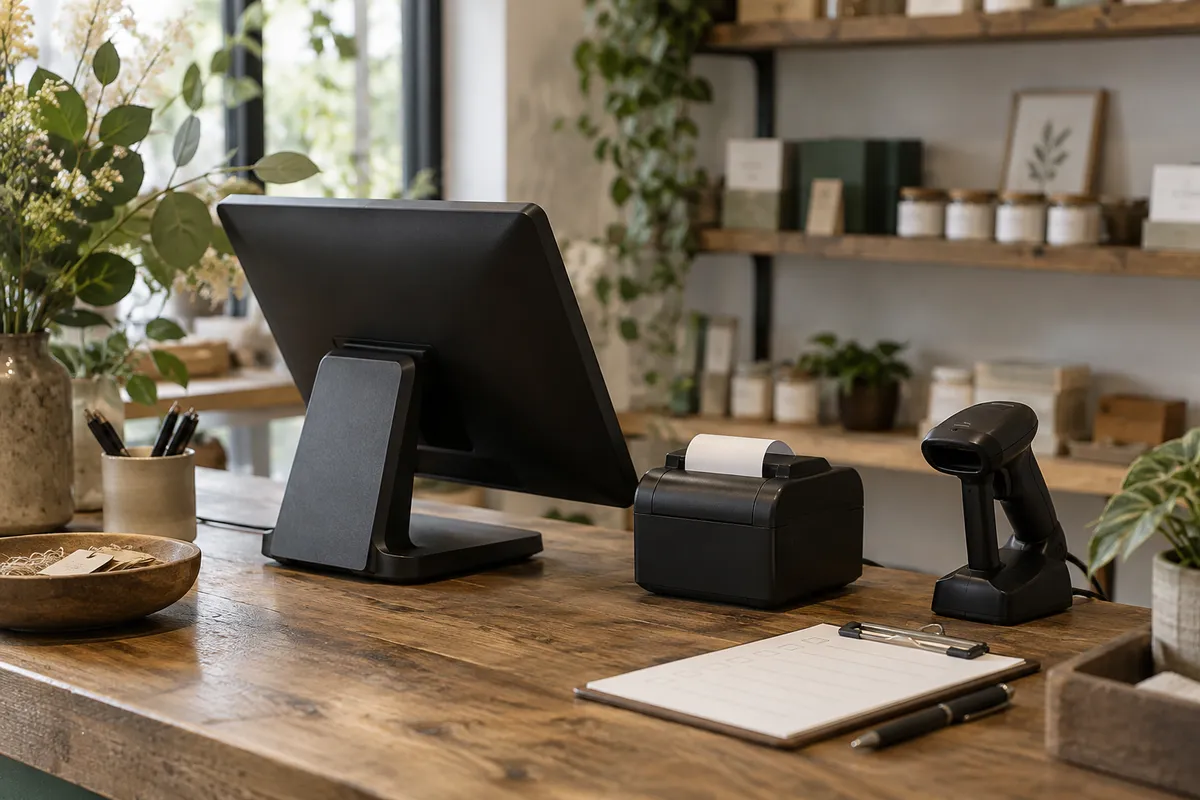
Editorial illustration. Equipment shown is not part of the digital pack.
Set up the record
List each location and device with its software, peripherals and owner. Record dependencies such as authorised payment configuration, receipt settings and product pricing. Agree what must be ready before go-live.
Use it in the workflow
Use provider test mode for sale, cancellation, receipt and reconciliation scenarios where available. Record expected and observed results. Keep training and rollback arrangements in the rollout plan.
Review and maintain
Confirm readiness with the business owner before switching over. The pack does not include POS software, hardware, payment processing or installation.
Apply the routine with your own records.
Location and device lists, approved product data, provider test access and staff owners. Start with a small working copy so the team can agree field meanings before adding its full record set.
Keep a blank master, nominate an owner and decide when the records will be reviewed. If the workflow needs automatic validation, shared permissions or integration with another system, treat that as a separate software requirement.
This guide supports the stated manual workflow. It is not a substitute for your organisation’s approved procedures or professional advice where required.