
SFE WORKING GUIDES / IT
Plan a PC build before buying the parts
A build starts with the workload and constraints, not a shopping basket. A compact office PC, a gaming system and a simulation workstation have different priorities.
By Stark Fiber Enterprise · Published 13 October 2026 · Practical guidance for manual business records
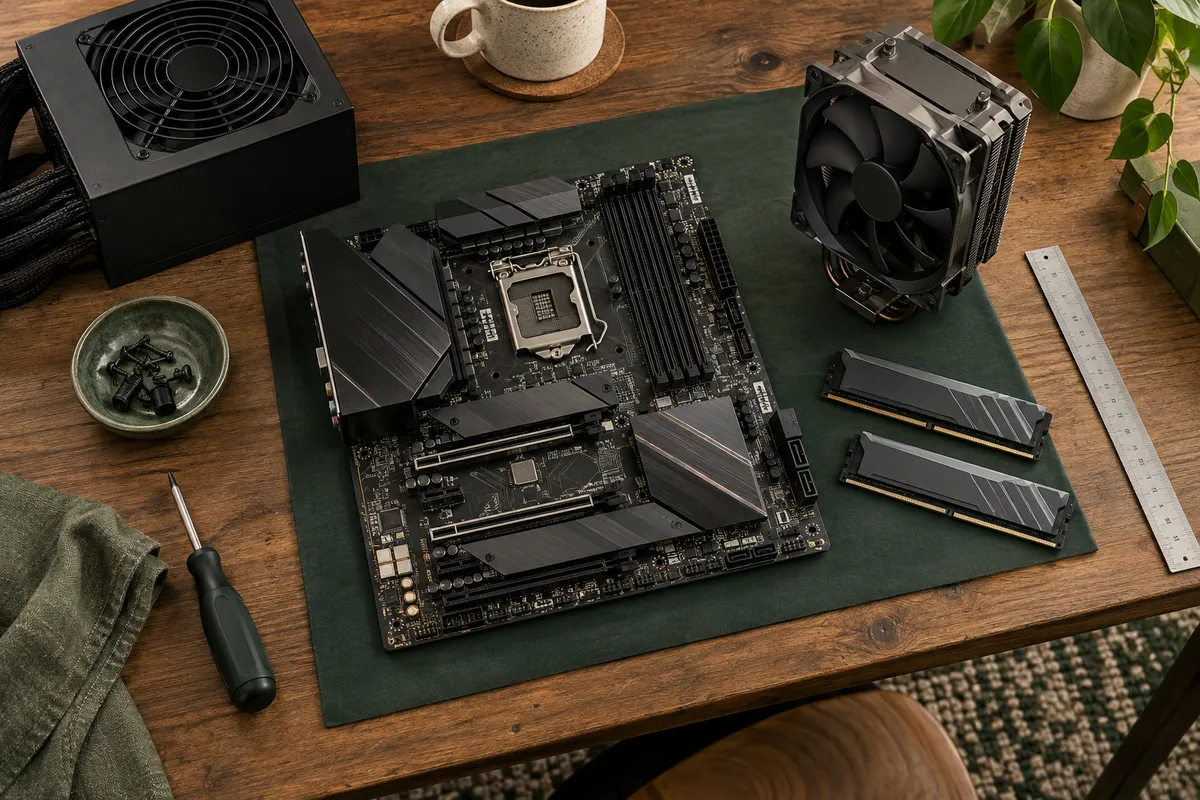
Editorial illustration. Equipment shown is not part of the digital pack.
Set up the record
List the required components and the exact model for each candidate. Record the motherboard socket, memory generation, case clearance, cooler dimensions and power requirements from manufacturer documents.
Use it in the workflow
Use the checklist to capture compatibility evidence. Check BIOS support, required connectors, expansion slots and the physical space around larger components. Price and warranty information should include a checked date and supplier.
Review and maintain
Recheck stock and pricing before purchase. The pack organises your research but does not validate compatibility, benchmark a system or guarantee a build will work. Ask SFE for a scoped build consultation when you need engineering review.
Apply the routine with your own records.
Your workload, budget, space constraints and manufacturer specification links. Start with a small working copy so the team can agree field meanings before adding its full record set.
Keep a blank master, nominate an owner and decide when the records will be reviewed. If the workflow needs automatic validation, shared permissions or integration with another system, treat that as a separate software requirement.
This guide supports the stated manual workflow. It is not a substitute for your organisation’s approved procedures or professional advice where required.